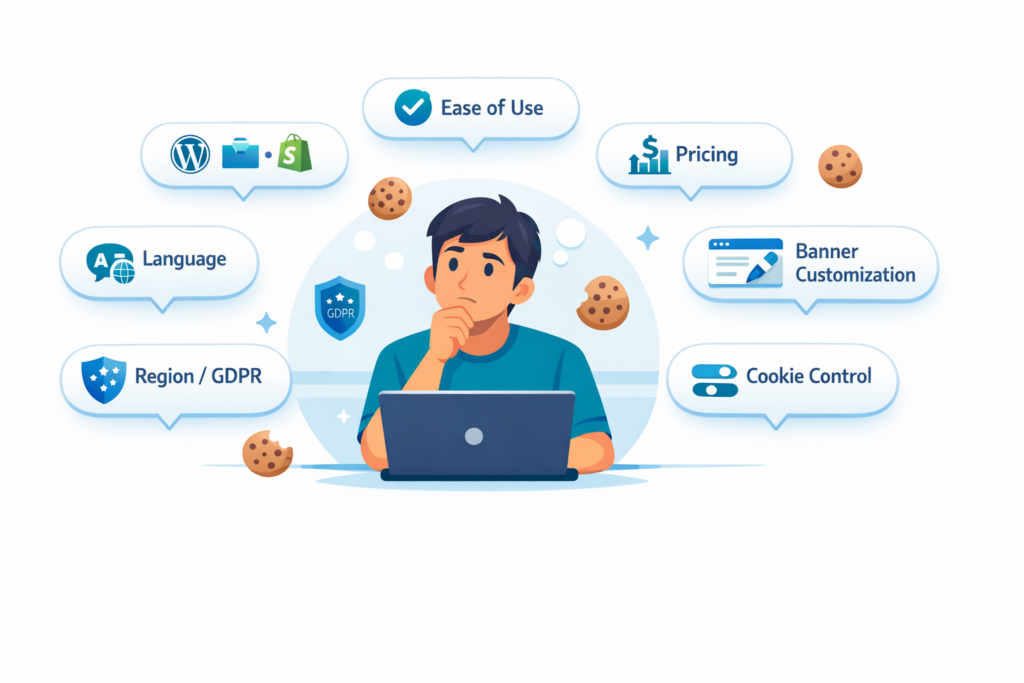
Choosing a cookie consent solution can feel confusing because many tools look similar at first. In reality, the right setup depends on your website platform, the cookies your site uses, and how much control you need over your cookie banner.
This matters because the wrong solution can create problems later. It may be harder to install, harder to manage, or not flexible enough for your privacy needs.
In this guide, you’ll learn how to choose the right type of cookie consent solution for your website step by step. By the end, you’ll have a much clearer idea of which setup path fits your site best.
The right cookie consent solution depends on your website platform, the cookies you use, and how much control you need.
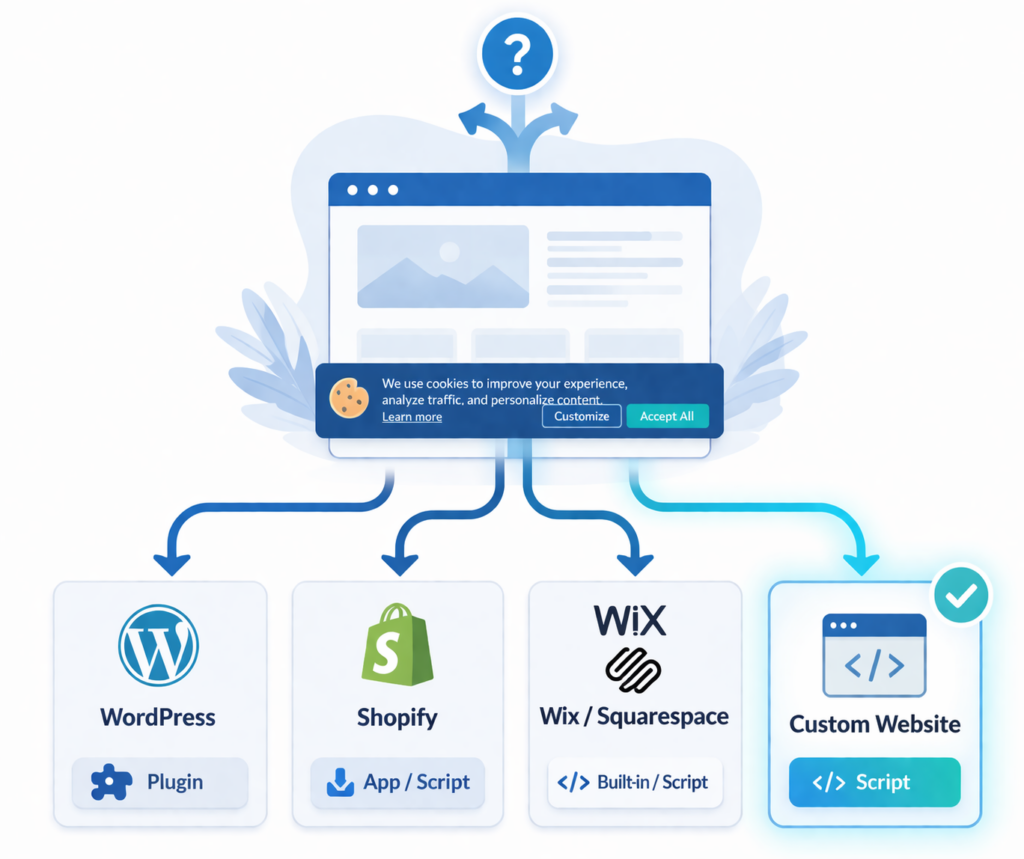
WordPress sites usually work best with plugins.
Shopify often uses apps or script-based tools.
Wix, Squarespace, and custom websites usually need script-based setups.
If your site uses analytics, ads, or third-party tracking, choose a solution that can block non-essential cookies before consent.
Why Choosing the Right Cookie Consent Solution Matters
Not every website needs the same type of cookie banner setup. Some websites only need a simple tool with basic consent controls. Others need more advanced features like automatic cookie blocking, consent logs, and region-based rules.
Here’s why the right setup matters:
- Some solutions are much easier for beginners
- Some platforms work best with plugins or apps
- Other websites need script-based setups instead
- Advanced websites often need stronger cookie blocking
- The right setup saves time and reduces mistakes
In simple terms, the best cookie consent solution is the one that fits your platform and makes compliance easier to manage.
Step 1: Start with Your Website Platform
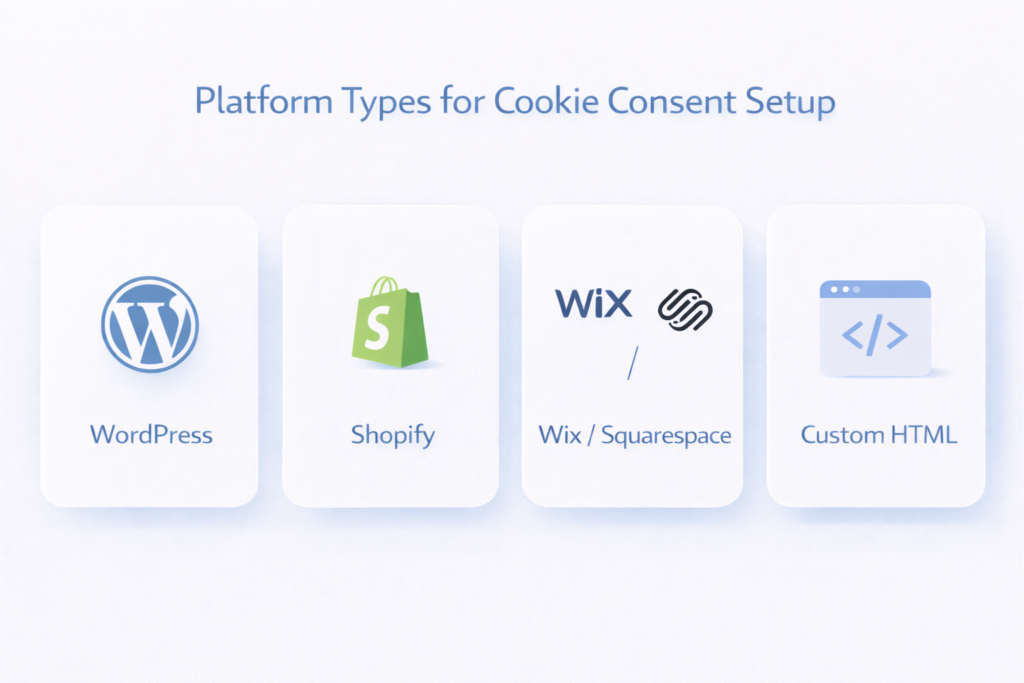
The first step is simple. Identify what kind of website you have. Your platform affects how the cookie consent solution should be installed and managed.
The easiest way to choose the right setup path is to start with your website platform.
- WordPress → usually a plugin-based solution
- Shopify → usually an app-based or script-based solution
- Wix / Squarespace → usually a script-based or built-in setup
- Custom website → usually a script-based solution
WordPress
WordPress websites usually work best with plugin-based cookie consent solutions. These tools are installed from the dashboard and are often the easiest option for beginners.
This is usually the most practical setup for bloggers, small business websites, and content-based sites that want everything managed in one place.
Shopify
Shopify websites usually use app-based or script-based solutions. Some providers offer direct Shopify apps, while others require you to add code manually.
If your store uses analytics, marketing pixels, or conversion tracking, it is especially important to choose a solution with reliable consent controls.
Wix or Squarespace
Wix and Squarespace websites often use built-in privacy tools, script-based cookie consent tools, or third-party integrations. In many cases, setup is done through platform settings or code injection options.
These platforms are often simpler to manage, but they usually give you less backend control than WordPress.
Custom HTML Website
If your website is custom-built, you will usually need a manual script-based solution. This often means adding a code snippet to the header, using a tag manager, or working with a developer.
This setup gives you more flexibility, but it may also require a little more technical confidence.
A cookie consent solution is not just about showing a banner. It should also help control when non-essential cookies are loaded, especially if your website uses analytics, ads, embedded content, or marketing scripts.
Step 2: Understand the Setup Type You Need
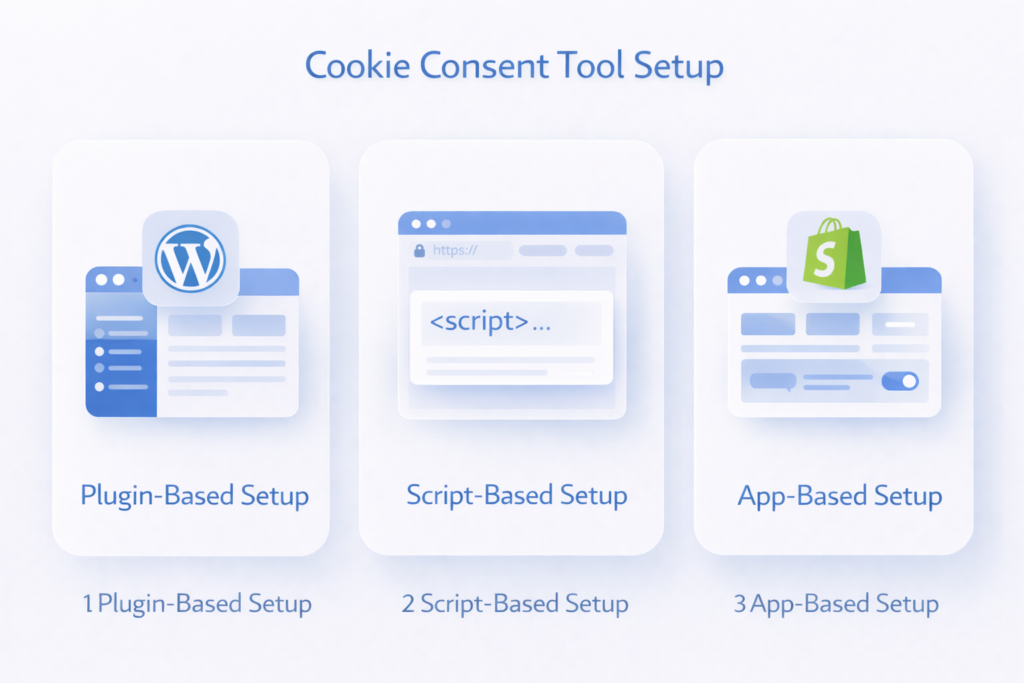
Once you know your platform, the next step is understanding how the solution will be installed. Most cookie consent tools fall into three setup types: plugin-based, script-based, or app-based.
| Setup Type | Best For | How It Works |
|---|---|---|
| Plugin-based | WordPress | Installed and managed through the website dashboard |
| Script-based | Wix, Squarespace, custom sites | Added manually to the header, footer, or tag manager |
| App-based | Shopify | Installed through the platform’s app system |
Plugin-Based Setup
A plugin-based solution is usually the easiest option for WordPress users. It often includes a settings panel inside your admin dashboard and may also include features like cookie scanning, consent logging, and script blocking.
This is a good choice if you want something beginner-friendly and easier to manage over time.
Script-Based Setup
A script-based solution is common on custom websites and many website builders. Instead of installing a plugin, you add a code snippet to your website.
This setup can work very well, but it usually requires a little more manual work and confidence.
App-Based Setup
Some platforms, especially Shopify, rely more on apps than plugins. These apps may feel similar to plugins, but they are installed through the platform’s own app system.
In simple terms, your platform usually decides the setup method. That is why starting with your website type is so important.
Step 3: How Complex Is Your Website?
Not all websites need the same level of cookie consent control. Some only use a few basic tools. Others use multiple tracking and marketing systems that make compliance more complicated.
Ask yourself how complex your website really is.
A Simpler Website Usually Looks Like This
- You run a blog, brochure site, or small business website
- You only use a few non-essential cookies
- You mainly use basic analytics tools
- You want a faster and easier setup
A More Advanced Website Usually Looks Like This
- You use analytics, ads, or multiple tracking tools
- You run an ecommerce store or lead generation site
- You use embedded content, marketing pixels, or third-party scripts
- You need more control over consent categories and blocking
If your website only uses basic analytics, a simple cookie consent solution may be enough.
If you use ads, tracking, or third-party scripts, choose a solution with stronger cookie blocking and consent controls.
Step 4: Do You Need Basic or Advanced GDPR Compliance Features?
This is where many website owners get stuck. They choose a tool based on appearance or price, but forget to check whether it actually fits their privacy needs.
Some websites only need a simple banner with clear consent choices. Others need stronger GDPR cookie consent features that help prevent non-essential cookies from loading before consent is given.
According to the ICO, analytics cookies are not considered strictly necessary and usually require user consent before they are set.
Basic Features May Be Enough If
- Your website is small and simple
- You use only a few non-essential cookies
- You want a straightforward setup
- You do not need many advanced controls
Advanced Features Matter More If
- You need automatic blocking before consent
- You want consent logs or records
- You need category-based controls
- You serve users in different regions
- Your site has more complex privacy needs
According to the ICO, analytics cookies are not considered strictly necessary and usually require user consent before they are set.
If your website serves visitors from the EU or UK, non-essential cookies usually should not be set before consent. That includes many analytics, advertising, and marketing cookies.
Step 5: Free vs Paid Cookie Consent Solutions
Another practical question is whether a free tool is enough. For some websites, the answer is yes. For others, paid features are worth it.
A Free Solution May Be Enough If
- You run a small website
- Your setup is simple
- You only need core banner and consent features
- You are just getting started
A Paid Solution May Make More Sense If
- You want better cookie scanning or blocking
- You need more customization
- You manage higher traffic or multiple regions
- You want stronger support or more advanced compliance tools
The best choice is not always the cheapest one. It is the option that fits your website without creating more work later.
Common Mistakes When Choosing a Cookie Consent Solution
Many website owners choose a tool too quickly. That often leads to extra work, poor setup decisions, or compliance gaps later. In many cases, it helps to first ask whether your website actually needs a cookie banner and what type of setup makes sense.
Common mistakes include:
- Choosing a tool without checking platform compatibility
- Picking a plugin for a non-WordPress website
- Ignoring automatic cookie blocking
- Choosing based only on price
- Installing a banner without testing whether cookies are blocked correctly
- Using a tool that is too advanced for a simple website
A good cookie consent setup should make compliance easier, not more confusing.
What Type of Cookie Consent Solution Do You Actually Need?
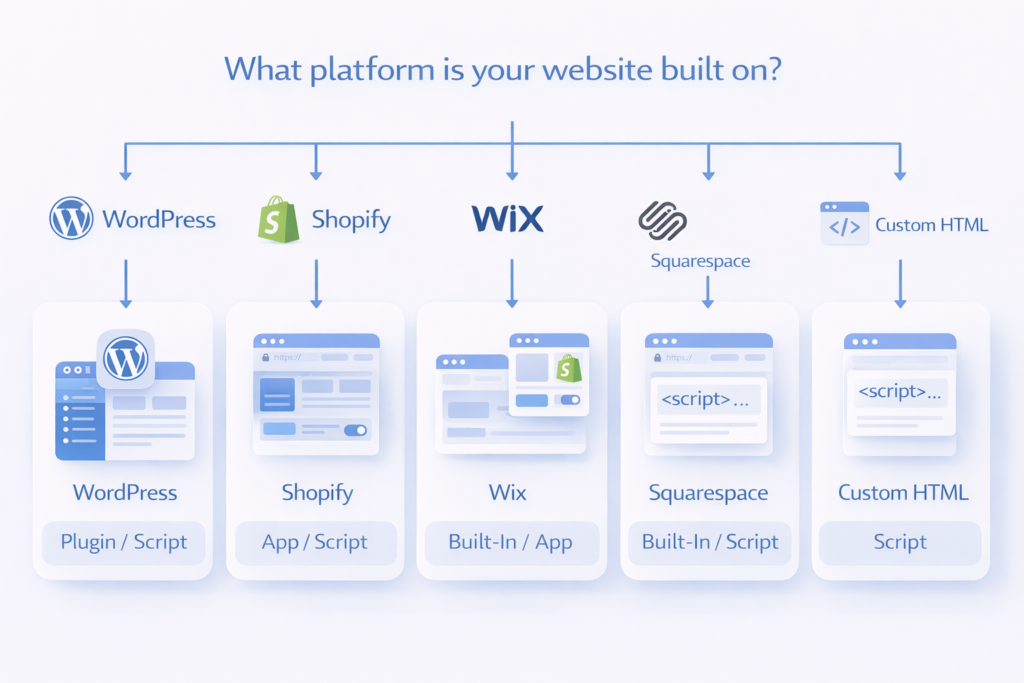
Here is the simplest way to decide:
Now let’s simplify everything. Once you know your platform, your website complexity, and your compliance needs, it becomes much easier to choose the right setup path.
- WordPress + beginner-friendly website: a plugin-based solution is usually the easiest option
- Shopify store: an app-based or Shopify-friendly script-based solution is usually the best fit
- Wix or Squarespace site: a lightweight script-based solution is usually the most practical choice
- Custom HTML website: a script-based solution is usually the right path
- Website with ads, tracking, or multiple third-party tools: choose a solution with stronger cookie blocking and consent controls
- Small website with limited non-essential cookies: a simpler solution may be enough
There is no one-size-fits-all answer. The best cookie consent solution is the one that matches your real website setup and makes compliance easier to manage.
If you run a small WordPress business website with Google Analytics, a plugin-based solution may be the easiest path.
If you run a Shopify store with marketing pixels and ad tracking, you will usually need stronger cookie controls and a more advanced setup.
What to Do Next
Now choose your next step based on your website:
That means starting with your platform first, then selecting the provider that fits your needs best.
For example:
- WordPress → Cookiebot on WordPress
- WordPress → CookieYes on WordPress
- Shopify → Termly on Shopify
- Custom HTML → script-based setup guide
Ready to set up the right solution for your website?
Conclusion
The right cookie consent solution depends on your website platform, your technical setup, and the types of cookies your site uses. A WordPress website may work best with a plugin, while Shopify, Wix, Squarespace, and custom websites often need app-based or script-based setups instead.
Here’s why this matters: choosing the right setup path makes installation, compliance, and long-term management much easier. Once you know what type of solution your website needs, the next step is following the right setup guide for your platform.
Next Step: Find the Right Setup Guide for Your Website
Now choose your next step based on what you need: Choose your platform, choose your provider, and follow the correct setup guide.

Frequently Asked Questions
Common questions about this topic
For most WordPress websites, a plugin-based solution is the easiest option. It can be installed directly from the dashboard and managed without technical skills.
Yes. Shopify websites usually use app-based or script-based solutions instead of plugins, because Shopify does not support WordPress-style plugins.
It depends on your platform. Plugins are usually better for WordPress, while script-based solutions work better for custom websites and builders like Wix or Squarespace.
In many cases, yes. If your website uses analytics or marketing cookies, they usually should not load before user consent, especially under GDPR.
Some tools support multiple platforms, but the setup method still depends on your website type. A solution that works well on WordPress may not work the same way on Shopify or custom sites.
Start with your website platform. WordPress users should usually choose a plugin, while Shopify, Wix, and custom websites often need app-based or script-based solutions.