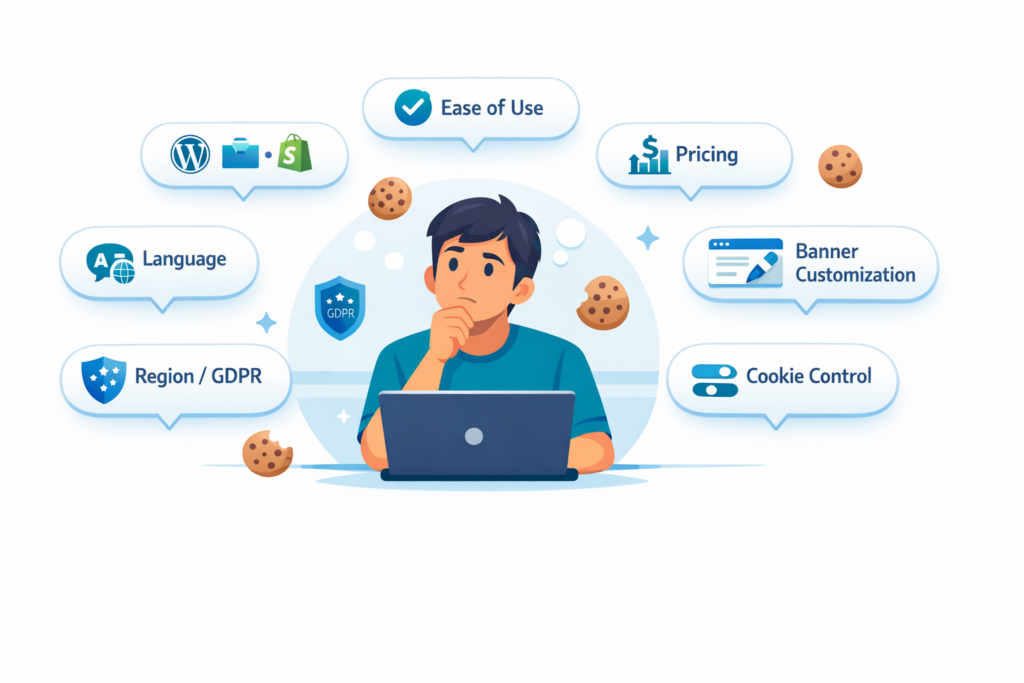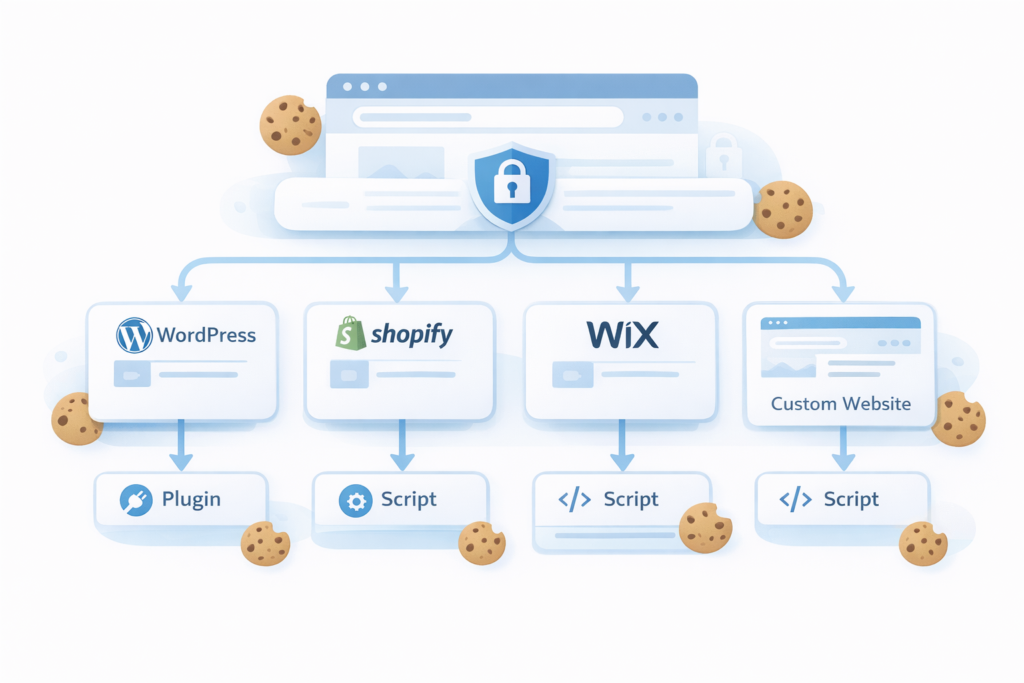
Not sure if your website actually needs a cookie banner?
You’re not alone — many small business owners and website creators wonder the same. A cookie banner is more than just a pop-up; it’s a legal and trust-building tool that keeps your site compliant with privacy laws like GDPR, CCPA, and others.
Whether you run a WordPress blog, Shopify store, or business landing page, this guide will help you understand when and why a cookie banner is required — and how to decide if your website truly needs one.
Does my website need a cookie banner for GDPR compliance?
The short answer: sometimes yes, sometimes no.
You usually need a cookie banner if your website uses:
• Google Analytics
• advertising cookies
• tracking tools like Meta Pixel
If your website only uses strictly necessary cookies, you may not need one.
1. What Is a Cookie Banner?
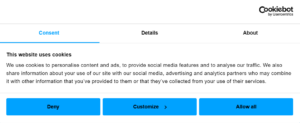
A cookie banner (also called a cookie consent notice) is a small message that appears when someone visits your website.
Its purpose is to inform users that your site uses cookies — and to let them accept, reject, or manage those cookies before they’re set.
In short: A cookie banner = transparency + user control + legal compliance.
If you’re not sure what cookies actually are,
read our guide: 👉 What Are Web Cookies and How Do They Work?
2. When You Need a Cookie Banner
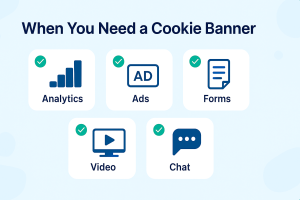
You need a cookie banner if your website uses analytics, advertising, or tracking cookies.
You may NOT need a cookie banner if your website only uses strictly necessary cookies.
You need a cookie banner if your website does anything beyond simple, functional operations.
Here are the most common cases:
✅ Uses analytics tools (Google Analytics, Meta Pixel, Plausible, etc.)
If you collect visitor behavior or traffic data, you’re using tracking cookies. Under GDPR, these are non-essential — meaning you must ask for consent before activating them.
✅ Displays targeted ads or remarketing scripts
Advertising platforms like Google Ads, DoubleClick, or Facebook Ads use tracking cookies to personalize content.
Consent is required before these cookies can be loaded.
✅ Embeds third-party content (YouTube, Maps, Chat widgets)
Any embedded video, map, or chatbot usually loads scripts from external domains — and those scripts often set cookies.
Example: YouTube embeds place tracking cookies as soon as the player loads.
✅ Collects data through forms, logins, or comments
Even contact forms can store user identifiers (like name, email, or session tokens).
If those fields connect with marketing, analytics, or CRM systems, a banner and consent are required.
✅ Runs an eCommerce store (WooCommerce, Shopify, Wix, etc.)
Most eCommerce platforms set cookies to handle carts, preferences, and user sessions.
Essential cookies for functionality are allowed — but anything related to tracking or marketing needs consent.
✅ Uses newsletters or email marketing tools
If your form connects to tools like Mailchimp, HubSpot, or Klaviyo, those tools may set additional tracking cookies to measure engagement.
| Website Feature | Cookie Banner Needed |
|---|---|
| Google Analytics | Yes |
| Facebook Pixel | Yes |
| Advertising cookies | Yes |
| Login session cookies | No |
| Shopping cart cookies | No |
3. What Happens If You Don’t Have a Cookie Banner?
If your website sets non-essential cookies without user consent, you may violate privacy laws such as the GDPR in Europe.
These laws require websites to obtain consent before placing cookies used for analytics, advertising, or tracking.
Regulators in the EU have already issued fines to companies that failed to properly inform users or obtain valid cookie consent.
Under the GDPR, penalties can reach up to €20 million or 4% of a company’s global annual revenue.
For this reason, many websites implement a cookie banner or consent management platform to ensure they collect and store user consent correctly.
4. Understanding Privacy Laws
Different regions have different privacy rules.
Here’s how it generally works:
-
GDPR (Europe): Consent must be explicit before setting non-essential cookies.
-
ePrivacy Directive (EU): Requires clear cookie information and the ability to manage preferences.
-
CCPA / CPRA (California): Requires transparency and “Do Not Sell My Personal Information” options.
-
LGPD (Brazil), PIPEDA (Canada), PDPA (Singapore): Require notice and sometimes consent depending on cookie purpose.
If your users come from any of these regions, you must follow the corresponding law — even if your company is based elsewhere.
Want to understand how GDPR cookie consent works?
👉 Read our guide: 👉 Understanding GDPR Cookie Consent: A Beginner’s Guide
5. How to Check If Your Website Uses Cookies
Before installing a plugin, you should know what cookies your site actually sets.
Here’s how to find out:
-
Manually inspect using browser developer tools (Application → Cookies).
-
Use a cookie scanner like Cookiesoft, Cookiebot, or CookieYes — these automatically detect all active cookies.
-
Check your plugins and integrations: analytics, ads, pop-ups, forms, chatbots, etc.
-
Review embedded content (videos, maps, social feeds).
6. Real-World Examples: When You Need (and Don’t Need) a Banner
| Example | Cookie Banner Needed? | Reason |
|---|---|---|
| A personal blog with no tracking | ❌ No | No cookies set except session cookies |
| WordPress site using Google Analytics | ✅ Yes | Analytics requires user consent |
| Shopify store with Meta Pixel and email signup | ✅ Yes | Uses marketing and tracking tools |
| WooCommerce shop with cart and checkout only | ⚙️ Partial | Functional cookies allowed; tracking requires consent |
| Local business site embedding Google Maps | ✅ Yes | Google Maps sets third-party cookies |
| A static portfolio with no forms or tracking | ❌ No | No data collection involved |
| A news site with ad banners and comments | ✅ Yes | Ads and login systems set cookies |
| Educational site using YouTube embeds | ✅ Yes | Embedded videos trigger cookies |
| Nonprofit collecting donations via PayPal form | ✅ Yes | Payment integrations use cookies |
| Internal company intranet (no public visitors) | ❌ No | Not subject to public data collection laws |
7. When You Don’t Need a Cookie Banner
You may not need a cookie banner if your website only uses strictly necessary cookies.
These cookies are required for the website to function properly and do not require user consent.
- login session cookies
- shopping cart cookies
- security cookies
- load balancing cookies
Examples
| Website Feature | Cookie Banner Needed |
|---|---|
| Google Analytics | Yes |
| Facebook Pixel | Yes |
| Advertising cookies | Yes |
| Login session cookies | No |
| Shopping cart cookies | No |
8. Common Mistakes to Avoid
❌ Using a cookie banner that loads scripts before consent.
❌ Showing only “Accept” without a “Reject” option.
❌ Forgetting to log or store user consent records.
❌ Not updating your banner when adding new plugins or tools.
❌ Using unclear wording or mixing cookie and privacy policy links.
A well-configured consent banner is about trust, not just law.
Summary
A cookie banner isn’t something “nice to have” — it’s an essential part of a transparent and lawful website.
If your site uses analytics, ads, forms, videos, or eCommerce features, you must give users clear control over their data.
By understanding your tools, checking your cookies, and choosing a proper consent solution, you’ll ensure compliance and earn your visitors’ trust.
✅ Next Steps: Learn More or Get Started
Now that you know when your website needs a cookie banner, you’re ready for the next step:
Frequently Asked Questions
Common questions about this topic
No. If your website only uses strictly necessary cookies, you may not need a cookie consent banner.
Yes. Analytics cookies are non-essential under GDPR, so consent is required before setting them.
You might fall under CCPA/CPRA instead of GDPR, which means you must give users the right to opt out of data sale.
Yes — modern consent tools like Cookiebot or CookieYes automatically switch between regions.
You could face fines or lose ad services if your site fails a compliance audit.
At least every 6–12 months or when adding new third-party tools.
Yes, if they use analytics, advertising, or tracking cookies.
Not always, but privacy laws like CCPA may require opt-out notices.