Understanding GDPR cookie consent is essential for any website that collects visitor data using cookies. Under the GDPR and EU cookie laws, websites must ask users for permission before placing certain types of cookies that track behavior or collect personal data.
This includes cookies used for analytics, advertising, and other tracking technologies that process visitor information. Website owners must clearly explain how cookies are used and give visitors the option to accept, reject, or manage their cookie preferences.
In this beginner’s guide, you’ll learn what GDPR cookie consent means, when websites must ask for permission, and how cookie banners collect user consent. If you’re unsure whether your website actually needs a cookie banner, read our guide 👉 Does My Website Need a Cookie Banner?
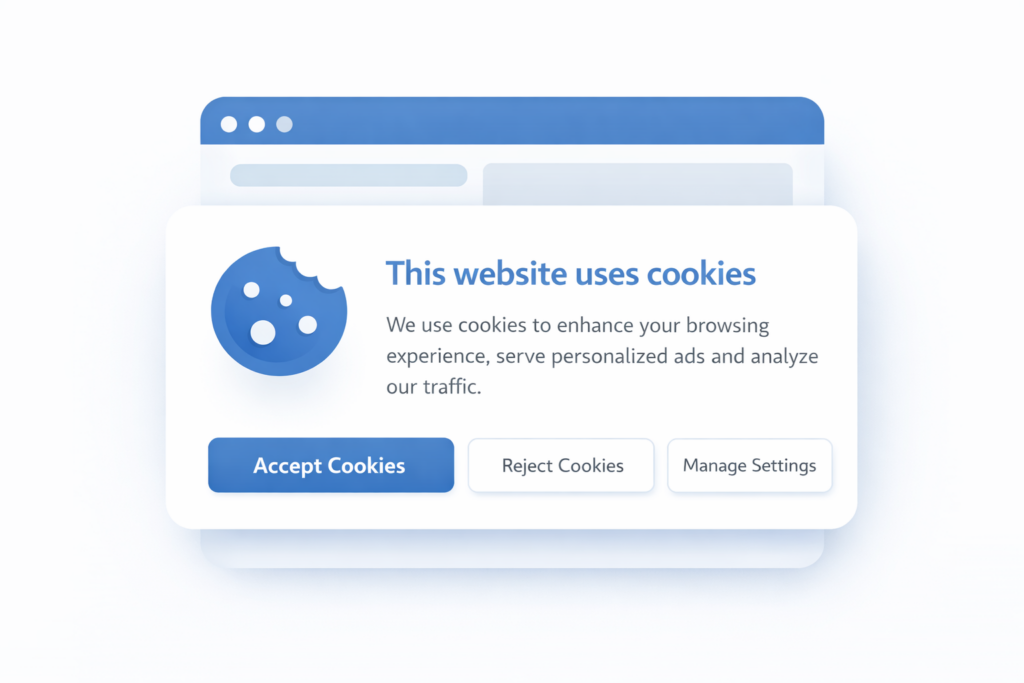
GDPR cookie consent means that websites must obtain clear permission from visitors before placing non-essential cookies on their devices. This usually happens through a cookie banner that allows users to accept, reject, or manage cookie preferences before tracking cookies are activated.
1. What Is GDPR Cookie Consent?
GDPR stands for General Data Protection Regulation. It is a privacy law that protects personal data of people in the European Union (EU).
It applies if:
-
Your business is based in the EU
-
You offer services or products to EU residents
-
You track or monitor visitors from the EU
Even a small website using analytics or advertising cookies can fall under GDPR.
The goal of GDPR is simple:
Give users control over their personal data.
2. Why Is Cookie Consent Required Under GDPR?
According to the European Commission, websites must clearly inform visitors about cookies and obtain consent before using tracking technologies.
This is called GDPR cookie consent.
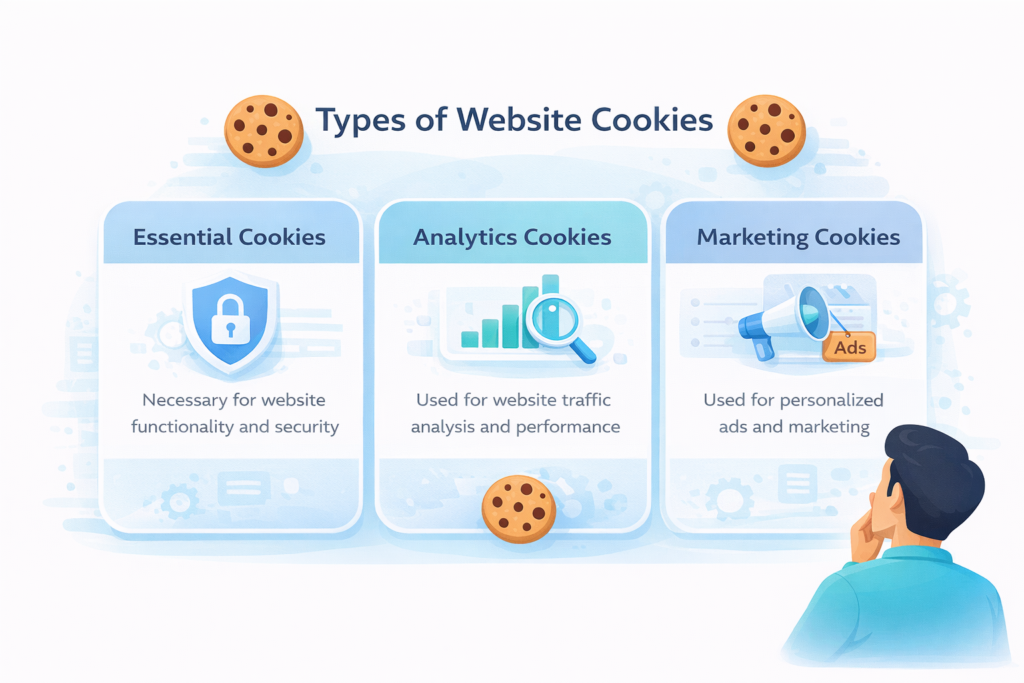
Not all cookies require consent. The law separates cookies into categories:
1. Strictly Necessary Cookies
These are required for your website to function (e.g., login sessions, shopping cart).
👉 These do not require consent.
2. Non-Essential Cookies
These include:
-
Analytics cookies
-
Marketing cookies
-
Tracking cookies
-
Social media cookies
👉 These require prior consent under GDPR.
That means no tracking before the user clicks “Accept.”
3. What Makes GDPR Cookie Consent Valid?
Not all consent is valid under GDPR. The regulation sets clear rules.
Consent must be:
-
Freely given (no forced acceptance)
-
Specific (users choose categories)
-
Informed (clear explanation)
-
Unambiguous (clear action like clicking “Accept”)
Pre-ticked boxes are not allowed.
Silence or inactivity is not consent.
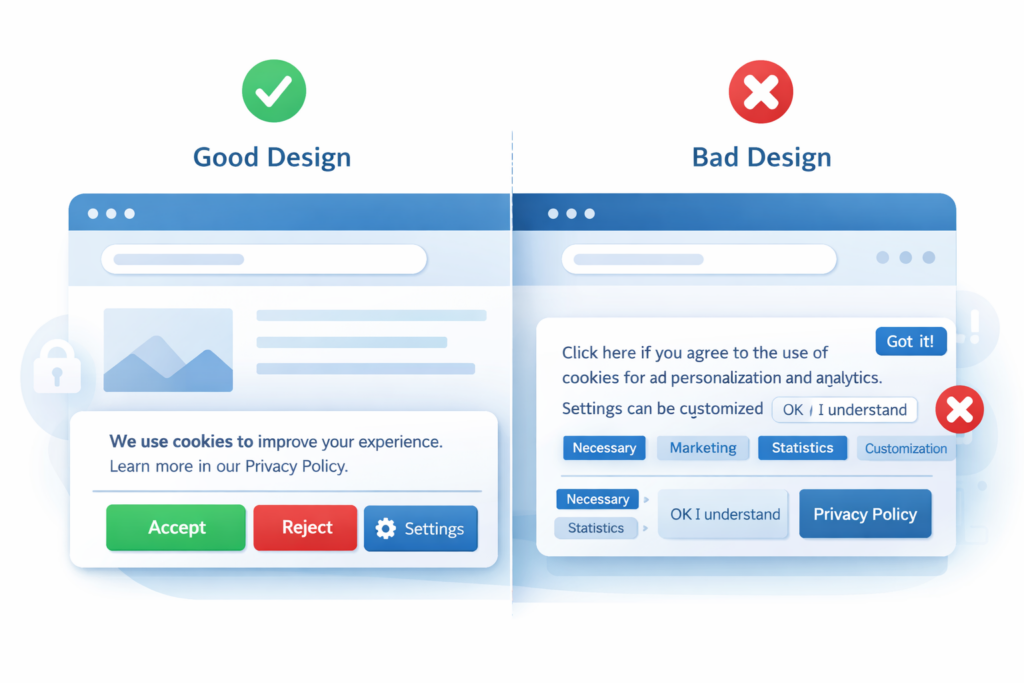
This is why many old cookie banners are not compliant.
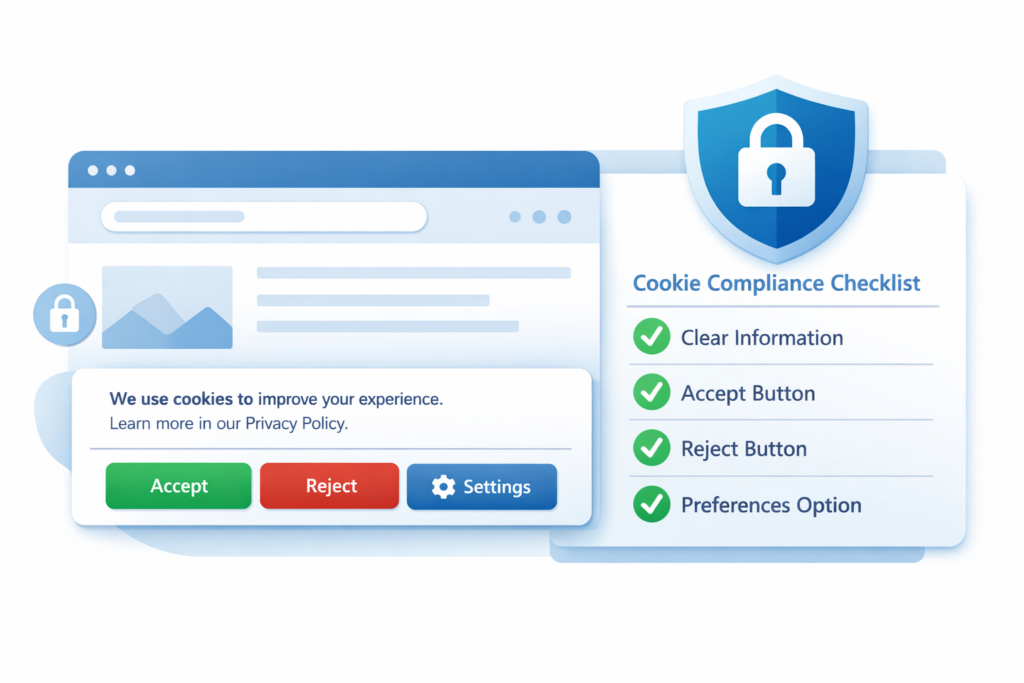
4. What Does a GDPR-Compliant Cookie Banner Need?
A proper GDPR cookie banner should:
-
Block non-essential cookies before consent
-
Allow users to accept or reject cookies
-
Offer granular category selection
-
Link to your cookie policy
-
Allow withdrawal of consent at any time
Many website owners make one critical mistake:
They display a cookie banner — but cookies are already loading in the background.
That is not compliant.
To implement GDPR cookie consent correctly, you need a proper cookie consent tool that controls scripts before they load.
5. What About a Cookie Policy?
GDPR does not only require consent. It also requires transparency.
You must provide a clear and accessible cookie policy explaining:
-
What cookies you use
-
Why you use them
-
How long they last
-
How users can withdraw consent
If you’re unsure what to include, read: What Is a Cookie Policy and Why Do You Need One?
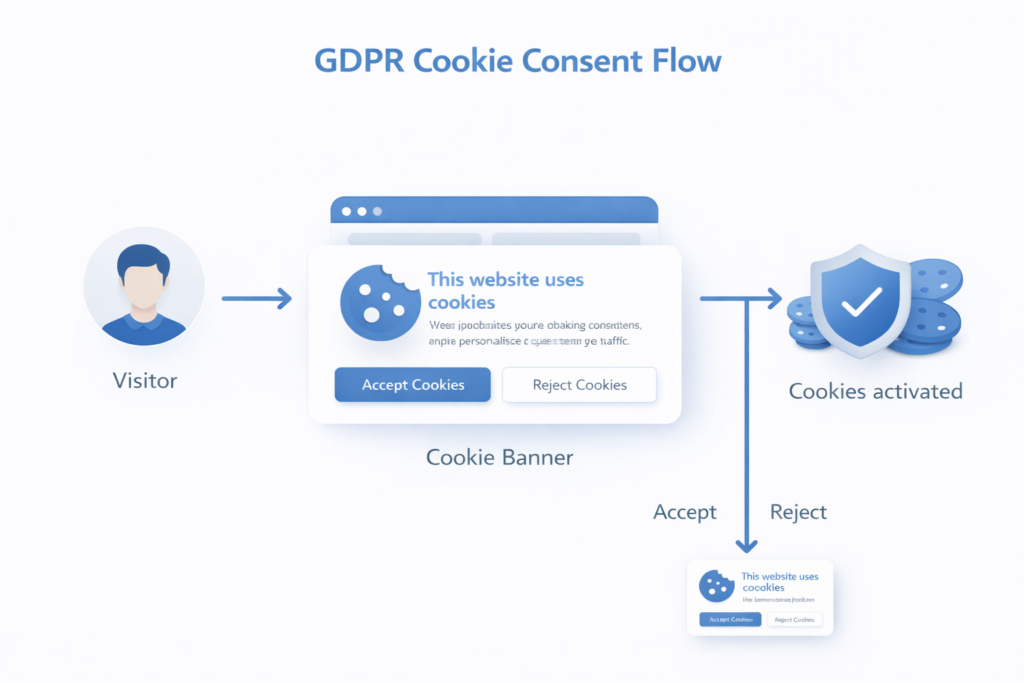
6. How GDPR Cookie Consent Works
Here’s a simplified flow:
-
User visits your website.
-
Cookie banner appears.
-
Non-essential cookies are blocked.
-
User chooses preferences.
-
Consent is recorded.
-
Only approved cookies load.
This process is usually handled by a cookie consent manager.
Modern tools also include:
-
Consent logging
-
Automatic cookie scanning
-
Geo-targeting
-
Script blocking
Geo-targeting is especially helpful. It allows you to show strict GDPR consent banners only to EU visitors.
This reduces friction for global websites.
7. Do Small Businesses Really Need GDPR Cookie Consent?
Yes — if you have EU visitors.
Even small websites often use:
-
Google Analytics
-
Facebook Pixel
-
Embedded YouTube videos
-
Live chat tools
All of these may set non-essential cookies.
The size of your business does not remove your responsibility.
However, compliance does not have to be complicated.
With the right cookie consent tool, most of the process can be automated.
8. GDPR Cookie Consent Requirements
| Requirement | What It Means |
|---|---|
| User consent required | Non-essential cookies cannot load before consent |
| Clear information | Websites must explain what cookies do |
| Accept and reject options | Users must be able to decline cookies |
| Consent storage | Websites must record consent choices |
| Easy withdrawal | Users must be able to change their decision |
9. What Happens If You Ignore GDPR?
Ignoring GDPR can lead to:
-
Legal complaints
-
Data authority investigations
-
Fines
-
Loss of user trust
Even more importantly, privacy awareness is increasing. Users expect transparency.
A clear GDPR cookie consent system builds credibility.
10.What Cookies Require GDPR Consent?
Under the GDPR and the ePrivacy Directive, websites must obtain user consent before placing non-essential cookies on a visitor’s device.
These usually include:
• analytics cookies (such as Google Analytics)
• advertising cookies
• marketing tracking pixels
• social media tracking cookies
Strictly necessary cookies do not require consent because they are essential for the website to function properly. These cookies typically handle login sessions, security, or shopping cart functionality.
Any cookie that tracks behavior or processes personal data generally requires explicit user consent.
| Cookie Type | Consent Required | Example |
|---|---|---|
| Necessary cookies | No | Login session |
| Analytics cookies | Yes | Google Analytics |
| Marketing cookies | Yes | Facebook Pixel |
| Preference cookies | Usually | Language settings |
Summary
GDPR cookie consent requires websites to obtain permission before placing non-essential cookies that track user behavior.
You must:
-
Block non-essential cookies before consent
-
Provide clear choices
-
Keep records of consent
-
Maintain an updated cookie policy
The good news? You don’t need to manually manage everything. A reliable cookie consent manager with geo-targeting can handle most of the work for you.
Understanding the rules is the first step. Implementing them correctly is the next.
📘 Next Steps: Learn More About Cookie Compliance
Now that you understand GDPR cookie consent, the next step is learning what your cookie banner must include.

Frequently Asked Questions
Common questions about this topic
Yes, if you collect data from EU visitors.
Yes. Analytics cookies that track visitor behavior usually require user consent before they are activated.
If a website places non-essential cookies before consent, it may violate GDPR rules and face regulatory penalties.
Yes. Strictly necessary cookies used for security or website functionality do not require consent.
Yes. GDPR requires that users must be able to withdraw consent as easily as they gave it.
No. Strictly necessary cookies do not require user consent because they are essential for the website to function. However, analytics, advertising, and marketing cookies usually require explicit permission from the user.