Web cookies are small text files that websites store in your browser when you visit a page. They help websites remember information about your visit, such as login sessions, language preferences, or items in your shopping cart.
Cookies play an important role in how modern websites function. They improve user experience, allow websites to keep you logged in, and help site owners understand how visitors interact with their pages.
But what exactly are web cookies and how do they work? And if your website uses cookies, does it need a cookie banner? If you’re wondering about that, read our guide 👉 Does My Website Need a Cookie Banner?
Web cookies are small text files that websites store in your browser when you visit a page. They allow websites to remember information about your visit, such as login sessions, preferences, or analytics data.
For example, cookies can store:
-
login sessions
-
language preferences
-
items in a shopping cart
-
website analytics data
Cookies allow websites to recognize returning visitors and maintain functionality across different pages.
1. What Are Web Cookies?
Web cookies are small pieces of data stored in your web browser when you visit a website. They are created by the website’s server and saved locally on your device.
Each cookie typically contains information such as:
-
a unique identifier
-
the website’s domain
-
expiration date
-
stored preferences or session data
When you return to the same website, your browser sends the cookie back to the server. This allows the website to recognize your previous activity.
Without cookies, websites would not be able to remember basic information about users between page visits.
2. How Do Web Cookies Work?
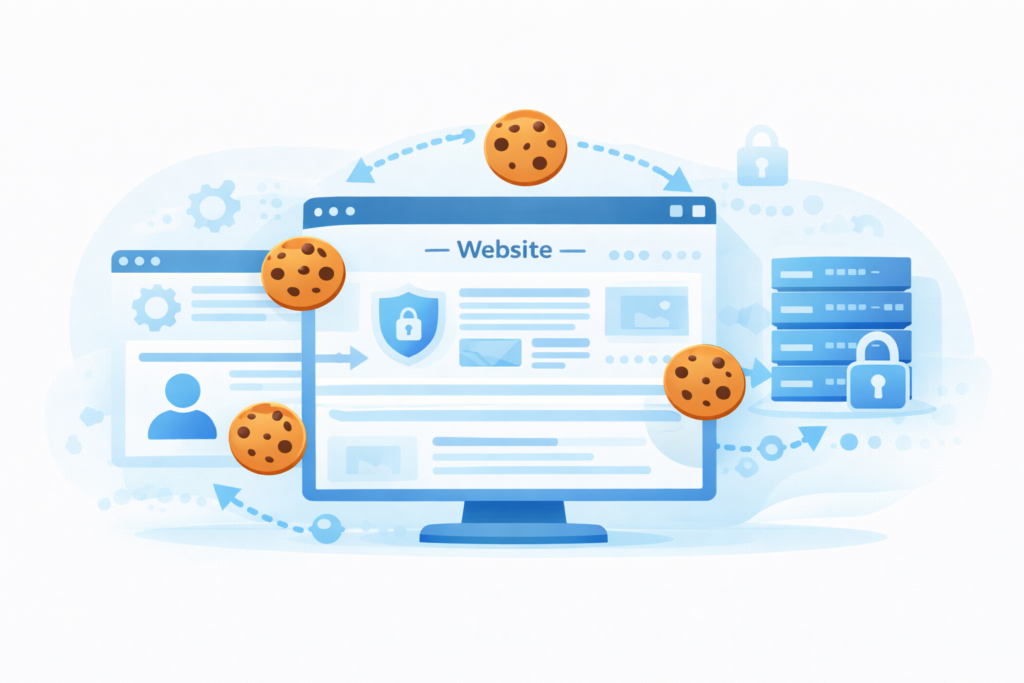
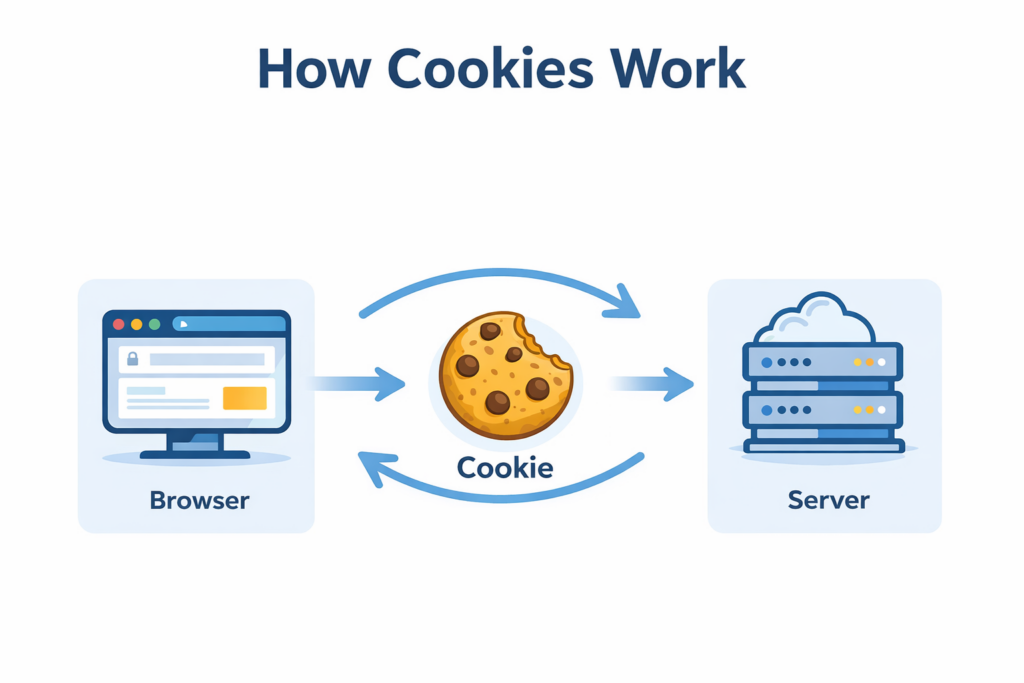
Cookies work by storing small pieces of information in your browser that can be read later by the website.
Web cookies work through a simple process that allows websites to recognize returning visitors.
Here is a simple example of how cookies work:
-
You visit a website for the first time.
-
The website creates a cookie and stores it in your browser.
-
The cookie contains a unique ID and possibly other information.
-
When you return to the website, your browser sends the cookie back to the server.
-
The website recognizes the cookie and remembers your preferences or session.
This process happens automatically in the background and is supported by all modern web browsers.
3. Why Websites Use Cookies
Web cookies are used for several important purposes that make websites easier to use and more functional.
Some of the most common uses include:
1. Authentication
Cookies help websites remember that you are logged in. Without cookies, you would have to log in again every time you changed pages.
2. User Preferences
Cookies can store preferences such as:
-
language settings
-
theme preferences
-
location settings
This allows websites to provide a personalized experience.
3. Shopping Cart Functionality
Online stores rely heavily on cookies. When you add products to your cart, cookies remember those items while you continue browsing.
Without cookies, shopping carts would not work properly.
4. Website Analytics
Cookies also help website owners understand how visitors interact with their site.
Tools such as Google Analytics use cookies to measure:
-
page views
-
visitor behavior
-
traffic sources
This information helps improve website performance and usability.
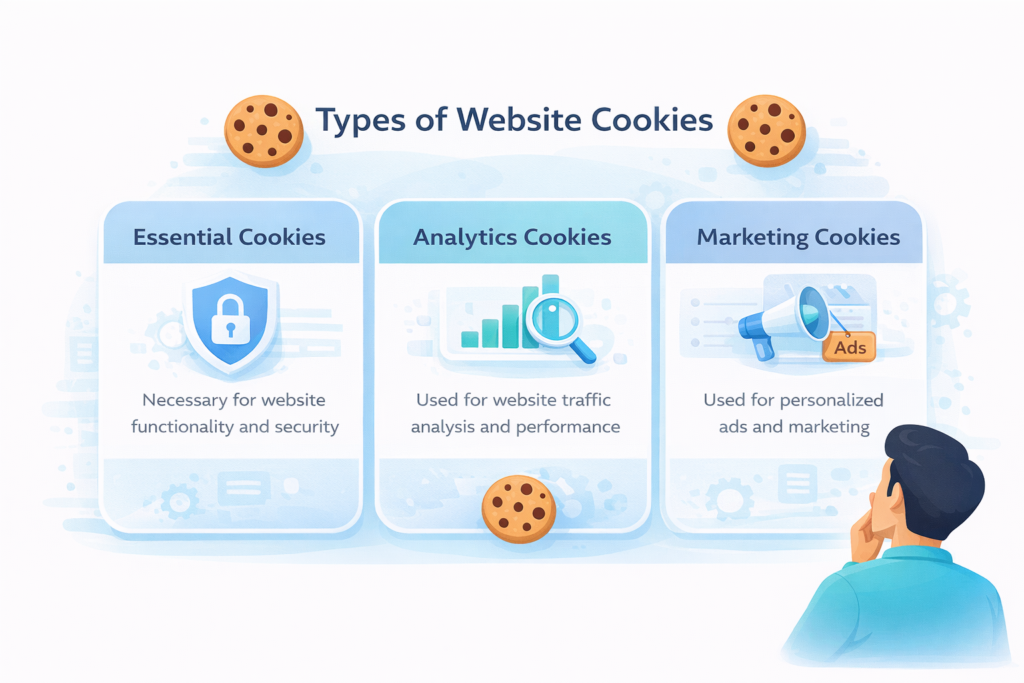
4. Types of Web Cookies
Not all cookies serve the same purpose. Different types of cookies are used depending on what the website needs to do.
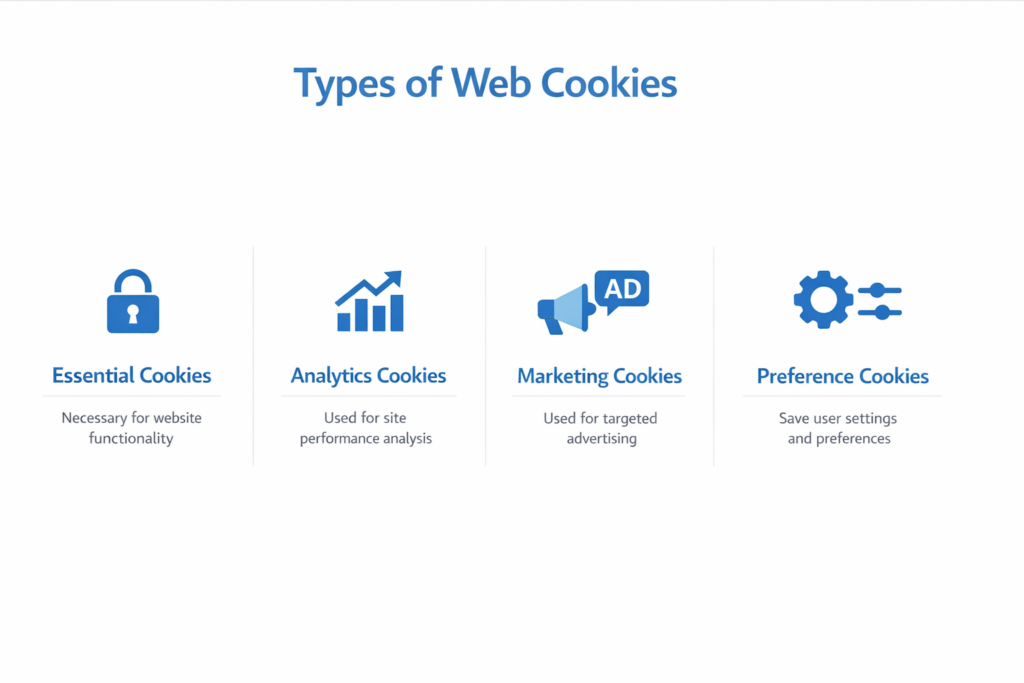
| Cookie Type | Purpose | Example |
|---|---|---|
| Essential cookies | Required for the website to function | Login sessions |
| Analytics cookies | Measure visitor activity | Google Analytics |
| Marketing cookies | Track users for advertising | Meta Pixel |
| Preference cookies | Store user settings | Language selection |
Some of these cookies are necessary for the website to function, while others are used for analytics or marketing purposes.
Because of this difference, privacy laws often treat them differently.
5. First-Party vs Third-Party Cookies
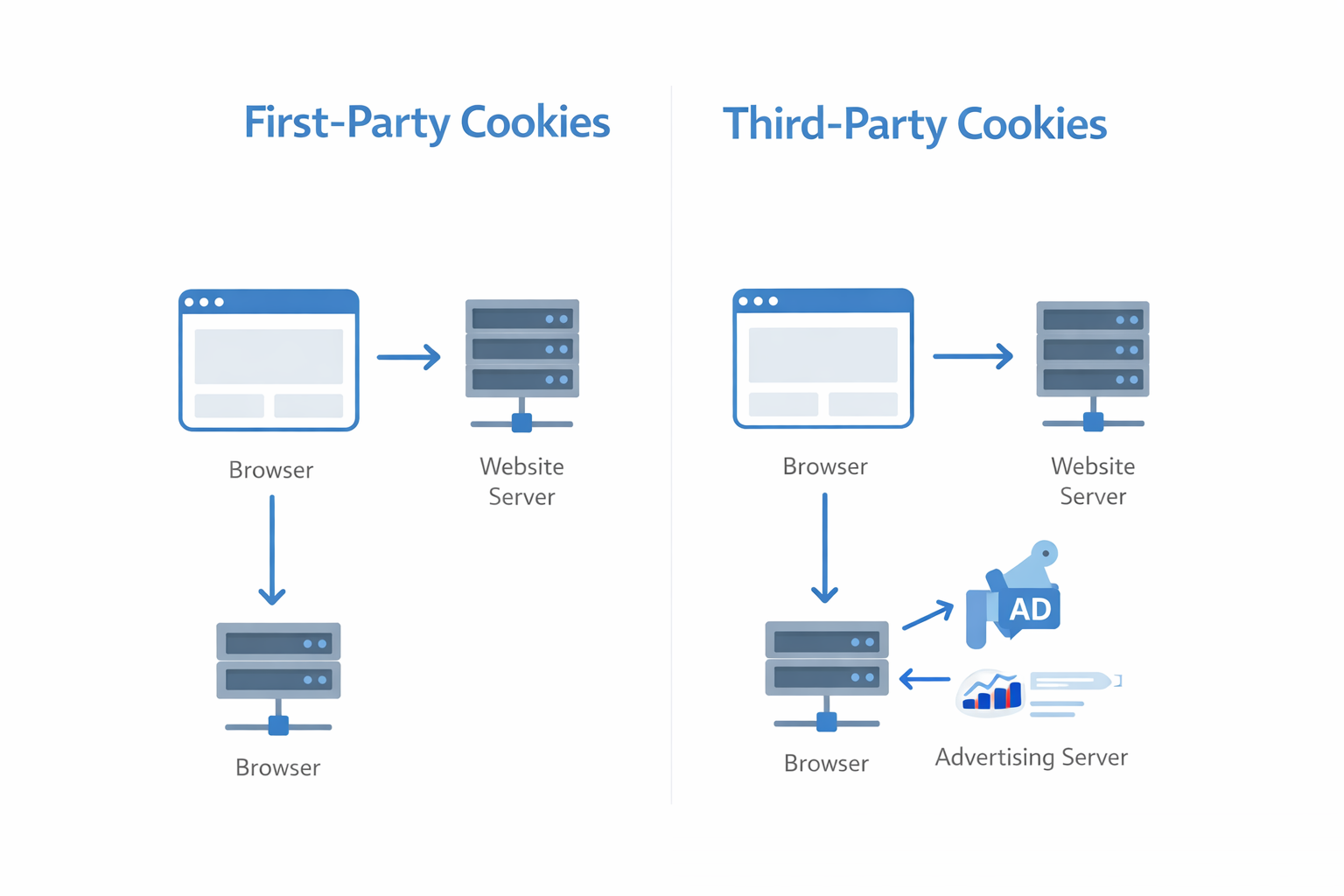
Cookies can also be categorized based on who sets them.
First-Party Cookies
First-party cookies are created by the website you are currently visiting.
These cookies are commonly used for:
-
login sessions
-
remembering preferences
-
storing shopping cart information
They are generally considered less intrusive.
Third-Party Cookies
Third-party cookies are created by external services integrated into a website.
Examples include:
-
advertising networks
-
social media widgets
-
analytics tools
Third-party cookies can track users across multiple websites, which is why they are often subject to stricter privacy rules.
If you’re unsure whether your website needs a cookie banner, you can read our guide:👉 Does My Website Need a Cookie Banner?
6. Are Web Cookies Dangerous?
In most cases, cookies are not dangerous. They simply store small pieces of information that help websites function properly.
However, some cookies can track browsing behavior across multiple websites. These tracking cookies are commonly used for targeted advertising.
Because some cookies track user behavior, privacy regulations such as the GDPR require websites to obtain user consent before setting certain types of cookies.
You can read more about this in the official European Commission explanation of cookies.
7. How Long Do Cookies Last?
Cookies can have different lifespans depending on how they are configured.
Session Cookies
Session cookies are temporary cookies that are deleted when you close your browser.
They are typically used for login sessions or temporary website functionality.
Persistent Cookies
Persistent cookies remain stored in your browser for a longer period of time. They may last days, months, or even years.
These cookies are often used for:
-
remembering preferences
-
analytics tracking
-
advertising personalization
8. Why Cookie Consent Is Important
Because some cookies can collect information about user behavior, privacy laws regulate how websites use them.
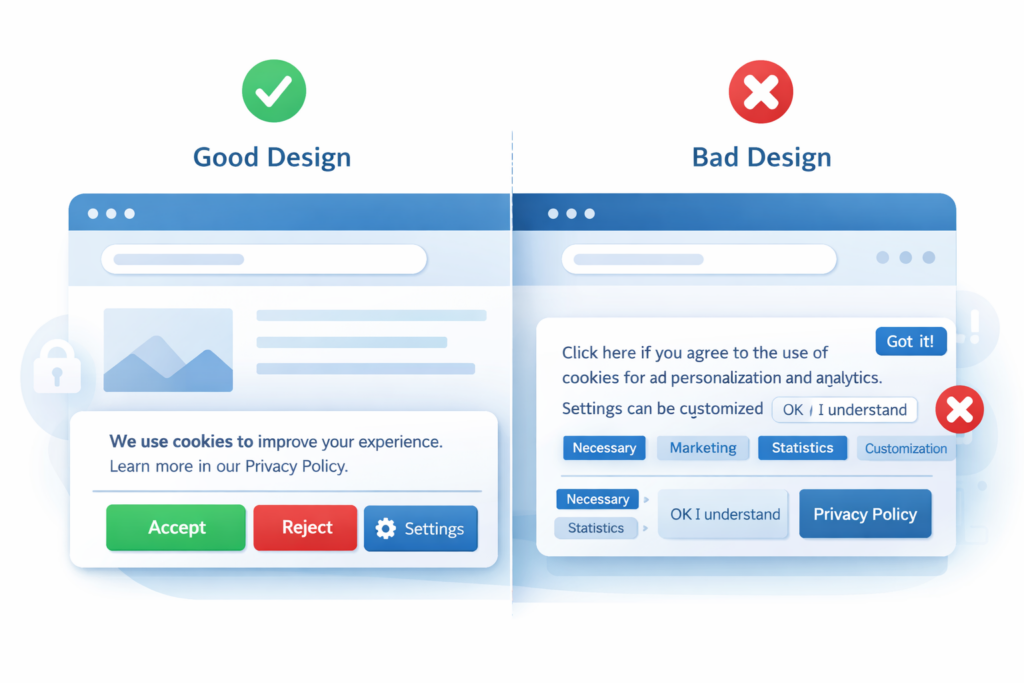
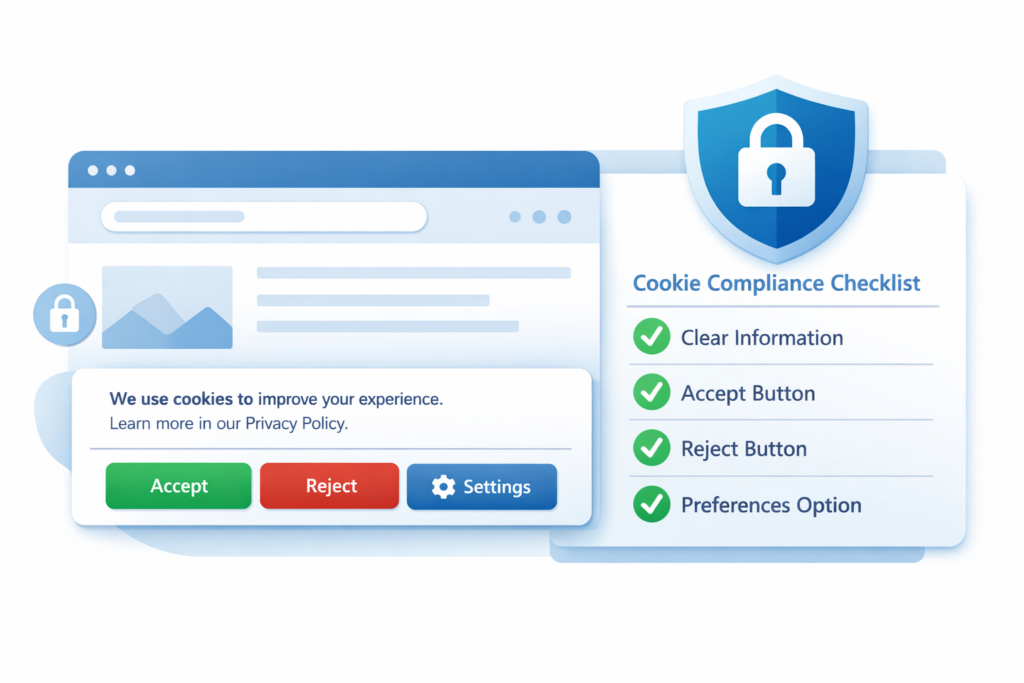
For example, under the GDPR, websites must obtain user consent before setting cookies that are not strictly necessary, such as analytics or marketing cookies.
This is why many websites display a cookie banner when you visit them for the first time.
If you want to understand how cookie consent works in more detail, read our guide:👉 Understanding GDPR Cookie Consent
Conclusion
Web cookies play an important role in how modern websites function. They help sites remember user sessions, store preferences, and analyze visitor behavior.
While most cookies are harmless and necessary for website functionality, some types—such as analytics or marketing cookies—may require user consent under privacy laws.
Understanding how cookies work is an important step for both website owners and users who want to better understand online privacy.
📘 Next Guide
If you’re wondering whether your website actually needs a cookie banner, read the next guide:

Frequently Asked Questions
Common questions about this topic
Web cookies store small pieces of information that help websites remember user sessions, preferences, and browsing activity.
Most cookies store anonymous identifiers rather than personal information. However, some tracking cookies can be linked to user profiles.
Many websites rely on essential cookies for basic functionality such as login sessions or shopping carts. Without them, some features may not work properly.