If you run a website, you have probably seen cookie banners appearing on many pages across the internet. These banners inform visitors that the website uses cookies and ask for permission before certain cookies are stored in the browser.
Understanding cookie banners is important because privacy laws such as GDPR require websites to obtain consent before placing certain tracking cookies. In this guide, we’ll explain what a cookie banner is, why websites use it, and when your website may need one. If you’re unsure whether your site requires a cookie banner, read our guide 👉 Does My Website Need a Cookie Banner?
A cookie banner is a notification displayed on a website that informs visitors about the use of cookies and asks for their consent before certain cookies are stored. It allows users to accept, reject, or customize cookie settings to control how their data is used.
1. What Is a Cookie Banner?
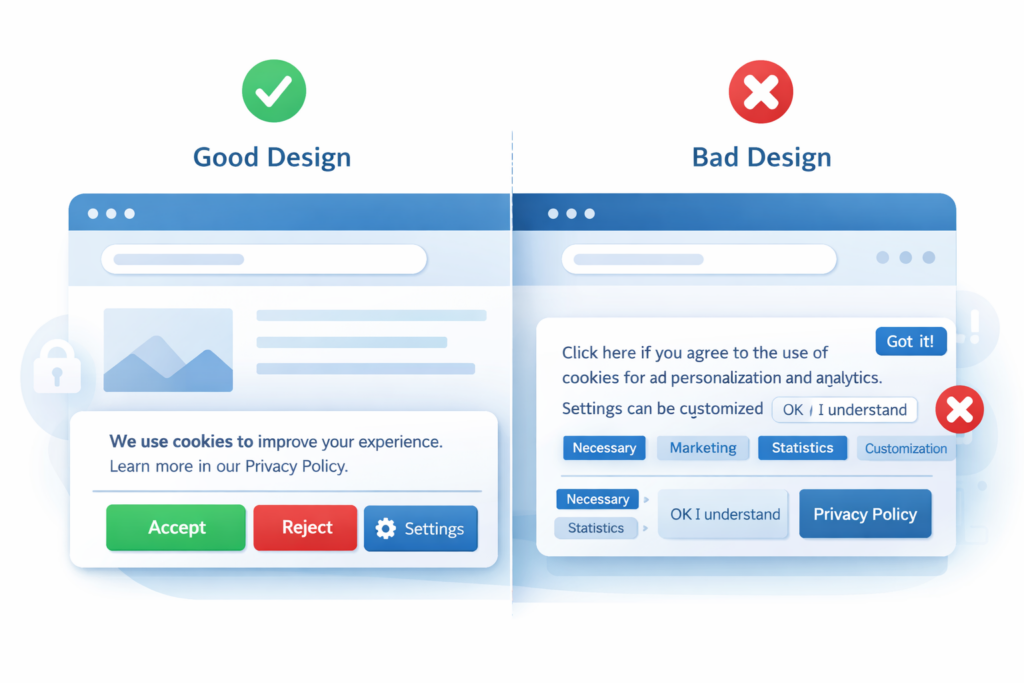
A cookie banner is a message that appears on a website when a visitor arrives for the first time. Its purpose is to inform users that the site uses cookies and to ask for their permission before storing certain types of cookies in their browser.
Most cookie banners appear as:
-
a pop-up window
-
a bar at the top or bottom of the page
-
a small notification panel
These banners usually include options that allow users to manage how cookies are used on the website.
Typical cookie banner options include:
-
Accept all cookies
-
Reject non-essential cookies
-
Customize cookie preferences
-
Learn more about cookie usage
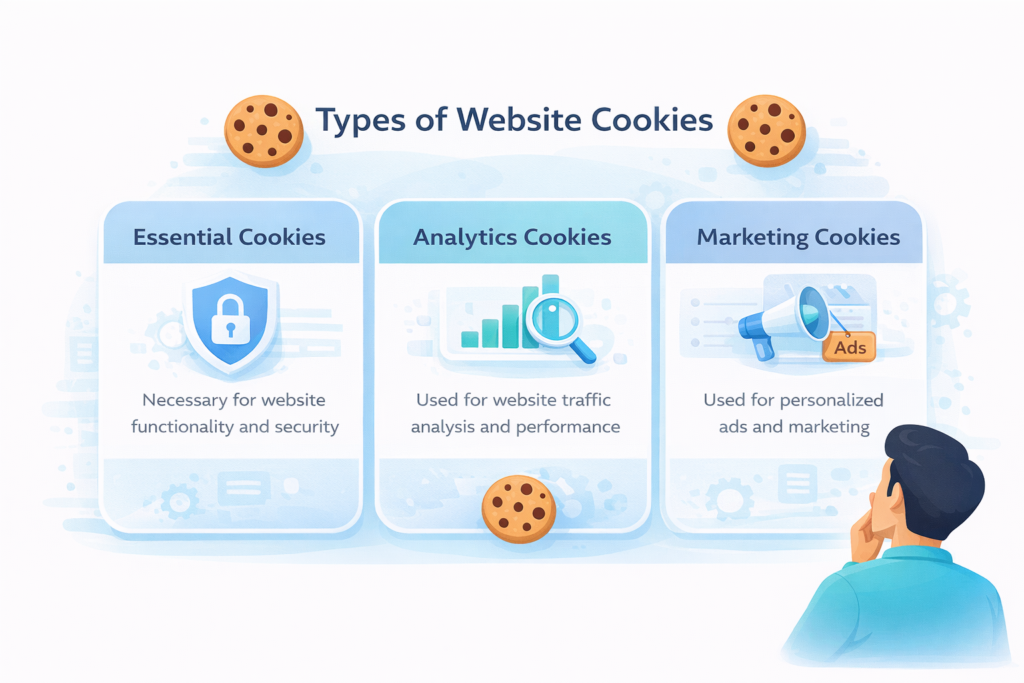
Cookie banners are commonly used by websites that run analytics tools, advertising platforms, or personalization features.
2. Where Cookie Banners Appear on Websites
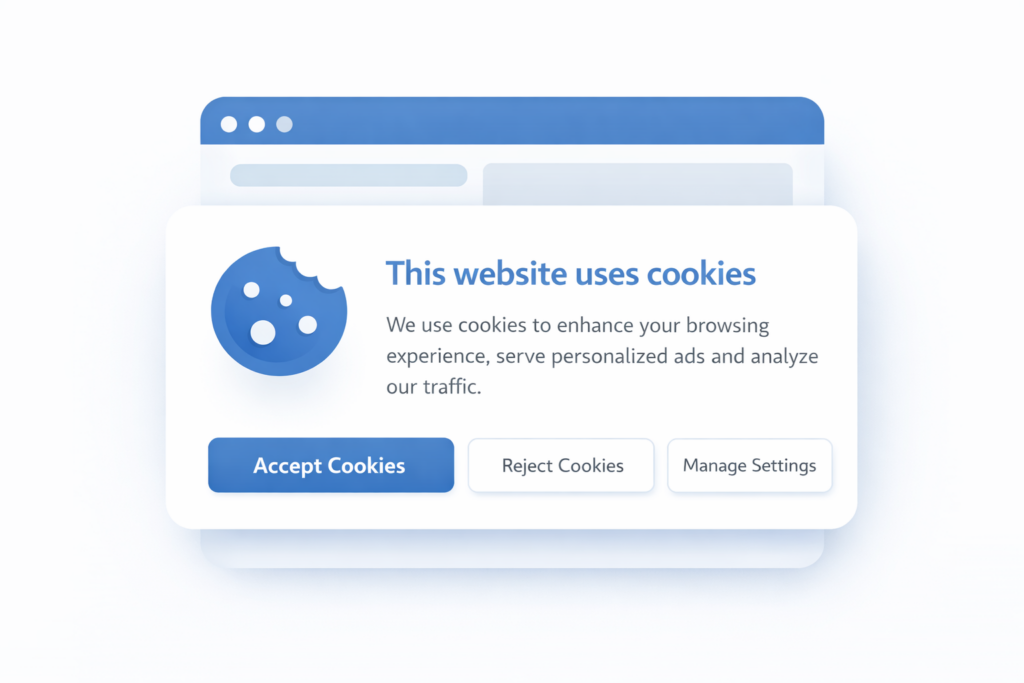
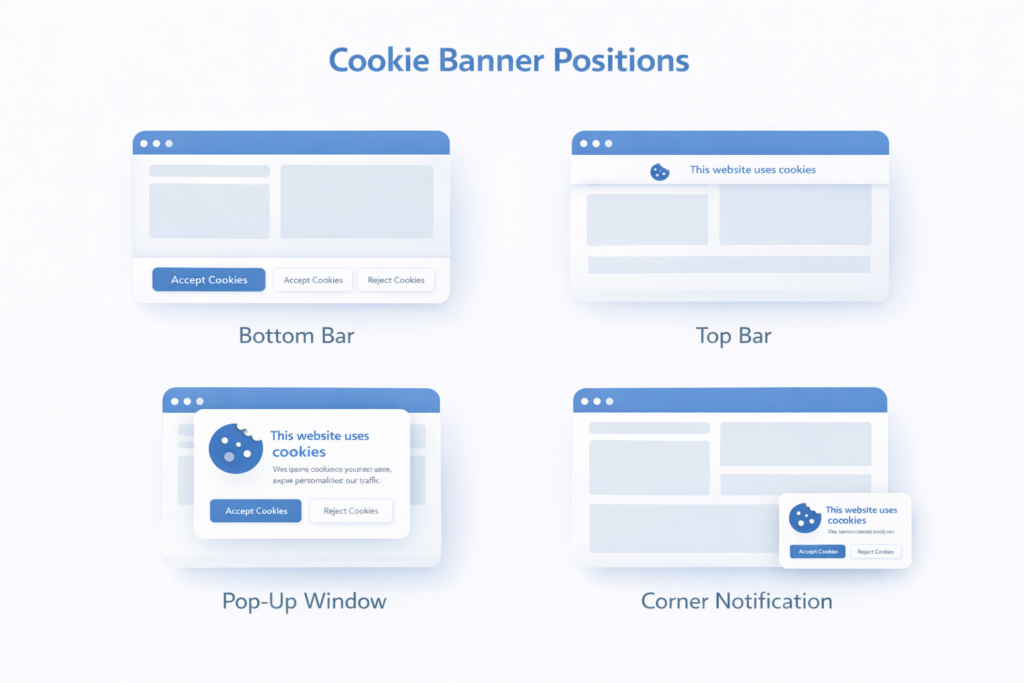
Cookie banners can appear in several locations on a website depending on the design and compliance requirements. Many websites display a cookie banner as a bar at the bottom or top of the page so visitors immediately see the notice.
Some websites use a pop-up window or a small notification panel that appears in the center or corner of the screen. The goal is to ensure users clearly see the cookie notice and can choose whether to accept or reject cookies before tracking technologies are activated.
Cookie banners commonly appear as:
• a bar at the bottom of the page
• a bar at the top of the page
• a pop-up window in the center of the screen
• a small notification panel in the corner
3. Why Cookie Banners Are Important
Cookie banners play an important role in protecting user privacy and ensuring websites follow privacy regulations.
For this reason, many websites display a cookie consent banner when visitors first arrive on the page.
Laws such as the GDPR (General Data Protection Regulation) and the ePrivacy Directive require websites to obtain consent before placing non-essential cookies.
These cookies may include:
-
analytics cookies
-
advertising cookies
-
marketing tracking pixels
-
user behavior tracking
According to the European Commission, websites must clearly inform visitors about how cookies are used and allow them to control their consent.
External reference: https://commission.europa.eu/cookies-policy_en
Because of these rules, cookie banners have become a standard feature on modern websites.
4. What Information Does a Cookie Banner Show?
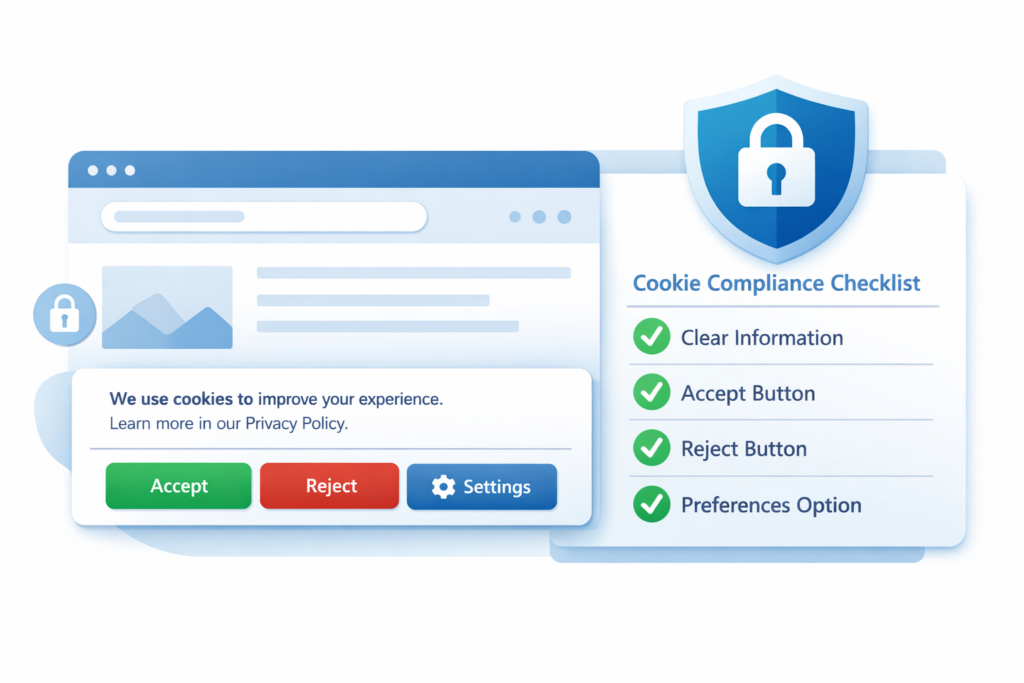
A typical cookie banner contains several elements designed to inform users and give them control over their data.
| Element | Purpose |
|---|---|
| Cookie notice | Explains that the website uses cookies |
| Accept button | Allows users to accept cookies |
| Reject button | Lets users refuse non-essential cookies |
| Cookie settings | Allows users to choose cookie categories |
| Privacy policy link | Provides details about data processing |
Providing this information helps websites remain transparent and compliant with privacy laws.
5. When Do Websites Need a Cookie Banner?
Websites usually need a cookie banner when they use cookies that track visitors or collect analytics data.
Examples include tools such as:
-
Google Analytics
-
advertising networks
-
marketing tracking pixels
-
social media tracking tools
If a website only uses strictly necessary cookies, a cookie banner may not be required.
Strictly necessary cookies include cookies that:
-
keep users logged in
-
store shopping cart information
-
provide website security
If your website uses analytics or marketing cookies, you will most likely need a cookie banner.
To learn more about how websites obtain permission from users, read our guide on 👉 Understanding GDPR Cookie Consent.
6. How Cookie Banners Work
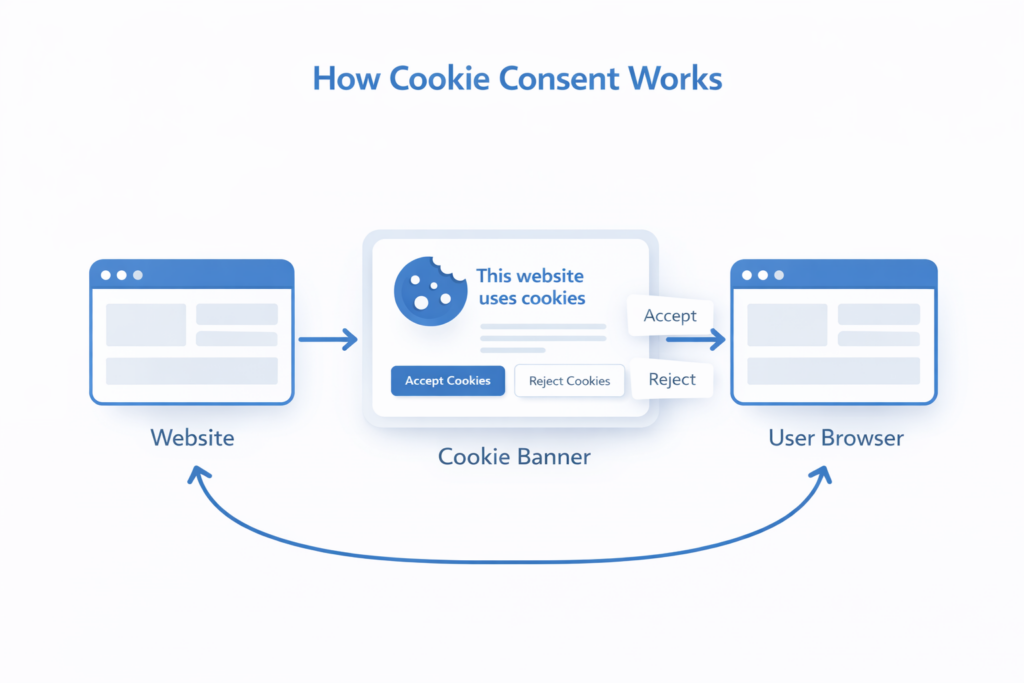
Cookie banners work by controlling when cookies are allowed to load on a website.
Here is a simplified process:
-
A visitor arrives on the website
-
The cookie banner appears
-
The user chooses whether to accept or reject cookies
-
The website stores the user’s consent choice
-
Cookies are activated based on the user’s decision
This process ensures that tracking cookies do not load until the user gives permission.
7. Common Cookie Banner Options
Most modern cookie banners provide several options that allow visitors to manage cookie consent.
| Option | Function |
|---|---|
| Accept all | Allows all cookies |
| Reject all | Blocks non-essential cookies |
| Customize | Lets users choose cookie categories |
| Manage settings | Opens advanced cookie preferences |
Providing these options helps websites remain compliant with privacy regulations while giving users more control over their data.
Conclusion
Cookie banners have become an essential part of modern websites because they help protect user privacy and ensure compliance with data protection laws.
By informing visitors about cookie usage and allowing them to control their consent, websites can maintain transparency while still using analytics and marketing tools responsibly.
Understanding how cookie banners work is an important step for any website owner who wants to follow privacy regulations and build trust with visitors.
Next Steps: Learn More About Cookie Compliance
Now that you understand what a cookie banner is, the next step is learning when your website actually needs one.

Frequently Asked Questions
Common questions about this topic
A cookie banner informs visitors that a website uses cookies and asks for their consent before storing certain cookies in the browser.
In many regions such as the European Union, cookie banners are required if a website uses analytics or tracking cookies.
Websites can use strictly necessary cookies without consent, but analytics and marketing cookies usually require user approval.
Yes. Even small websites must follow cookie consent rules if they use tracking technologies or analytics tools.
Requirements vary by region, but many countries now have privacy laws that regulate the use of tracking cookies.