Google Analytics is one of the most common tools website owners use to understand visitors, traffic, and website performance. But if your website serves visitors in regions such as the European Union, you also need to think about how Google Analytics cookie consent is handled.
The important question is not simply whether Google Analytics is installed. You need to understand when analytics tracking starts, whether cookies are stored before a visitor makes a choice, and how your cookie banner communicates that choice to Google.
In this guide, you’ll learn how Google Analytics cookie consent works, how it relates to GDPR, what Google Consent Mode does, and how to check whether your analytics setup respects the visitor’s consent choice.
Google Analytics cookie consent may be required when analytics cookies or similar tracking technologies are used on visitors who are protected by privacy rules such as GDPR.
A common setup is to ask for consent through a cookie banner and allow Google Analytics to behave according to the visitor’s choice.
Does Google Analytics Require Cookie Consent?
In many GDPR-style setups, Google Analytics should not simply start using analytics cookies before the visitor has been given a proper choice.
Analytics cookies are generally used to measure how people interact with a website. Unlike cookies that are strictly necessary for something such as a shopping cart or login session, analytics tracking is usually not essential for the website to function.
This is why consent can become important.
If your website uses Google Analytics and receives visitors from the EU, you should consider whether your setup stores or accesses non-essential information on the visitor’s device before consent.
You can learn more about the general rules in our beginner’s guide to GDPR cookie consent.
Cookie consent rules depend on your location, your visitors, and how your website is configured. Google Analytics does not automatically make a website compliant or non-compliant.
The important part is how data collection and storage are configured in practice.
Why Does Google Analytics Use Cookies?
Google Analytics 4 can use first-party cookies to distinguish users and sessions. This helps the analytics system understand whether activity belongs to a new visitor, a returning visitor, or the same browsing session.
For example, analytics data can help website owners understand:
- how many people visit a website
- which pages they view
- how long sessions last
- which traffic sources bring visitors
- which actions or events happen on the website
However, this article is mainly about consent rather than the individual cookies Google Analytics uses.
We cover the cookie side separately in Does Google Analytics Use Cookies?, where we explain common Google Analytics cookies and what they do.
Google Analytics Cookie Consent and GDPR
GDPR is only part of the picture. Cookie rules in Europe also interact with rules governing storage or access to information on a user’s device.
In practical terms, website owners should be careful about loading non-essential analytics tracking automatically before the visitor has had a chance to make a choice.
A GDPR-style cookie consent setup normally gives the visitor clear options such as:
- Accept analytics cookies
- Reject non-essential cookies
- Open cookie preferences
- Change their choice later
Your banner should also explain the purpose of the cookies clearly enough for the visitor to understand what they are choosing.
For a broader overview of what a consent banner should include, see our Cookie Banner Requirements guide.
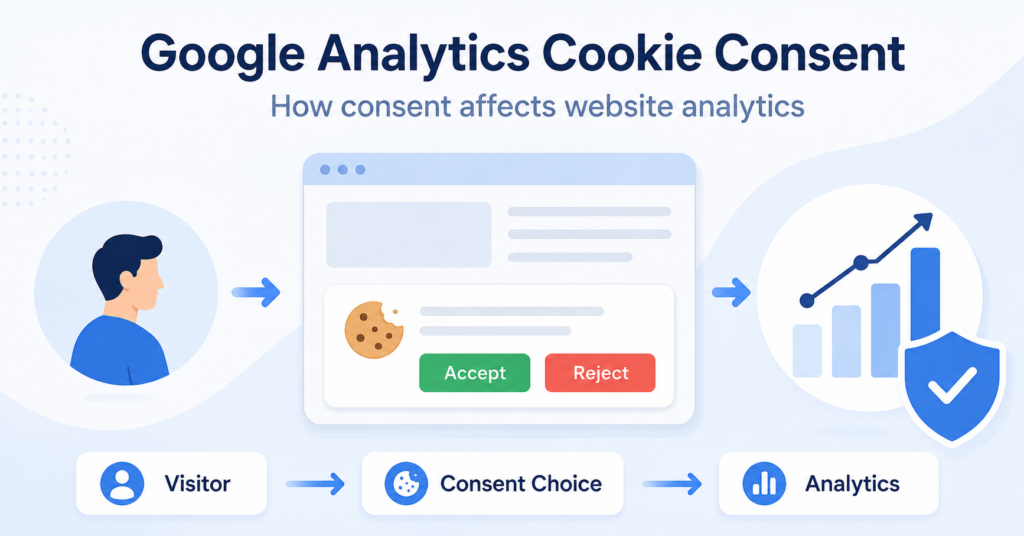
A visitor opens a website that uses Google Analytics. Instead of analytics cookies being stored immediately, the site first displays a cookie banner.
If the visitor accepts analytics cookies, analytics tracking can continue according to the configured consent settings. If the visitor rejects them, the analytics setup should respect that choice.
What Happens Before a Visitor Gives Consent?
This depends on how Google Analytics and your consent system are configured.
There are two common approaches.
Basic Consent Mode
With basic consent mode, Google tags can be blocked until the visitor interacts with the cookie banner.
If the visitor does not give consent, the Google tags remain blocked and data is not sent through those tags.
This is the easier model for beginners to understand:
- Visitor opens the website
- Cookie banner appears
- Google Analytics waits
- Visitor accepts or rejects
- Tracking behavior follows the choice
Advanced Consent Mode
Advanced Consent Mode works differently.
Google tags can load before consent, but they adjust their behavior based on the consent state. When analytics storage is denied, Google Analytics does not read or write first-party analytics cookies.
However, advanced consent mode can still send limited cookieless signals to Google when configured that way.
This distinction matters because “no analytics cookies” does not always mean “no communication with Google at all.”
Do not assume that installing Google Consent Mode means you no longer need a cookie banner. Consent Mode communicates consent choices to Google; it does not collect the visitor’s choice by itself.
How Google Analytics Cookie Consent Works
A typical consent setup includes several separate parts working together.
| Part | What It Does |
|---|---|
| Cookie banner | Asks the visitor for a consent choice |
| Consent platform | Stores and manages the visitor’s preferences |
| Google Consent Mode | Sends consent states to supported Google tags |
| Google Analytics | Adjusts analytics behavior based on the setup and consent state |
| Google Tag Manager | Can control when analytics and other tags are triggered |
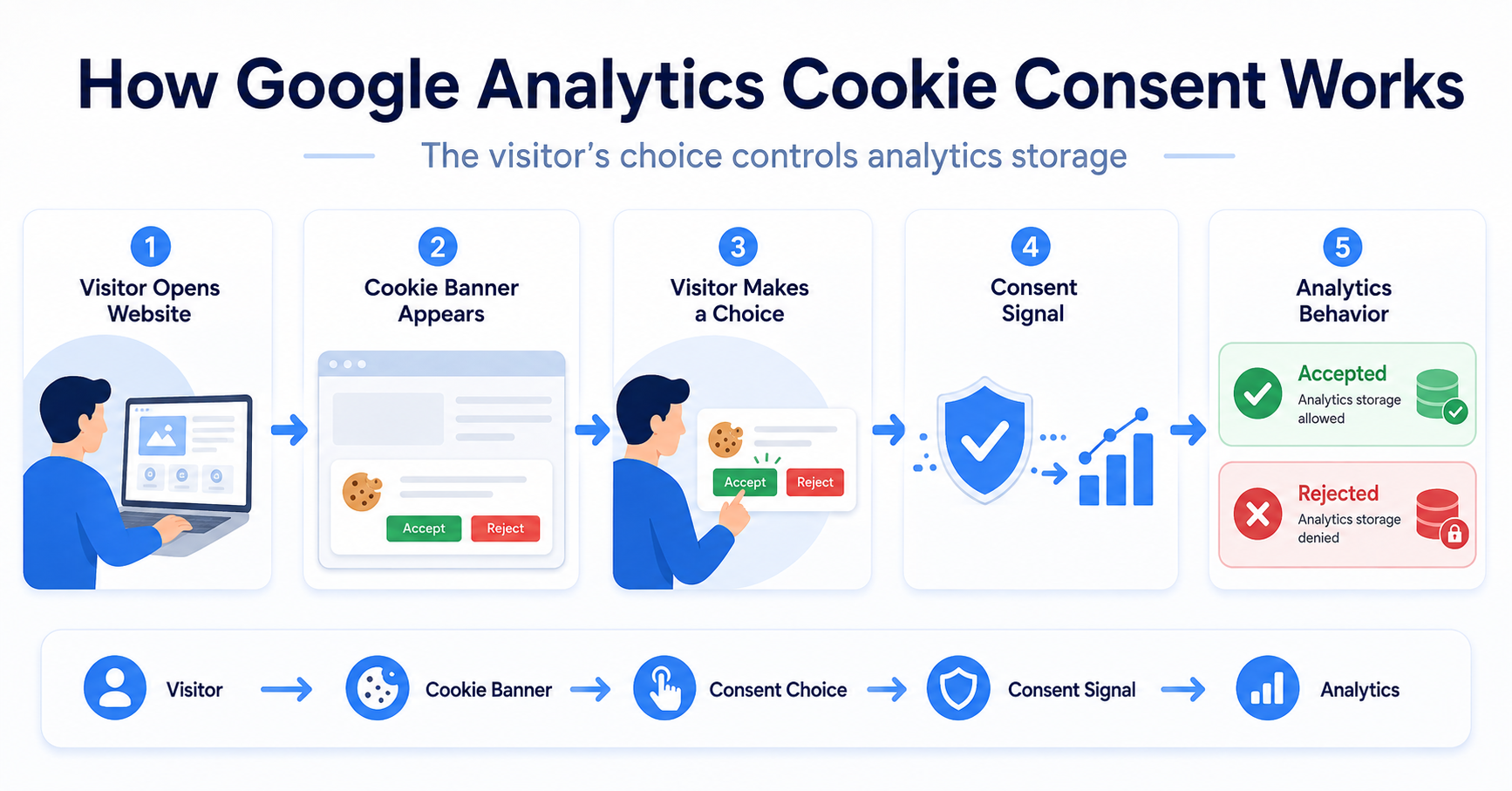
The basic flow looks like this:
Visitor → Cookie Banner → Consent Choice → Consent Signal → Google Analytics Behavior
This separation is important. Google Analytics is not your cookie banner, and Google Consent Mode is not a complete consent management platform.
Google Analytics 4 Cookie Consent
Google Analytics 4, usually called GA4, uses consent signals to adjust how Google tags behave.
One of the most relevant signals for Google Analytics is:
analytics_storage
This setting controls storage related to analytics, such as analytics cookies.
In simple terms:
| Consent State | Analytics Storage |
|---|---|
| Granted | Analytics storage such as cookies can be used according to the configuration |
| Denied | Google Analytics does not read or write first-party analytics cookies |
This makes the visitor’s consent choice much more useful than simply hiding or showing a banner.
The choice actually needs to affect what your tracking tools do.
Google Consent Mode and Google Analytics
Google Consent Mode is designed to help Google tags respond to user consent choices.
For example, your cookie consent platform may tell Google that analytics storage is:
- granted when the visitor accepts analytics cookies
- denied when the visitor rejects analytics cookies
Google Analytics can then adjust its behavior based on that signal.
This is especially useful for websites that use several Google services together, such as Google Analytics, Google Ads, and Google Tag Manager.
Want to understand what Consent Mode actually does?
How to Set Up Cookie Consent for Google Analytics
You do not normally need to build the entire consent system yourself.
For most small websites, the easiest approach is to use a cookie consent platform that can integrate with Google Analytics or Google Consent Mode.
The general process is:
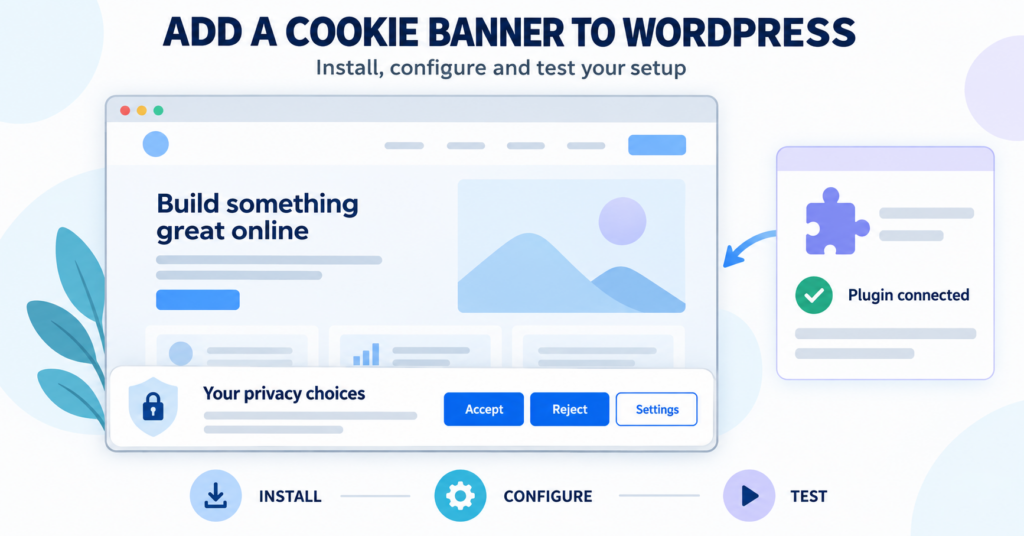
- Install a cookie consent solution.
- Configure analytics as a non-essential category.
- Connect the consent system to Google Analytics or Google Consent Mode.
- Set the correct default consent state.
- Update the consent state after the visitor accepts or rejects.
- Test the website in a clean browser session.
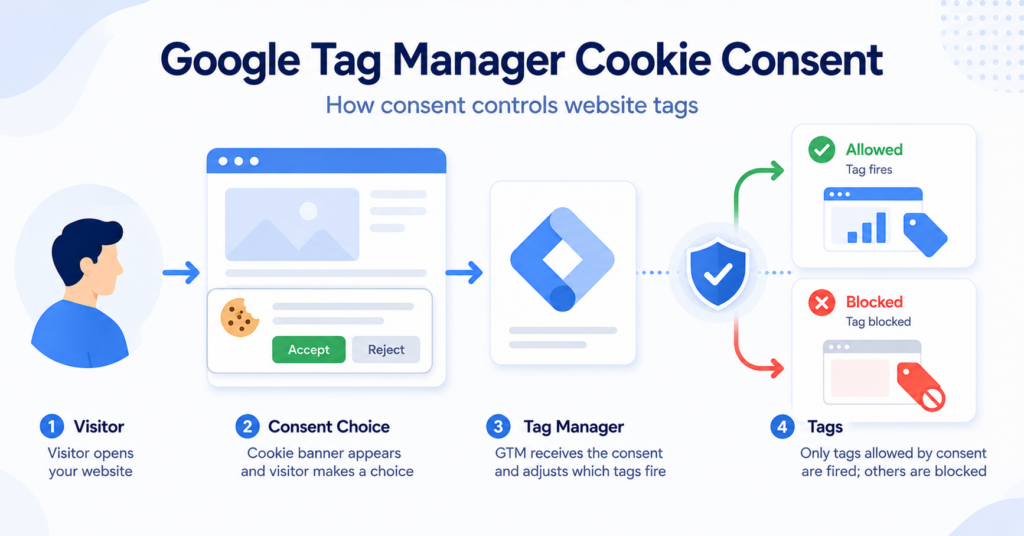
If you use Google Tag Manager, the consent choice can also control when your analytics tags are allowed to fire.
If GTM is new to you, read What Is Google Tag Manager (GTM)? before changing tag settings.
Do not test consent using only your normal browser window. Existing cookies from earlier visits can make it look like your consent setup is behaving incorrectly.
Use an incognito or private browser window when testing.
How to Check Whether Google Analytics Loads Before Consent
Installing a cookie banner is not enough. You should test what actually happens on the website.
Start with a fresh private browser window and open your website without accepting the banner.
Then check whether analytics cookies appear.
Common GA4 cookies include names beginning with:
_ga_ga_
If those cookies appear before the visitor has accepted analytics storage in a setup where they should be blocked, you may need to review your configuration.
You should then repeat the test after clicking Accept and again after rejecting analytics cookies.
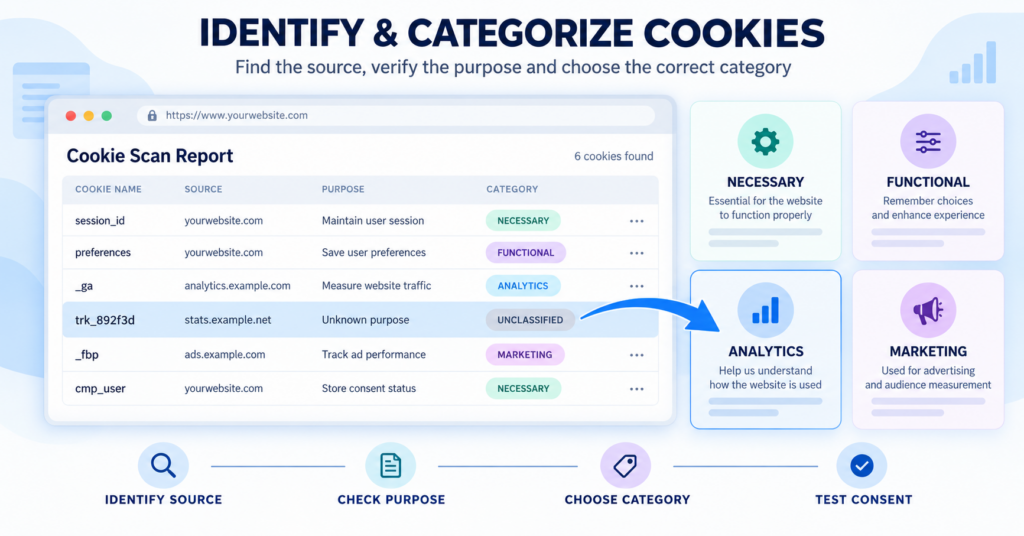
You can also use our Cookie Scanner as a starting point for identifying cookies and tracking technologies on your website.
You open your website in incognito mode and do not interact with the cookie banner.
If _ga is already visible in browser storage, check whether Google Analytics is firing independently of your consent platform.
Common Google Analytics Cookie Consent Mistakes
Many consent problems come from configuration rather than the cookie banner itself.
Here are some of the most common mistakes:
- Google Analytics loads before the banner receives a choice
- The Reject button does not actually stop analytics storage
- Google Analytics is installed twice
- Analytics is loaded directly and again through Google Tag Manager
- Consent Mode defaults are configured incorrectly
- The banner shows consent options but does not send the correct consent signals
- The website is tested using old cookies from previous visits
Duplicate installations are especially easy to miss.
For example, Google Analytics might be installed through a WordPress plugin and also through Google Tag Manager. Even if one installation respects consent correctly, the second one may still load independently.
A cookie banner that looks correct does not prove that your tracking setup is correct.
Always test the actual cookies and tags before and after the visitor makes a consent choice.
Do You Need Google Consent Mode?
Not every website needs the most advanced possible Google setup.
If you use Google Analytics and a cookie consent platform, Consent Mode can be useful because it gives supported Google tags a standardized way to understand the visitor’s choice.
It becomes especially relevant when you use:
- Google Analytics 4
- Google Ads
- Google Tag Manager
- conversion tracking
- multiple Google tags
For a very simple website, the most important thing is still getting the basics right: show a clear consent choice and make sure non-essential tracking behaves according to that choice.
Conclusion
Google Analytics cookie consent is not just about displaying a banner. The visitor’s choice needs to affect what Google Analytics and related tracking tools actually do.
For websites using GDPR-style consent, that often means controlling analytics storage before consent, giving visitors a real accept or reject choice, and testing the website to make sure the configuration works as expected.
Next Step: Learn Which Cookies Google Analytics Uses
Now that you understand how Google Analytics cookie consent works, the next step is to understand which cookies Google Analytics may place and what they are used for.

Frequently Asked Questions
Common questions about this topic
It can. If Google Analytics uses non-essential cookies or similar tracking technologies, consent may be required depending on the visitor’s location and the privacy rules that apply to your website.
Yes. GA4 JavaScript tags can use first-party cookies to distinguish users and sessions. Google also provides consent controls that can change cookie behavior based on the visitor’s choice.
analytics_storage is a Google Consent Mode setting related to analytics storage. When it is denied, Google Analytics does not read or write first-party analytics cookies.
Google’s advanced Consent Mode can send limited cookieless signals when analytics storage is denied. This is different from normal cookie-based analytics measurement and should not be confused with full tracking after consent.
No. A cookie banner collects the visitor’s choice. Google Consent Mode communicates consent states to supported Google tags so they can adjust their behavior.