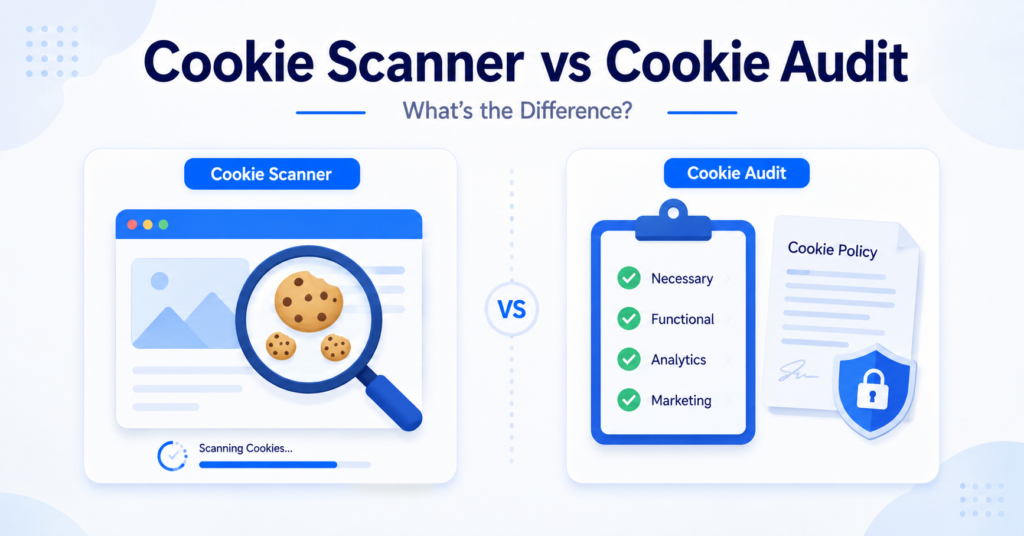
Cookie scanners and cookie audits are often mentioned together, but they are not the same thing.
Both help you understand the cookies used by a website, yet they serve different purposes. A cookie scanner quickly detects cookies and similar technologies, while a cookie audit reviews how those cookies are categorized, how consent works, and whether your cookie information is accurate.
In this guide, you’ll learn the key differences between a cookie scanner and a cookie audit, when to use each one, and why many websites benefit from using both.
A cookie scanner automatically detects cookies used by a website. A cookie audit goes further by reviewing cookie categories, consent behavior, cookie policies, and overall cookie compliance. Most website owners should start with a cookie scan before performing a full cookie audit.
Cookie Scanner vs Cookie Audit: Quick Comparison
| Feature | Cookie Scanner | Cookie Audit |
|---|---|---|
| Main purpose | Detect website cookies | Review cookie compliance |
| Automation | Mostly automatic | Requires manual review |
| Cookie categories | Suggests categories | Verifies categories |
| Consent testing | Limited | Included |
| Cookie policy review | No | Yes |
| Best for | Quick website checks | Complete website reviews |
What Is a Cookie Scanner?
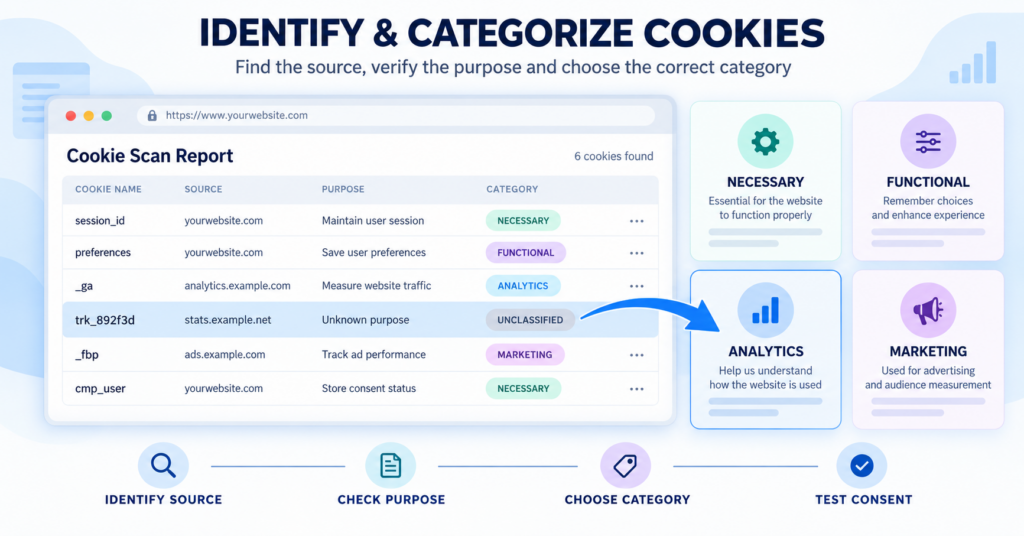
A cookie scanner is an automated tool that checks a website for cookies and similar tracking technologies.
It helps website owners quickly identify which cookies may be active without manually inspecting browser storage or developer tools.
Most cookie scanners can detect:
- cookie names;
- providers or domains;
- possible cookie categories;
- expiry information;
- basic cookie summaries.
Cookie scanners are useful because they save time and provide a starting point for understanding how a website uses cookies.
If you’d like to learn more about how automated scans work, read our guide explaining What Is a Cookie Scanner?
A cookie scanner gives you a quick overview, but it should not be treated as the final review of your website.
What Is a Cookie Audit?
A cookie audit is a broader review of the cookies and tracking technologies used by your website.
Instead of only detecting cookies, an audit evaluates whether they are correctly categorized, whether consent settings work as expected, and whether your cookie policy accurately reflects the technologies being used.
A typical cookie audit may include:
- reviewing detected cookies;
- checking cookie purposes;
- verifying cookie categories;
- testing consent behavior;
- reviewing the cookie policy;
- checking for missing or outdated information.
Our complete guide to What Is a Cookie Audit? explains the entire process in detail.
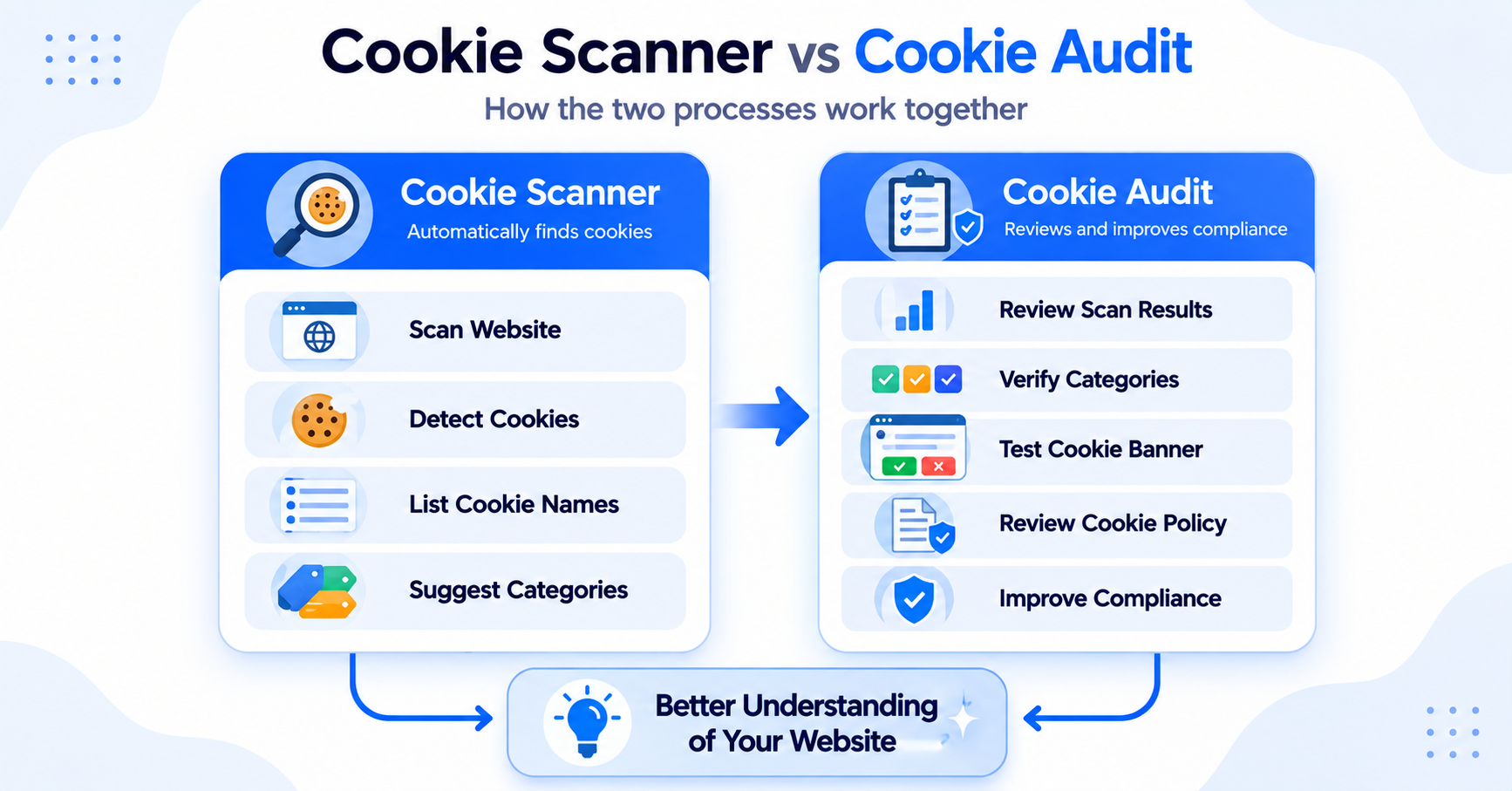
A cookie audit normally starts with the results from a cookie scanner. The scan finds the cookies, while the audit reviews what those results actually mean.
Key Differences Between a Cookie Scanner and a Cookie Audit
A cookie scanner finds cookies
The primary job of a cookie scanner is discovery. It automatically searches for cookies that appear while a webpage loads and provides an overview of the results.
A cookie audit reviews the findings
An audit uses those scan results to review whether cookies are correctly categorized, whether consent settings behave as expected, and whether visitors receive accurate cookie information.
A scanner is faster
Most website owners can complete a basic cookie scan within a few minutes. A complete cookie audit usually takes longer because the results require manual review.
An audit provides more context
A scanner may tell you that a cookie exists. An audit explains why it exists, whether it requires consent, and whether it is correctly documented.
Both work better together
Rather than choosing one over the other, many website owners use both. The scanner identifies potential cookies, while the audit confirms that the overall cookie setup is accurate.
When Should You Use a Cookie Scanner?
A cookie scanner is the right choice when you need a quick overview of the cookies used by a website.
It is especially useful if you have recently added a new plugin, analytics service, embedded video, advertising platform, or another third-party tool and want to see whether new cookies appear.
A cookie scanner is a good option when you want to:
- identify cookies on a website;
- perform a quick website check;
- monitor changes after installing new tools;
- review cookies before updating your cookie policy;
- start preparing for a cookie audit.
If you are new to website cookies, our guide explaining how to find cookies on a website shows both manual and automated methods.
Run a new cookie scan after installing plugins, changing analytics tools, or adding embedded content. Small website changes can introduce new cookies without you noticing.
When Should You Perform a Cookie Audit?
A cookie audit is appropriate when you want to review more than just the cookies detected on your website.
Instead of simply identifying cookies, the audit focuses on whether your overall cookie setup is accurate and whether your website provides clear information about the technologies it uses.
A cookie audit is recommended when you want to:
- review cookie categories;
- test your cookie banner;
- check consent behavior;
- review your cookie policy;
- prepare for a broader cookie compliance review.
Many website owners perform a cookie audit after redesigning their website, changing consent tools, or adding new tracking services.
If you’d like to learn the complete process, read our guide to What Is a Cookie Audit?.
Should You Use Both Together?
Yes. For most websites, a cookie scanner and a cookie audit work best together.
The scanner provides the technical discovery, while the audit reviews those findings and checks whether your cookie categories, consent settings, and cookie policy match your actual website behavior.
A practical workflow looks like this:
- Run a cookie scan.
- Review the detected cookies.
- Check the purpose of each cookie.
- Verify the cookie categories.
- Test the cookie banner.
- Review the cookie policy.
- Update any incorrect information.
This approach gives you a much better understanding of your website than relying on either method alone.
Common Mistakes
Relying only on a cookie scanner
A scanner is an excellent starting point, but it cannot automatically verify every cookie category, consent setting, or policy description.
Skipping manual review
Automatically detected information should always be reviewed, especially when third-party services or custom scripts are involved.
Thinking a scan guarantees compliance
A successful cookie scan does not automatically mean your website is compliant. Consent behavior, cookie categories, and visitor information should also be reviewed.
Performing an audit only once
Websites change over time. New plugins, services, and marketing tools may introduce additional cookies, making regular reviews important.
A website owner scans the website every month to detect new cookies. Every few months, they perform a full cookie audit to review consent settings, cookie categories, and policy information.
Next Step: Scan Your Website for Cookies
If you’re unsure which cookies your website currently uses, start with a cookie scan. It provides a fast overview of detected cookies and gives you the information you need before performing a more detailed cookie audit.

Frequently Asked Questions
Common questions about this topic
A cookie scanner is usually enough for a quick overview of website cookies. If you also want to review consent behavior, cookie categories, and policy information, a cookie audit provides a more complete review.
Yes. Most cookie audits begin with a cookie scan because the scan identifies the cookies that will later be reviewed during the audit.
Most website owners should start with a cookie scanner. Once the cookies have been detected, they can review the results as part of a cookie audit.
Yes. Small website owners can perform a basic cookie scan and a simple cookie audit themselves using browser tools, a cookie scanner, and careful manual review.
There is no fixed schedule. A new audit is recommended whenever significant changes are made to your website, such as installing new plugins, changing analytics services, or updating your cookie banner.