Do you need a cookie policy on your website? In many cases, yes—especially if your site uses analytics, advertising, or third-party content that sets non-essential cookies.
This guide explains when a cookie policy is needed, when it may not be necessary, and how it fits together with your cookie banner and privacy setup.
You’ll also learn what to do next and how to create or review your cookie policy properly.
Most websites need a cookie policy if they use analytics, advertising, embedded content, or other tools that set non-essential cookies.
If your website uses cookies to collect data or track visitors, you usually need to explain this clearly in a cookie policy—even if you already use a cookie banner.
Why a Cookie Policy Matters
A cookie policy explains how your website uses cookies and similar tracking technologies. It helps visitors understand what cookies are active, why they are used, and what choices they have. If you want the simple version first, read What Is a Cookie Policy?.
This matters because privacy rules are not only about asking for consent. They are also about being clear and transparent about what your website is doing.
In simple terms, a cookie banner gives users a choice, while a cookie policy explains that choice in more detail.
- what cookies your site uses
- why those cookies are used
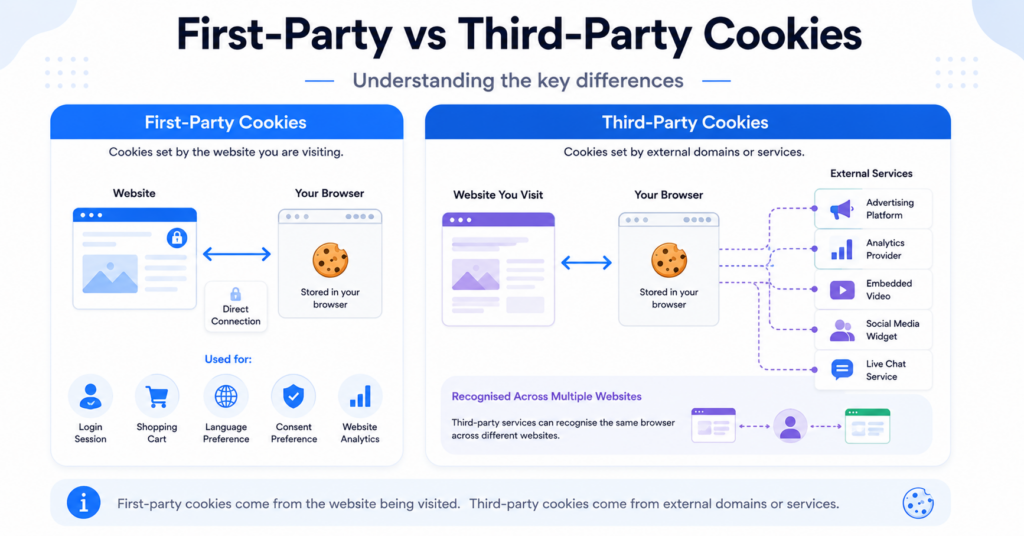
- whether third parties are involved
- how users can manage or reject cookies
Cookie Banner vs Cookie Policy
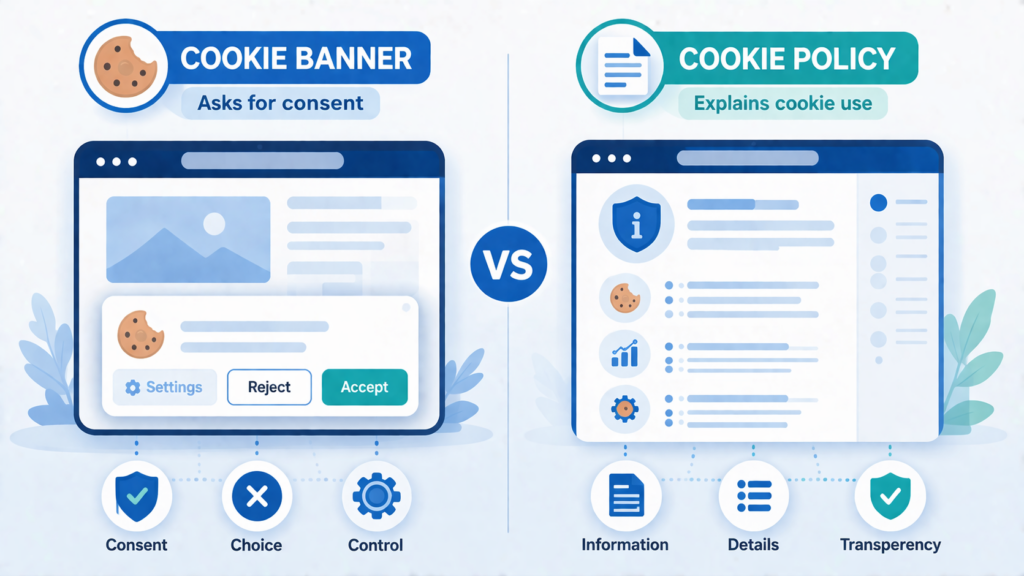
Many website owners confuse a cookie banner and a cookie policy, but they are not the same thing.
- Cookie banner: asks the visitor to accept, reject, or manage cookies
- Cookie policy: explains what cookies are used and how they work on your website
If you want to understand banners first, read What Is a Cookie Banner?.
Most websites that use non-essential cookies need both a banner and a cookie policy, not just one or the other. In practice, if your website needs a cookie banner, it will usually also need a cookie policy to explain what cookies are used and what the user is agreeing to.
Having a cookie banner without a cookie policy may still leave your privacy setup incomplete. Visitors should be able to read what cookies are used and what they are agreeing to.
When You Usually Need a Cookie Policy
You usually need a cookie policy if your website uses cookies or tracking tools beyond strictly necessary functions.
Common examples include:
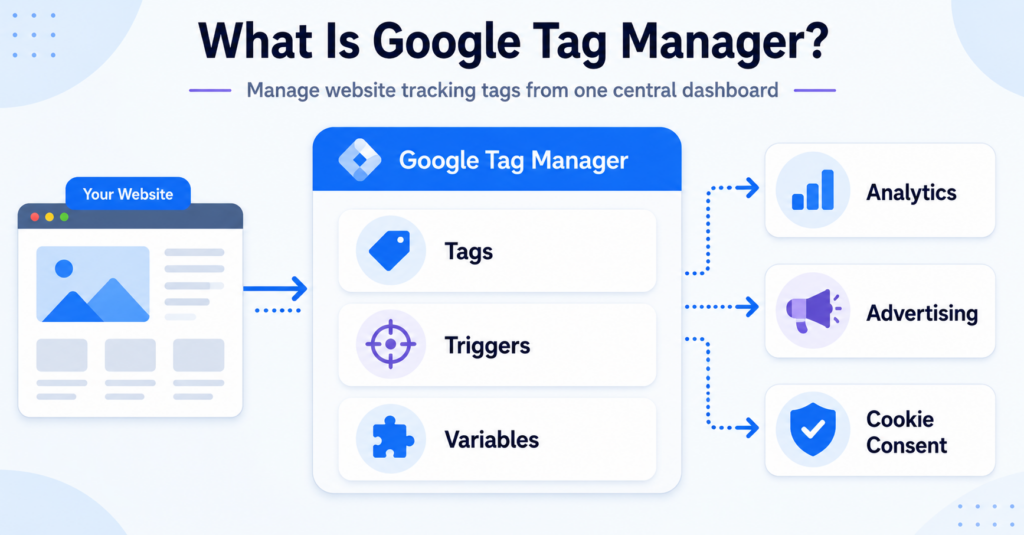
- Google Analytics or similar analytics tools
- advertising tools like Google Ads or Meta Pixel
- YouTube videos or other embedded third-party content
- maps, chat widgets, or forms from external services
- remarketing or tracking scripts
If your website uses any of these, you should clearly explain them in a cookie policy. In many cases, the same websites that need a cookie banner will also need a cookie policy, because users should be able to read what cookies are used before or while making their choice.
When You Might Not Need One
In some limited cases, a separate cookie policy may not be necessary.
This may apply if your website:
- only uses strictly necessary cookies
- does not use analytics or tracking tools
- does not embed third-party content
- is a simple static website with no tracking setup
However, many websites assume they fall into this category when they do not. That is why it is better to check your actual setup instead of guessing.
If your site uses analytics, embedded videos, ads, or third-party tools, it is safer to assume you should review whether a cookie policy is needed.
Does Website Location Matter?
Yes, location can matter. If your website gets visitors from the EU or UK, you are more likely to need a cookie policy together with a proper cookie consent setup.
Other regions may use different privacy rules, but transparency and user choice are becoming more important worldwide. In practice, many website owners use GDPR-style transparency as the safest baseline when they are unsure.
What Happens If You Don’t Have a Cookie Policy?
If your website uses cookies but does not explain them clearly, your setup may feel incomplete from both a user and compliance perspective.
This can lead to problems such as:
- users not understanding what your website is tracking
- weaker transparency
- more difficulty defending your setup if it is reviewed
- a higher chance of privacy mistakes going unnoticed
If you want to understand the broader risk, read What Happens If You Don’t Have a Cookie Banner?.
How to Decide If Your Website Needs a Cookie Policy
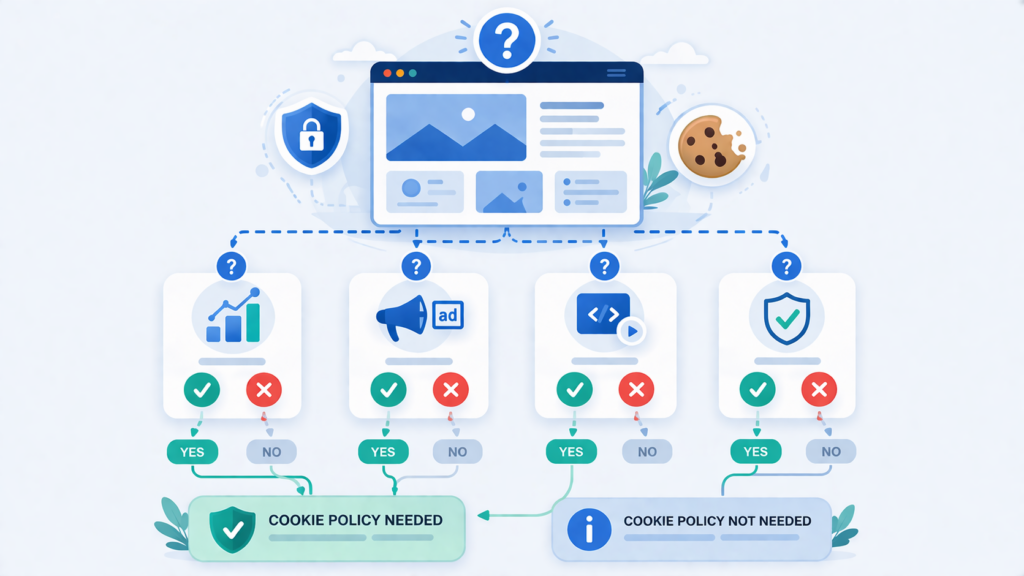
The easiest way to decide is to focus on what your website actually uses.
Ask yourself:
- Do I use analytics tools?
- Do I run ads or tracking pixels?
- Do I embed videos, maps, or third-party tools?
- Do I place non-essential cookies on visitors’ devices?
If the answer is yes to any of these, your website likely needs a cookie policy.
If your website uses analytics, ads, or third-party tools, you should probably have a cookie policy.
If your site only uses strictly necessary cookies and no tracking, your risk may be lower—but it is still worth checking your setup.
What Should You Do Next?
Once you know your website needs a cookie policy, the next step is creating one properly or reviewing the one you already have.
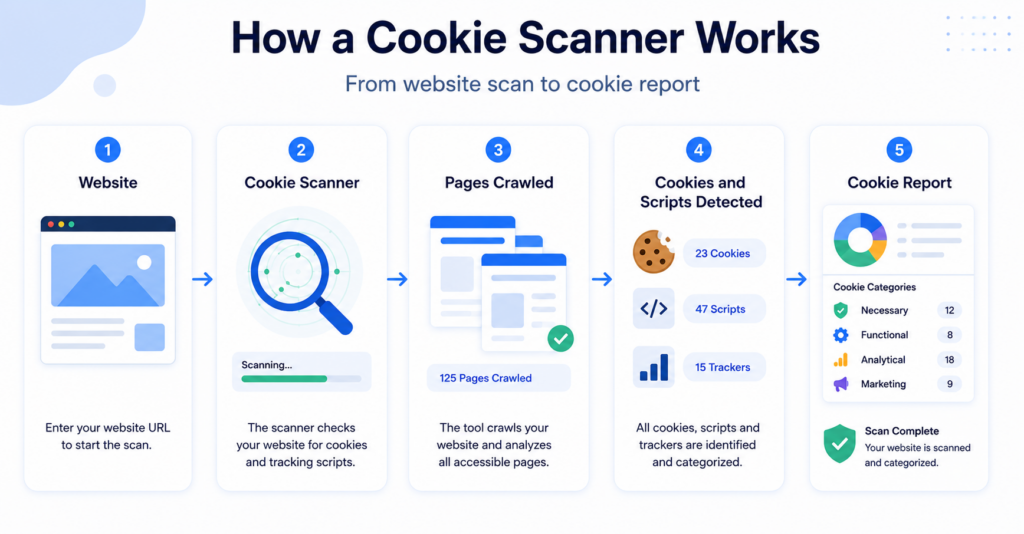
You can also check your current setup with the Cookie Scanner to see whether your website may be using cookies or scripts that need consent and documentation.
Conclusion
Most websites need a cookie policy if they use cookies for analytics, advertising, embedded content, or other non-essential tracking tools. The key issue is not the size of your website, but what tools and cookies it actually uses.
If your website collects data through cookies, you should explain this clearly in a cookie policy and support it with a proper cookie consent setup.
Next Step: Create or Review Your Cookie Policy
Before moving forward, make sure you understand what cookies and tools your website actually uses. Then create or review your cookie policy so it matches your real setup.

Frequently Asked Questions
Common questions about this topic
In many cases, yes. A cookie banner gives users a choice, while a cookie policy explains what cookies are used and how they work.
Not always. Websites that only use strictly necessary cookies may not need the same type of cookie policy as websites using analytics, ads, or embedded content.
In many cases, yes. If your website uses analytics cookies, it is usually a good idea to explain them clearly in your cookie policy.
No. A privacy policy covers broader data processing, while a cookie policy focuses specifically on cookies and similar tracking technologies.
Start by checking what cookies, scripts, and third-party tools your website uses. That will help you decide whether you need a cookie policy and what it should include.