Not having a cookie banner can create problems if your website uses non-essential cookies such as analytics, advertising, or tracking cookies. In many cases, those cookies should not be set before the user has a real choice.
This matters because a missing cookie banner is not just a design issue. It can affect privacy compliance, user trust, and how safely your website handles tracking technologies.
In this guide, you’ll learn what can happen if you don’t have a cookie banner, when the risk is higher, and what to do next if you are not sure about your website setup.
If your website uses non-essential cookies and you do not have a cookie banner, those cookies may be set without proper user consent.
That can create privacy and compliance risks, especially under GDPR and similar rules. It can also reduce trust if visitors feel they are being tracked without a clear choice.
Why This Matters
Many website owners assume a cookie banner is optional or only needed for large companies. In reality, the issue is usually much simpler than that. If your website uses cookies or similar technologies for analytics, advertising, personalization, or embedded third-party content, user consent may be required before those tools start tracking.
That means the risk is often not about the size of your business. It is about what your website actually does.
- Analytics cookies are often not considered strictly necessary
- Marketing and advertising cookies are usually higher risk
- Embedded tools can also set cookies before the user interacts
- A missing banner can mean users never get a real choice
What Can Happen If You Don’t Have a Cookie Banner?
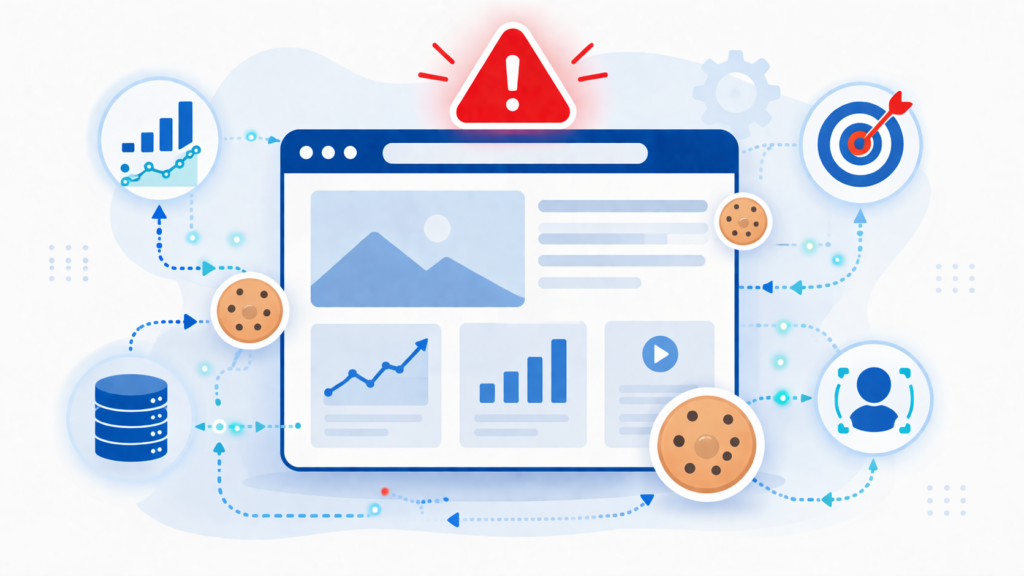
The biggest issue is that non-essential cookies may load automatically when someone visits your website. If that happens before the user has accepted them, your setup may not match GDPR-style consent rules.
According to the ICO, many analytics and tracking cookies are not strictly necessary and usually require consent before they are set.
In practical terms, that can lead to several problems:
- Your website may be collecting data without valid consent
- Your analytics setup may not be handled in a compliant way
- Your advertising or remarketing tools may start tracking too early
- Visitors may not understand what your site is doing with their data
A missing cookie banner is not only about appearance. If your site uses non-essential cookies, the bigger issue is whether those cookies are being set before the visitor has a real choice.
Does This Always Mean You Are Breaking the Rules?
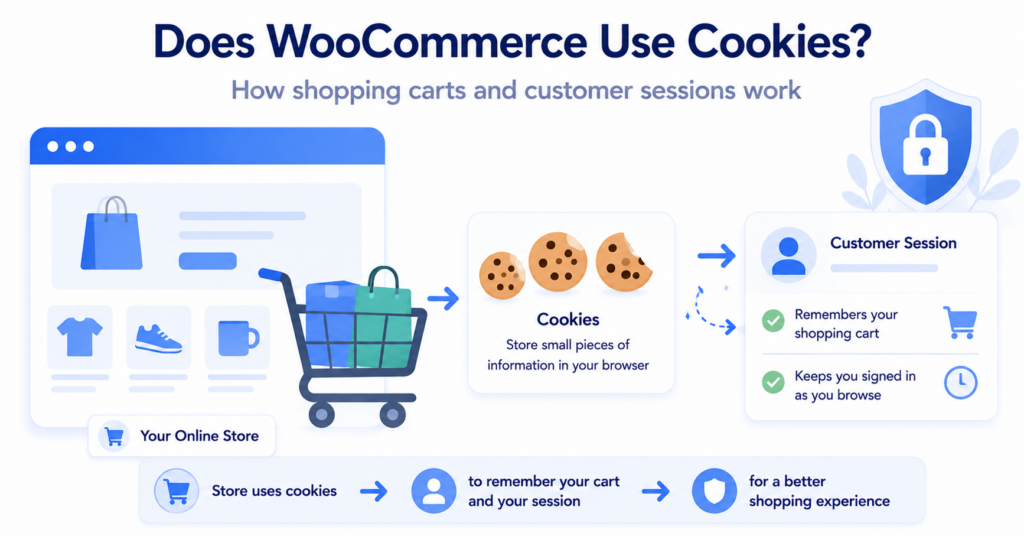
Not always. Some websites only use strictly necessary cookies, such as cookies needed for login sessions, shopping carts, language preferences, or basic site security. In those cases, a full consent banner may not always be required in the same way.
But the moment your website starts using tools like analytics, ad pixels, heatmaps, embedded videos, chat widgets, or other third-party tracking, the situation changes. That is where a missing cookie banner becomes much more important.
So the real question is not just, “Do I have a banner?” It is, “What cookies and scripts is my website actually using?”
Can You Get Fined for Not Having a Cookie Banner?
That is the question many website owners worry about most. The honest answer is that a missing cookie banner does not automatically mean you will get fined tomorrow.
But it does increase your risk. The level of risk depends on things like:
- which country or region your visitors come from
- which cookies and tracking tools your website uses
- whether cookies are blocked until consent
- whether someone complains or reports your site
- how clearly your website explains its tracking
For small websites, the first problem is often not an immediate fine. It is usually that the site is quietly using analytics or marketing cookies in a way that is harder to defend if someone checks.
If you are unsure how real this risk is, it helps to understand how fines actually work in practice and who gets fined. You can read more here: Can You Get Fined for Not Having a Cookie Banner?.
If you get visitors from the EU or UK, it is safer to assume that non-essential cookies should not load until the user has made a clear choice.
What About Analytics, Ads, and Third-Party Tools?
This is where the risk usually becomes more serious. Many website owners think the problem is only with advertising cookies, but analytics cookies can also matter.
For example, your website may seem simple, but if it uses Google Analytics, Meta Pixel, YouTube embeds, Google Maps, chat widgets, or other third-party tools, those tools may still place cookies or access information on the user’s device.
That is why it helps to think beyond just “Do I run ads?” A website can create consent problems even without a large ad setup.
- Analytics tools: often require consent if they are not strictly necessary
- Ad and marketing tools: usually higher risk and should be controlled carefully
- Embedded content: can set cookies through third-party services
- Tag managers and scripts: can trigger tracking before the user accepts
Do Cookie Banner Rules Only Matter in the EU?
No. GDPR and related EU cookie consent rules are the clearest and often the strictest baseline, but they are not the only rules that matter.
Other regions may require transparency, opt-out choices, or consent depending on the type of data collection and the local law. That means websites with international traffic should not assume the issue only applies to Europe.
In simple terms, GDPR is the strongest starting point. If your site follows a strong GDPR-style setup, you are usually in a better position than if you ignore the issue completely.
A small local business website with only essential cookies may have lower risk.
But a small website using Google Analytics, Meta Pixel, YouTube embeds, and third-party tracking can still create privacy problems if no banner or consent control is shown to visitors.
Other Problems a Missing Cookie Banner Can Create
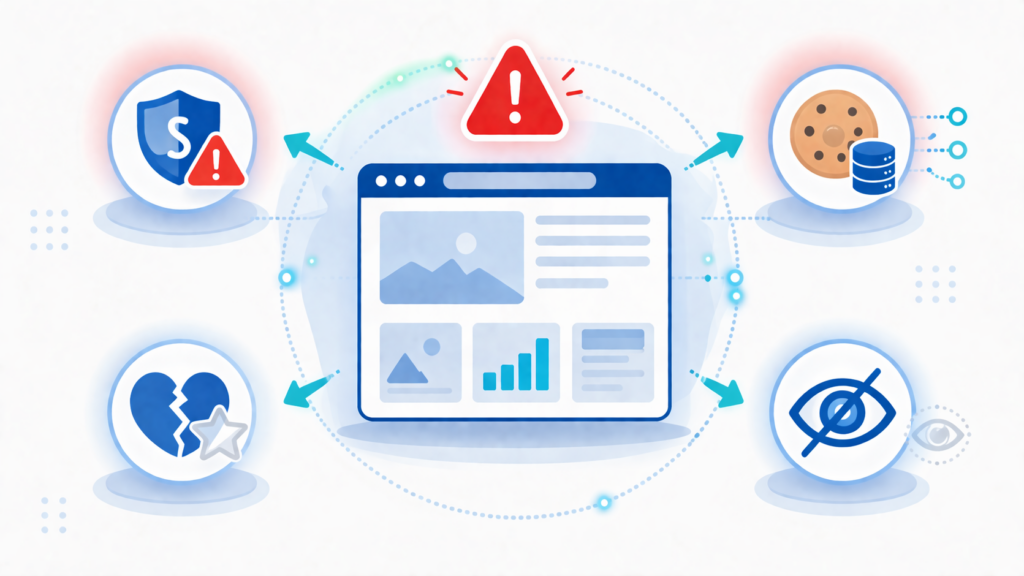
The risk is not only legal or regulatory. A missing cookie banner can also affect how people see your website.
- Lower trust: visitors may feel they are being tracked without being told clearly
- Poor transparency: your privacy setup may look incomplete or outdated
- Weaker compliance process: it becomes harder to show that consent is handled properly
- More cleanup later: fixing tracking after everything is already live is usually harder
Here’s why this matters: a cookie banner is often part of a bigger privacy setup. If that first layer is missing, the rest of the system may also be weak.
When Is the Risk Higher?
The risk is usually higher if your website does any of the following:
- uses Google Analytics or similar analytics tools
- uses Meta Pixel, Google Ads, or remarketing tags
- embeds YouTube videos, maps, forms, or chat tools
- runs an ecommerce store
- uses multiple third-party scripts or tag managers
- gets visitors from the EU or UK
When Might the Risk Be Lower?
The risk may be lower if your website is very simple and only uses strictly necessary cookies. For example, a brochure-style site with no analytics, no ad tracking, and no embedded third-party tools may have fewer consent issues.
But this is exactly why checking your real cookie setup matters. Many websites use more tracking tools than the owner realizes.
Common Mistakes Website Owners Make
Many website owners do not ignore cookie banners on purpose. They usually make one of these mistakes instead:
- assuming small websites do not need privacy controls
- thinking analytics cookies do not count
- adding a privacy policy but no consent banner
- using embedded content without checking what cookies it sets
- assuming a plugin or theme already handles everything automatically
If you are not sure what your website is doing, it is better to check than to guess.
What Should You Do Instead?
The best next step is not to panic. It is to understand what your website uses and whether those cookies are essential or non-essential.
Start by checking your current setup. You can scan your site, review what tools are active, and then decide whether you need a cookie banner and what type of setup fits best.
If you want a quick starting point, use the Cookie Scanner to see what your website may be loading. Then move to the next decision step.
Not sure whether your website actually needs a cookie banner?
Conclusion
If your website uses non-essential cookies and you do not have a cookie banner, you may be collecting data without giving visitors a clear choice first. That can create compliance risks, trust issues, and more work later.
The real issue is not just whether a banner exists. It is whether your website uses cookies or tracking tools that should be controlled before consent. Once you know that, the next step becomes much clearer.
Next Step: Check If Your Website Really Needs a Cookie Banner
Now choose your next step based on what your website actually uses. If you are not sure whether your site needs a cookie banner, start there before thinking about setup tools or providers.

Frequently Asked Questions
Common questions about this topic
Yes, it can. If the site uses non-essential cookies without a clear user choice, the missing banner may be part of a larger consent problem.
Yes, often they do. Analytics cookies are usually not considered strictly necessary, so they may still require consent depending on your setup and region.
The risk may be lower. Websites that only use strictly necessary cookies may not need the same consent setup as sites using analytics or marketing tools.
Sometimes, yes. Different regions use different privacy rules, but transparency, tracking disclosures, and user choice can still matter outside the EU.
Start by checking what cookies and scripts your website uses. Then decide whether your site needs a cookie banner and what type of setup makes sense.