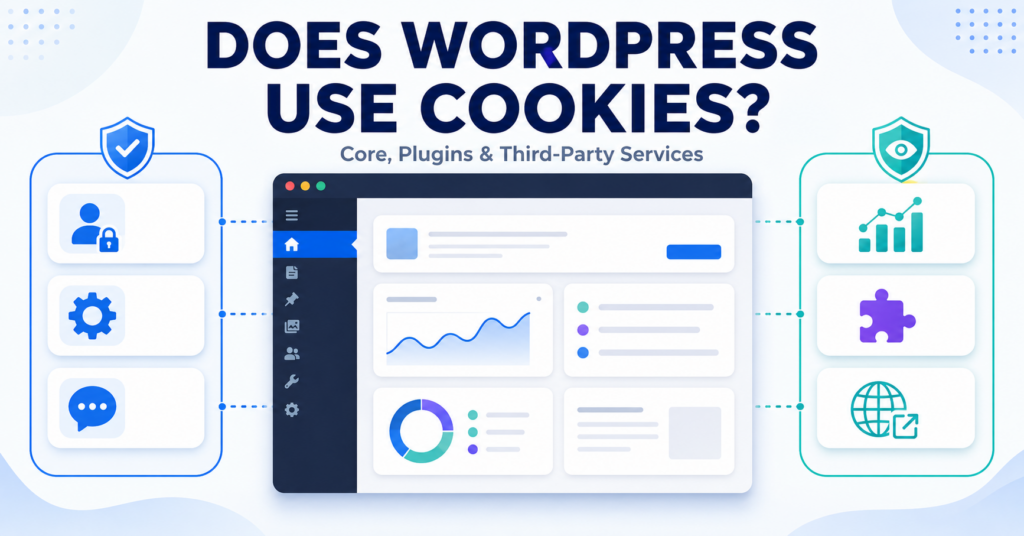
WordPress can use cookies for functions such as user login, authentication, and remembering certain preferences.
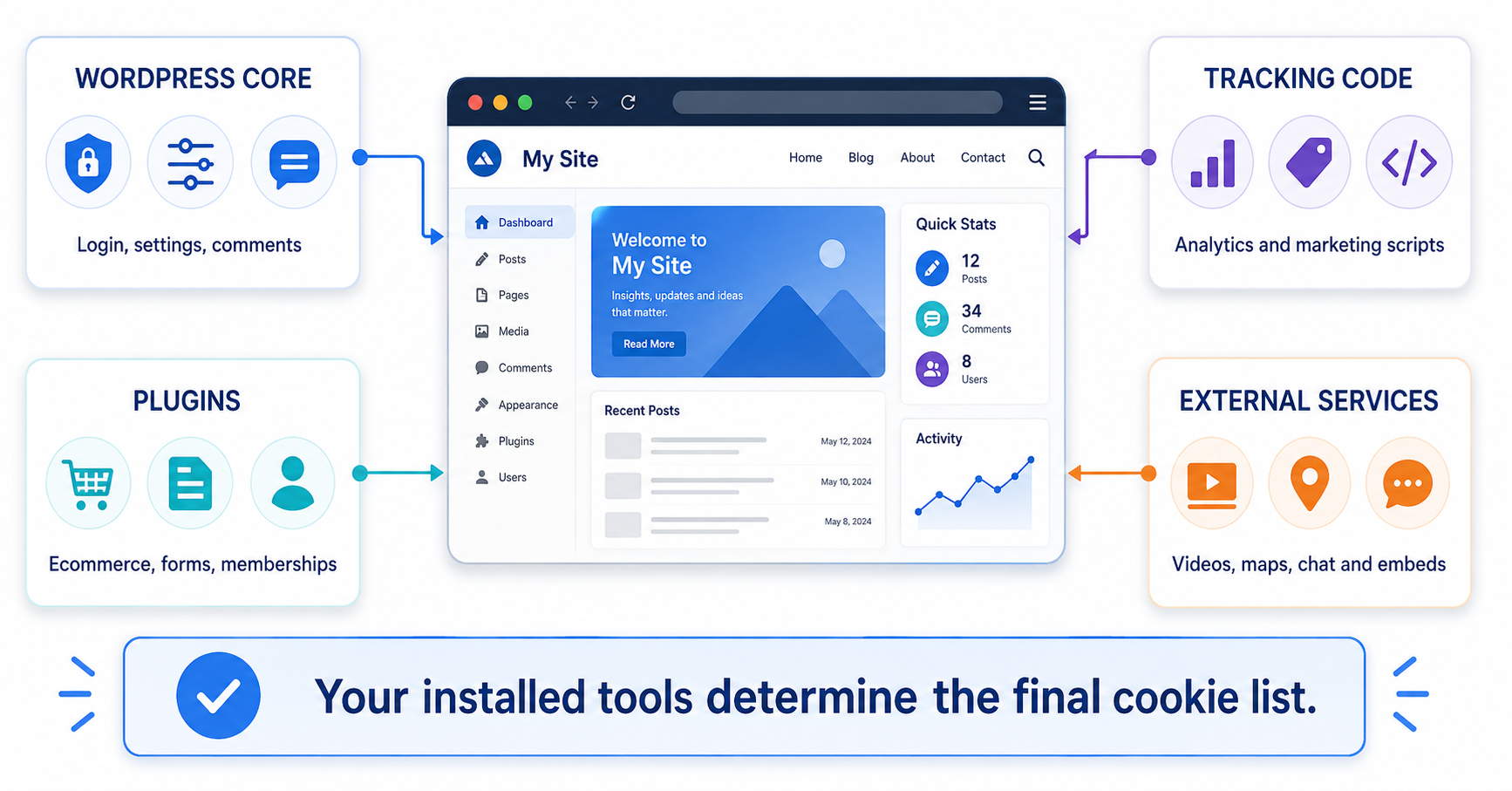
But WordPress core is only part of the picture. Plugins, analytics tools, ecommerce features, embedded content, and other services can add additional cookies to a WordPress website.
In this guide, you’ll learn which cookies WordPress can use, what they do, and how to check which cookies your own WordPress website is actually setting.
Yes. WordPress uses cookies for functions such as authentication, logged-in sessions, user preferences, and optional comment convenience features. Plugins and third-party services can also add their own cookies, so the exact cookies on two WordPress websites can be very different.
Does WordPress Use Cookies?
Yes. WordPress uses cookies for several built-in functions.
These can include:
- logging users into WordPress
- keeping users authenticated
- remembering admin interface preferences
- testing whether the browser accepts cookies
- remembering commenter information when the visitor chooses that option
- remembering the selected login language
However, a normal visitor who simply reads a basic WordPress website may not receive all of these cookies.
Many WordPress cookies appear only after a specific action, such as logging in or leaving a comment.
If you want to understand cookies more generally first, read What Are Web Cookies and How Do They Work?.
What Cookies Does WordPress Use?
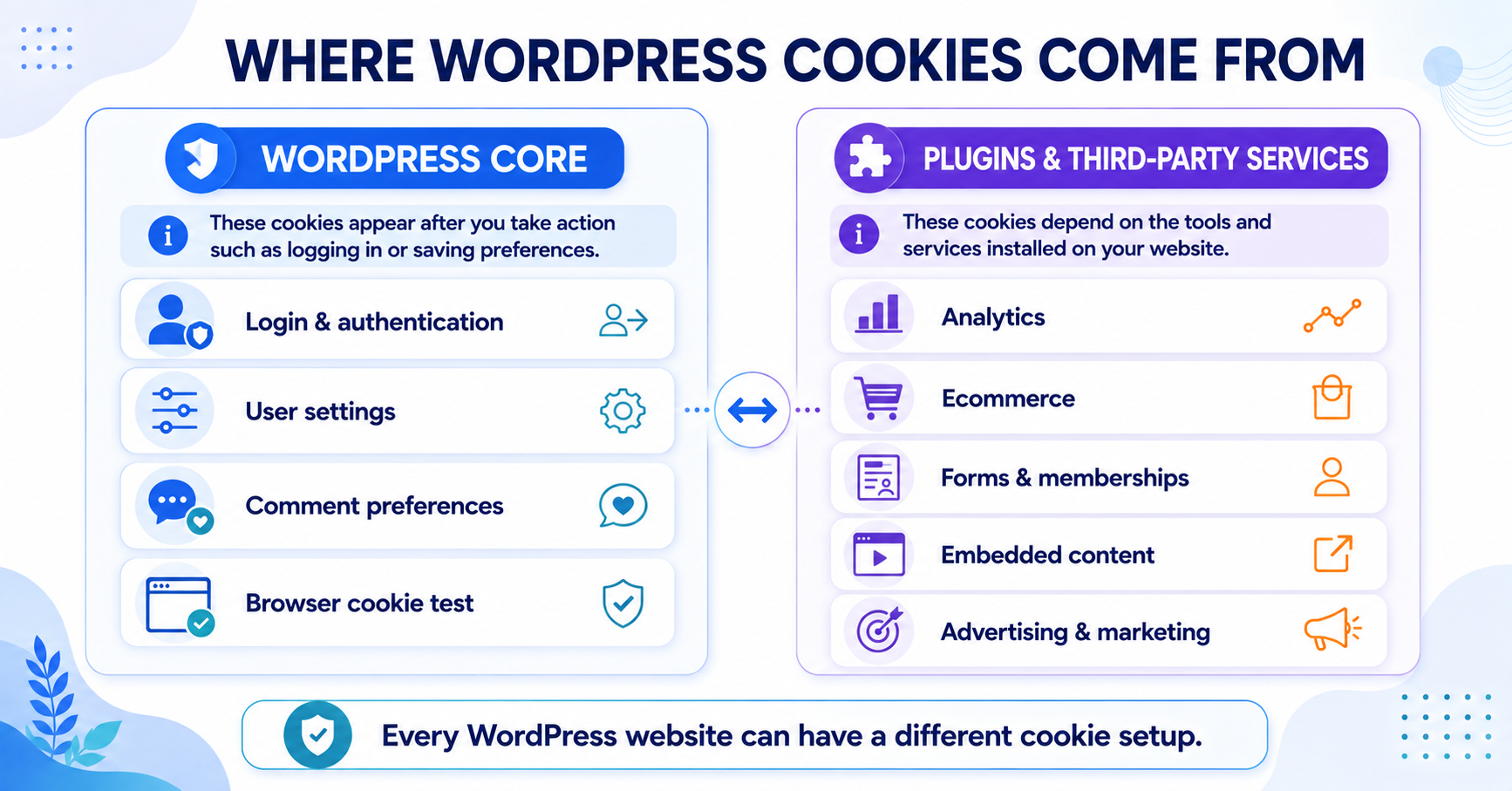
WordPress core uses different cookies for different purposes.
| Cookie Type | Main Purpose | When It May Appear |
|---|---|---|
| Authentication cookies | Verify logged-in users | When a user logs in |
| Logged-in cookie | Identify the logged-in session | After login |
| Settings cookies | Remember user interface preferences | For logged-in users |
| Comment cookies | Remember commenter details | When a commenter chooses to save details |
| Test cookie | Check whether the browser supports cookies | During the login process |
| Language cookie | Remember the selected login language | When a login language is selected |
The exact cookie names and behavior depend on what the visitor is doing on the website.
WordPress Login and Authentication Cookies
WordPress uses cookies as part of its built-in authentication system.
When someone logs in, WordPress can create cookies with names such as:
wordpress_[hash]wordpress_logged_in_[hash]wordpress_sec_[hash]
These cookies help WordPress verify that the user has successfully logged in and keep that user authenticated while navigating the dashboard or website.
The wordpress_logged_in_[hash] cookie indicates that the user is logged in and helps WordPress identify the authenticated session on the frontend.
This means an anonymous visitor reading your blog will not normally receive the same authentication cookies as an administrator who logs into /wp-admin/.
A visitor opens a public WordPress blog and reads an article without logging in. WordPress does not need to create logged-in authentication cookies for that visitor.
The site administrator logs into the WordPress dashboard, and WordPress uses authentication cookies to keep that administrator signed in.
Does WordPress Use Cookies for User Settings?
Yes. WordPress can use settings cookies for logged-in users.
Examples include cookies beginning with:
wp-settings-wp-settings-time-
These cookies help WordPress remember interface preferences for a user.
For example, they can help customize how parts of the WordPress administration interface are displayed.
These are functional cookies connected to the user’s WordPress experience rather than website analytics or advertising.
Does WordPress Use Cookies for Comments?
WordPress can also use cookies when a visitor leaves a comment.
A logged-out commenter may be given the option to save their:
- name
- email address
- website address
This allows WordPress to pre-fill those details when the person leaves another comment later.
Common comment cookie names include:
comment_author_{HASH}comment_author_email_{HASH}comment_author_url_{HASH}
Modern WordPress comment forms include an opt-in checkbox for saving this information in cookies.
Comment cookies are different from login cookies. They are used for commenter convenience and are not required simply for reading the website.
Do WordPress Plugins Use Cookies?
Yes. Plugins can add their own cookies or other forms of browser storage.
This is one of the most important things to understand about WordPress cookies.
WordPress core is only the foundation of the website. Plugins can add many additional features, including:
- analytics
- ecommerce
- forms
- security
- membership systems
- chat widgets
- advertising
- cookie consent
Each plugin can behave differently.
Some plugins do not need cookies at all. Others may use cookies that are essential for their functionality, while analytics or marketing plugins may introduce non-essential tracking.
Do not rely on a generic list of “WordPress cookies” to describe your own website. The plugins and third-party services installed on your site can completely change which cookies are actually used.
Do Analytics Tools on WordPress Use Cookies?
They can.
For example, if Google Analytics is installed on a WordPress site, Google Analytics can use its own analytics cookies.
A common example is:
_ga
That cookie does not come from WordPress core. It comes from the Google Analytics setup running on the WordPress website.
The same principle applies whether Analytics is installed through:
- a WordPress plugin
- Google Tag Manager
- theme code
- a manually added tracking script
For a detailed breakdown, see Does Google Analytics Use Cookies?.
Do WordPress Websites Use Third-Party Cookies?
Some do, but WordPress itself does not mean that every website automatically uses third-party cookies.
Third-party services can appear on a WordPress website through features such as:
- embedded videos
- maps
- social media content
- advertising
- analytics
- external chat tools
- marketing integrations
Whether these services use cookies depends on the provider and configuration.
A simple WordPress blog with very few plugins can therefore have a much smaller cookie footprint than a business website using analytics, advertising, ecommerce, embedded media, and marketing tools.
Want to understand who creates different website cookies?
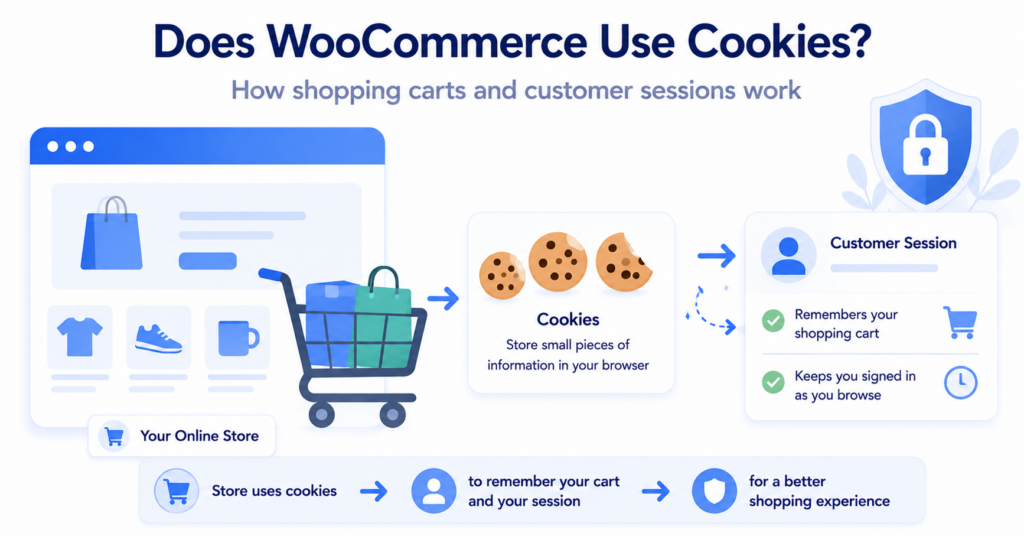
Does WooCommerce Use Cookies?
Yes. WooCommerce can use cookies and session-related data to support ecommerce functionality.
For example, an online store needs to remember information related to actions such as adding products to a shopping cart and maintaining a shopping session.
However, WooCommerce has its own cookie behavior and deserves a separate explanation.
We cover this in more detail in Does WooCommerce Use Cookies?.
Does WordPress Need Cookie Consent?
Using WordPress does not automatically tell you whether your website needs cookie consent.
The answer depends on which cookies and tracking technologies the website actually uses.
For example, there is an important difference between:
- a cookie required to keep an administrator logged in
- a cookie used to maintain a shopping cart
- an analytics cookie used to measure visitor behavior
- a marketing cookie used for advertising
Some cookies may be necessary for a service requested by the user, while analytics or marketing cookies may need different consent treatment depending on the privacy rules that apply.
If you are unsure where your website fits, read Does My Website Need a Cookie Banner?.
How to Check Which Cookies Your WordPress Site Uses
Because every WordPress site can be different, the best approach is to check your own website.
You can start manually using your browser:
- Open your WordPress website in a private or incognito window.
- Open Developer Tools.
- Go to Application → Storage → Cookies.
- Select your website domain.
- Note which cookies appear before interacting with the site.
- Test features such as login, comments, forms, or ecommerce.
- If you use a cookie banner, compare cookies before and after consent.
You should also test the website while logged out.
If you test only while logged into WordPress as an administrator, authentication and settings cookies can make the cookie list look much larger than what a normal visitor sees.
Always test a public WordPress page while logged out and in a fresh private browser window. This gives you a much clearer picture of the cookies a normal visitor receives.
You can also use our Cookie Scanner as a starting point for identifying cookies and tracking technologies detected on your website.
Why Every WordPress Website Can Have Different Cookies
Two websites can both use WordPress and still have completely different cookie setups.
Consider these two examples:
| Simple WordPress Blog | Business WordPress Website |
|---|---|
| Basic WordPress installation | WordPress + many plugins |
| No analytics | Google Analytics |
| No ecommerce | WooCommerce |
| No advertising | Advertising and marketing tags |
| Few visitor cookies | Potentially many types of cookies and browser storage |
This is why the question “Does WordPress use cookies?” has two parts.
WordPress core uses some cookies for specific built-in functions.
But the complete cookie footprint of your website depends on everything installed or embedded on top of WordPress.
Conclusion
WordPress does use cookies, but many of its built-in cookies appear only when a visitor performs a specific action such as logging in or choosing to save comment details.
The bigger variable is everything added to WordPress. Plugins, analytics, ecommerce tools, advertising services, and embedded content can all change which cookies and other tracking technologies appear on your website.
Next Step: Add a Cookie Banner to WordPress
Now that you know where WordPress cookies can come from, the next step is to learn how to add a cookie banner and control non-essential cookies on a WordPress website.

Frequently Asked Questions
Common questions about this topic
Yes. WordPress uses cookies for built-in functions such as authentication, logged-in sessions, user settings, and optional comment convenience features.
WordPress can use authentication cookies such as wordpress_logged_in_[hash], settings cookies such as wp-settings-, comment cookies, a test cookie, and a login language cookie.
WordPress core cookies are mainly connected to functionality such as authentication and preferences. Tracking cookies may be added by analytics, advertising, plugins, or other third-party services installed on the website.
Some do. Plugins can create cookies or other browser storage depending on the functionality they provide.
WordPress itself does not determine this. You need to look at the specific cookies and tracking technologies used by your website and the privacy rules that apply.
You can inspect them through browser Developer Tools or use a cookie scanner. For the clearest result, test the site while logged out in a private browser session.