Choosing a WordPress cookie consent plugin means looking beyond how the banner looks. You also need to understand what the free version includes, how consent affects your tracking scripts, and which features require a paid plan.
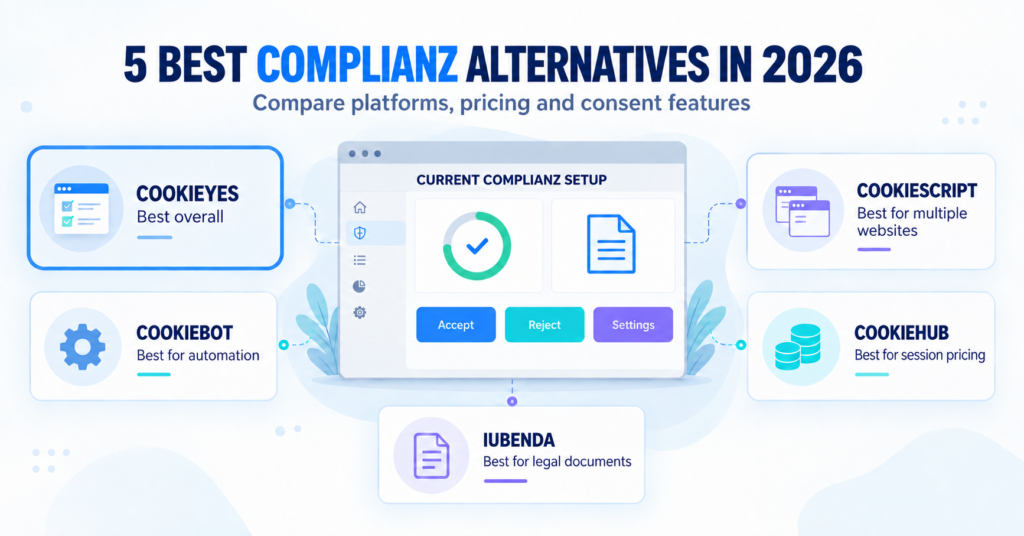
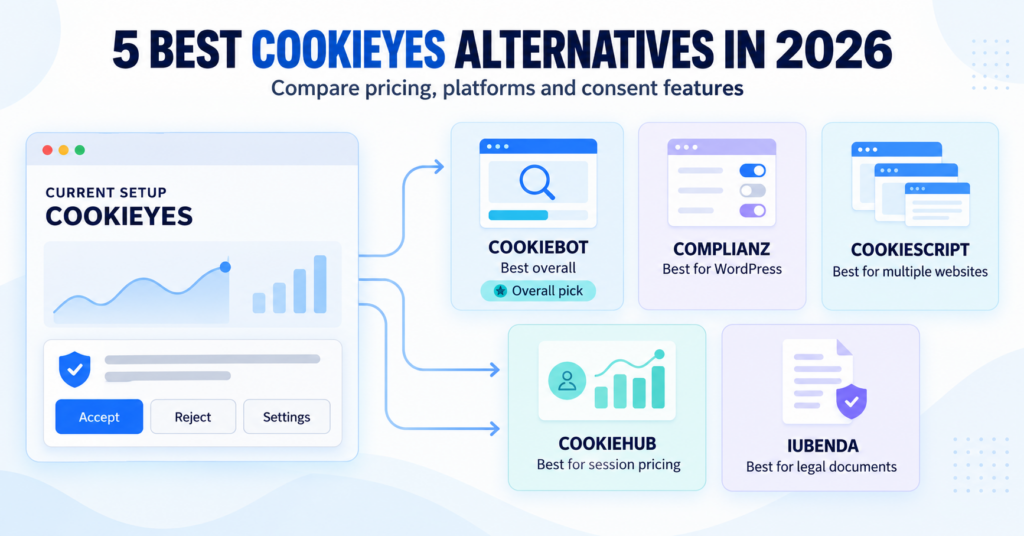
This guide compares Complianz, CookieYes, Cookiebot, CookieHub, CookieScript, and iubenda to help you choose an option that fits your WordPress website, traffic, and budget.
For a small WordPress website, Complianz is our recommended starting point if you want guided setup inside WordPress. Compare CookieYes if you prefer a separate online dashboard, or Cookiebot if automatic cookie scanning is your priority. Check the free plan’s limits and included features before choosing.
Find the Right WordPress Plugin in 30 Seconds
Check whether the free features cover your needs.
How We Compared These WordPress Plugins
We compared setup, useful free features, scanning and traffic limits, and reasons to pay. We used the providers’ published plans, WordPress plugin documentation, and our linked reviews and setup guides. The setup guides linked under each tool explain the installation steps in more detail.
Our recommendations match different website needs; they are not performance rankings. A plugin helps manage consent, but you still need to configure it correctly and test how your website behaves.
Affiliate disclosure: The Complianz, CookieYes, and Cookiebot provider buttons below use affiliate links. We may earn a commission if you purchase through them, at no extra cost to you.
Complianz — Our Starting Pick for WordPress
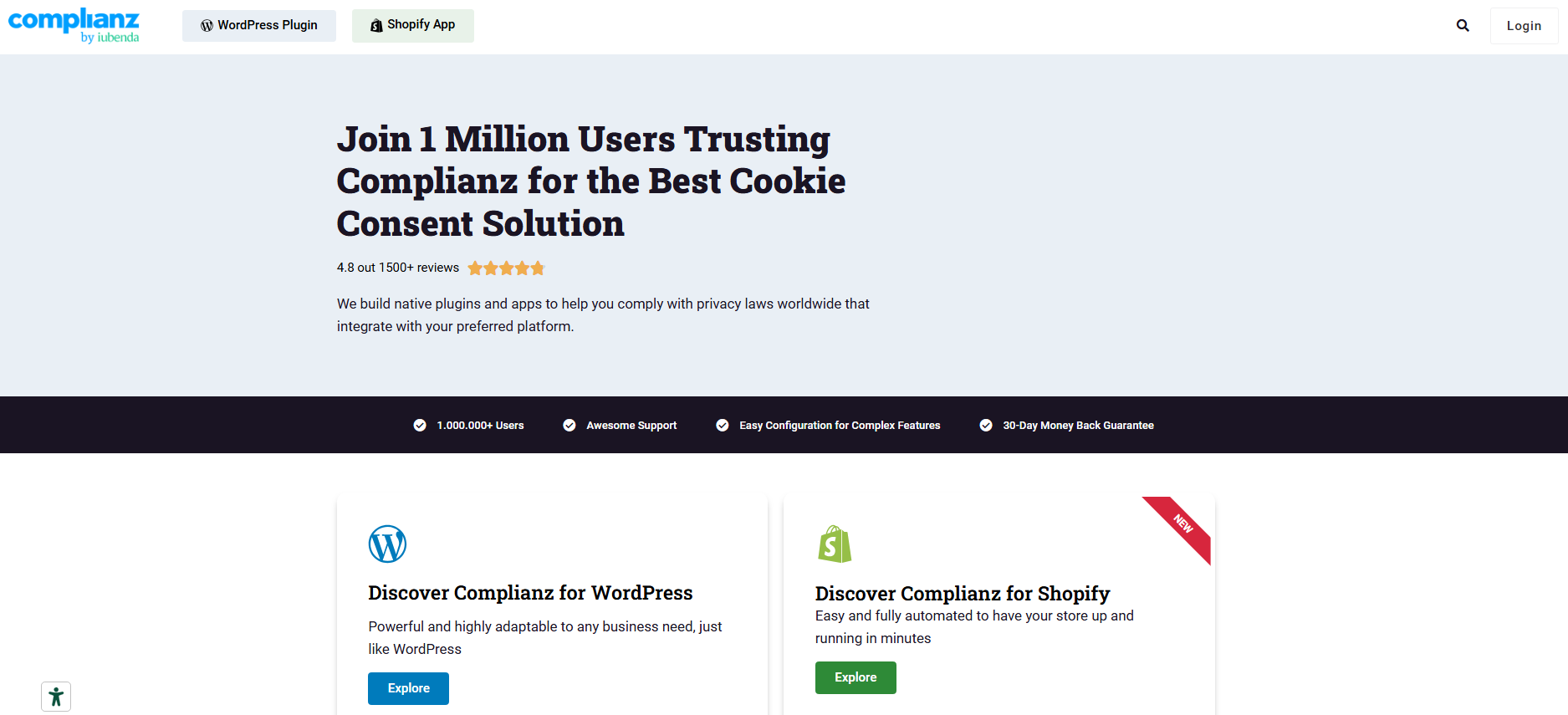
Complianz is worth considering if you want to set up your cookie banner inside WordPress. Its setup wizard walks you through the main settings, and it works with supported WordPress plugins and services.
The free plugin has no monthly pageview or session limit. This can be useful as traffic grows, but scanning and paid features still have their own limits.
What you get free, and when to upgrade
The free version includes a banner, tools to create a cookie policy, and connections to supported services. Its automatic scan covers the first 50 pages. You may need to add or check other pages and services manually.
Consider Premium if you need automatic scanning across the whole site, additional legal documents, different settings for visitor regions, or Google Consent Mode v2. Choose a licence that covers the number of WordPress websites you manage.
Main limitation: larger sites or sites that change often can need more manual checking on the free version.
Our recommendation: start with Complianz for a small WordPress site if you prefer managing consent inside WordPress. Check the free version first, then pay if a Premium feature solves a specific need.
CookieYes — Manage Your Banner in an Online Dashboard
CookieYes connects your WordPress website to an online dashboard where you can manage your banner and use its scanning and consent tools. Consider it if you prefer managing these settings through a separate service.
Before choosing the free cloud plan, check your monthly pageviews. A site with only a few pages can still exceed the traffic allowance.
What you get free, and when to upgrade
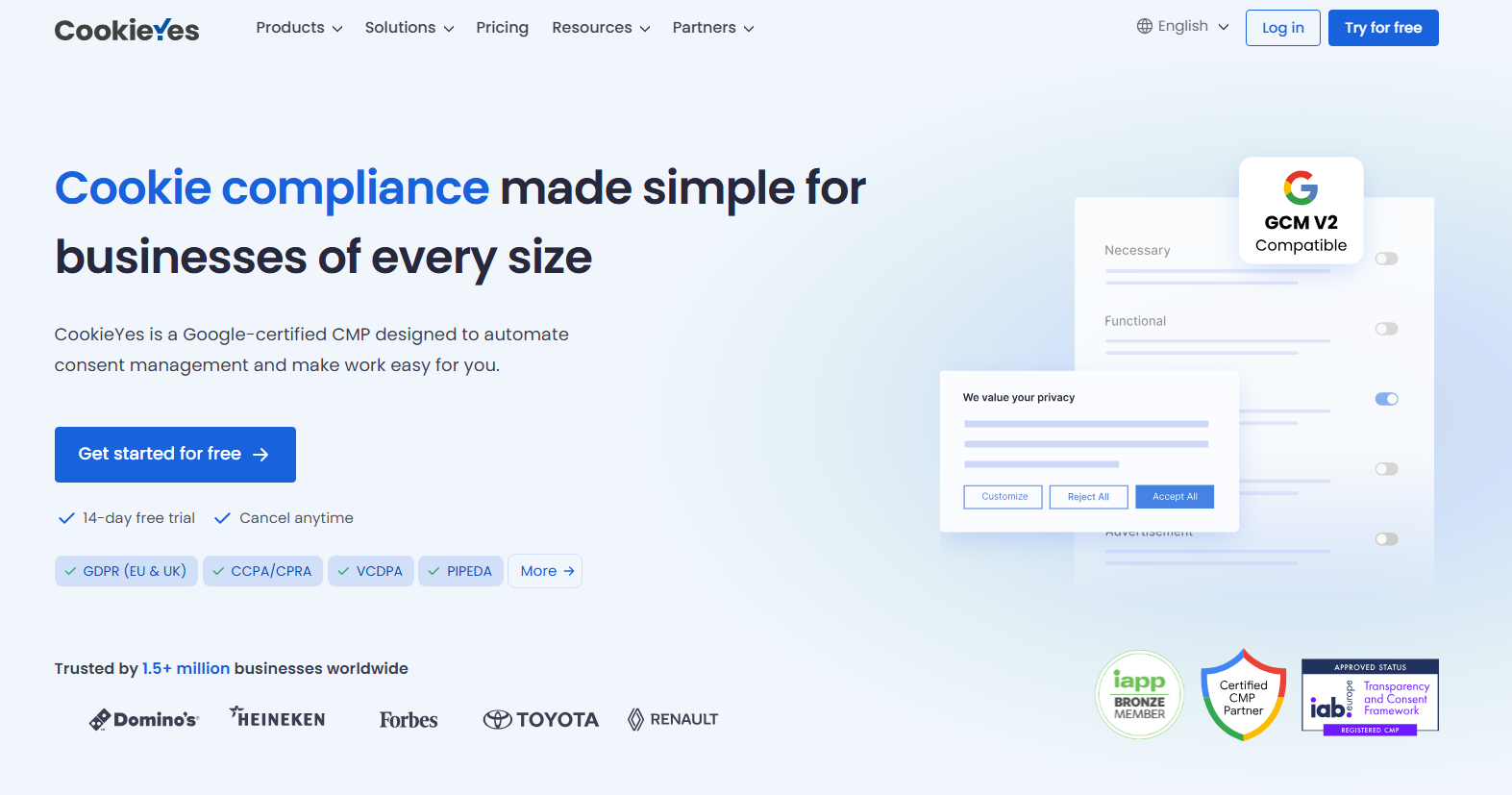
CookieYes lists banner, cookie blocking, scanning, and consent tools in its free offering. The cloud Free plan includes 5,000 monthly pageviews, scans of up to 100 pages, and basic banner customisation.
Paid plans allow more usage and add features such as more design options, location-based settings, or scheduled scans. Check the individual plan: the cheapest paid option may not include everything you want.
Main limitation: the free cloud plan’s pageview limit may be too low even for a small website with regular traffic.
Our recommendation: compare CookieYes if you want an online dashboard for consent management and its traffic allowance fits your website.
Cookiebot — For Automated Cookie Scanning
Consider Cookiebot if you want automatic cookie scans and an updated list of cookies for visitors to read. Its WordPress plugin connects your website to the Cookiebot service.
Pricing depends on domains and the pages Cookiebot detects. A large blog or product catalogue can need a different plan from a small business website, even if both receive similar traffic.
What you get free, and when to upgrade
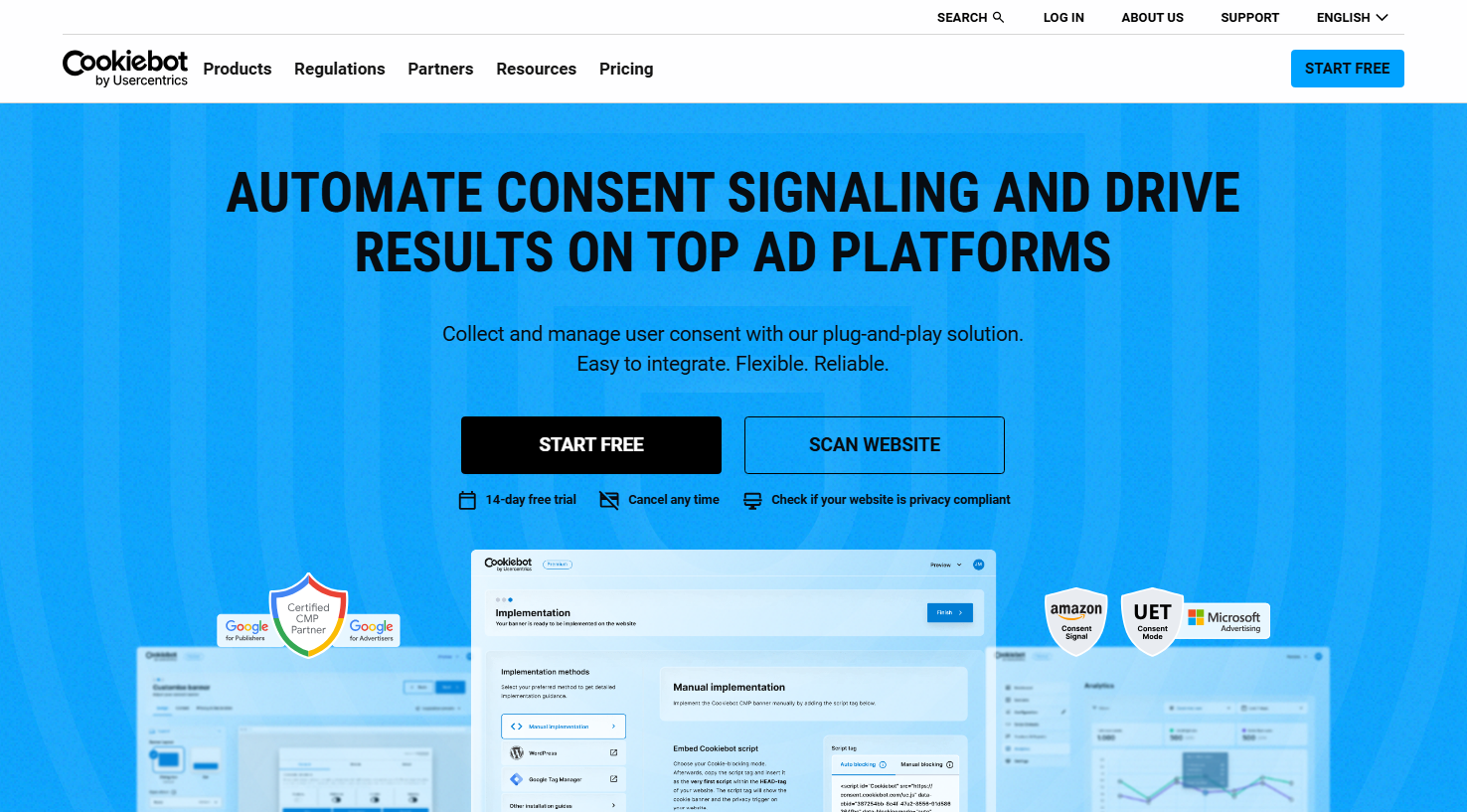
Cookiebot has a free plan for one small domain within its 50-subpage threshold, with some features restricted. The trial includes Premium features, so do not assume everything available during the trial will remain free.
You may need a paid plan if your site exceeds the free size limit or you need Premium features. Check the page count Cookiebot detects rather than counting only the pages in your WordPress menu.
Main limitation: adding blog posts or products can move your website into a higher pricing bracket.
Our recommendation: compare Cookiebot if automatic scanning and an updated cookie list are priorities. Check the plan for your website size before signing up.
CookieHub — Plans Based on Monthly Sessions
CookieHub connects a WordPress plugin to an online service for banner settings, cookie scanning, and consent management. Its plans use monthly sessions to measure usage.
A session is a visit that can include several pageviews. A 1,000-session allowance is therefore different from a 1,000-pageview allowance.
What you get free, and when to upgrade
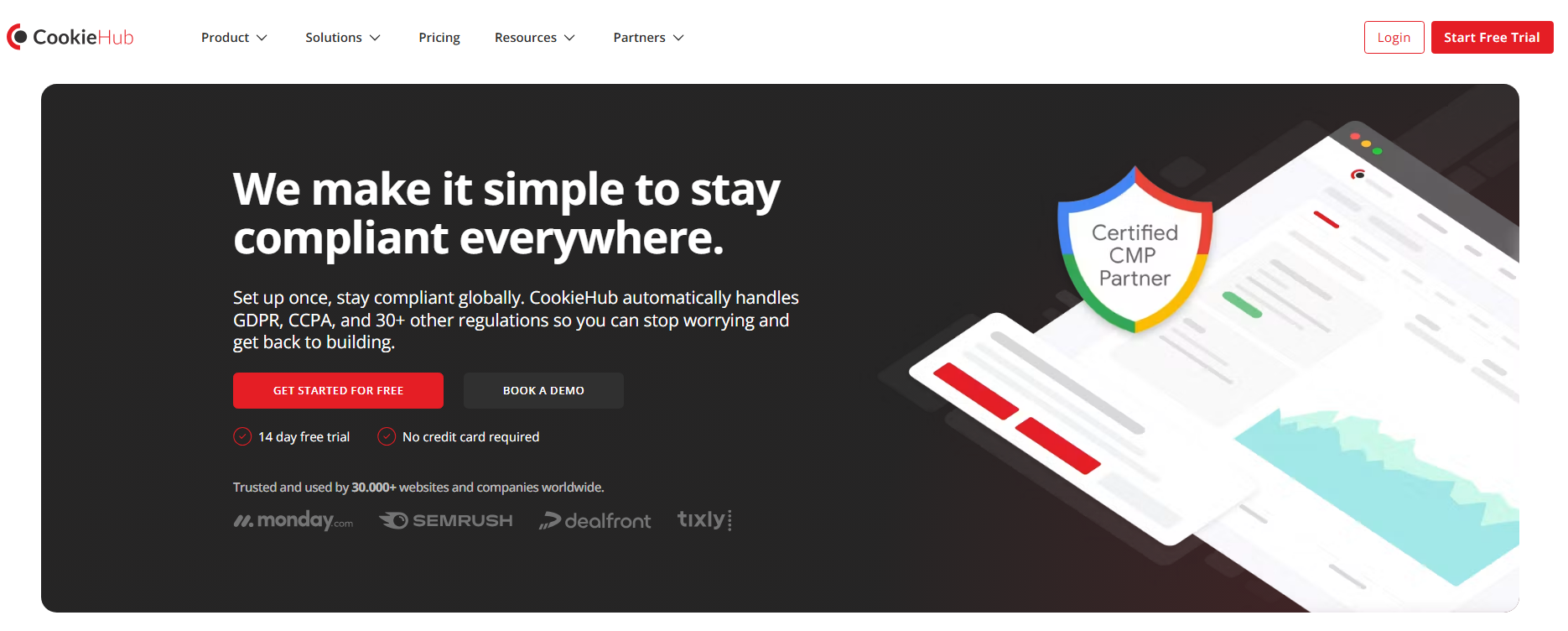
The free plan includes consent records and Google Consent Mode v2, with scanning of up to 50 pages. It is available for an individual subscription with fewer than 1,000 sessions per month.
Check paid options before reaching that limit. CookieHub states that the free banner stops displaying when the session allowance is exceeded. Paid plans have different rules for extra usage.
Main limitation: exceeding the free session limit affects whether visitors see the banner.
Our recommendation: consider CookieHub if session-based plans suit your traffic. Check how it counts sessions and what happens when you exceed your allowance.
CookieScript — Choose the Features You Need
CookieScript offers several plans with different scanning, design, and cookie-blocking features. Its WordPress plugin can show a default banner without an account, or connect to an account for more settings.
When comparing its online service plans, check which one includes automatic blocking and repeat scans. These are not included in every paid plan.
What you get free, and when to upgrade
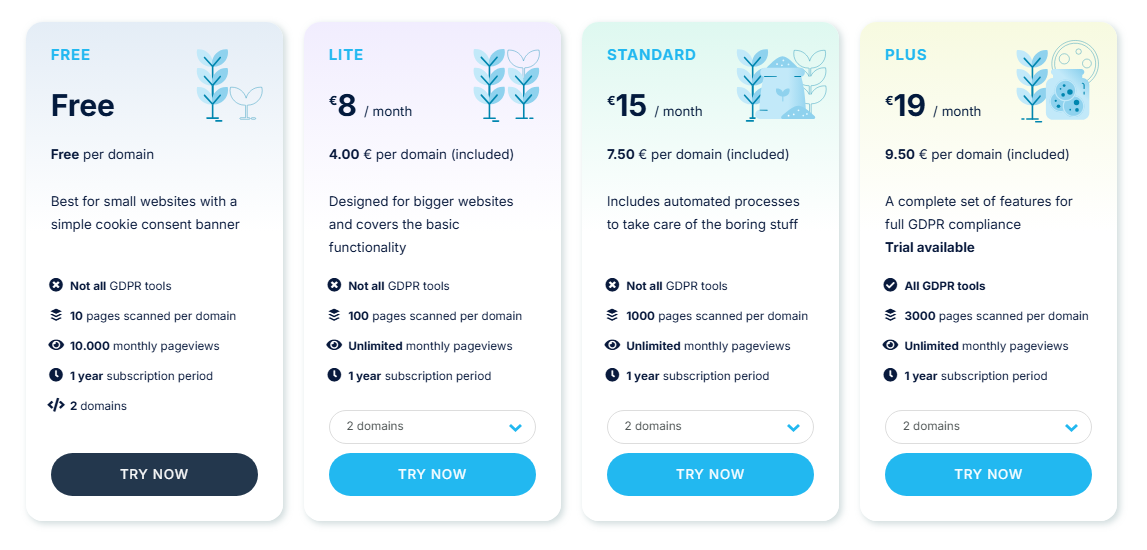
The online Free plan includes a banner and Google Consent Mode, but scanning is limited to 10 pages. The published plan comparison includes automatic monthly scans and automatic third-party cookie blocking in Standard and above.
Lite allows more pages to be scanned and adds options such as custom colours and settings based on visitor location. It does not include every feature, so choose a plan for the controls you need.
Main limitation: the cheapest paid online plan may still lack automatic blocking or repeat scanning.
Our recommendation: compare CookieScript if one of its plans matches your scanning and blocking needs. Read the feature list before choosing the cheapest option.
iubenda — Consent and Privacy Documents Together
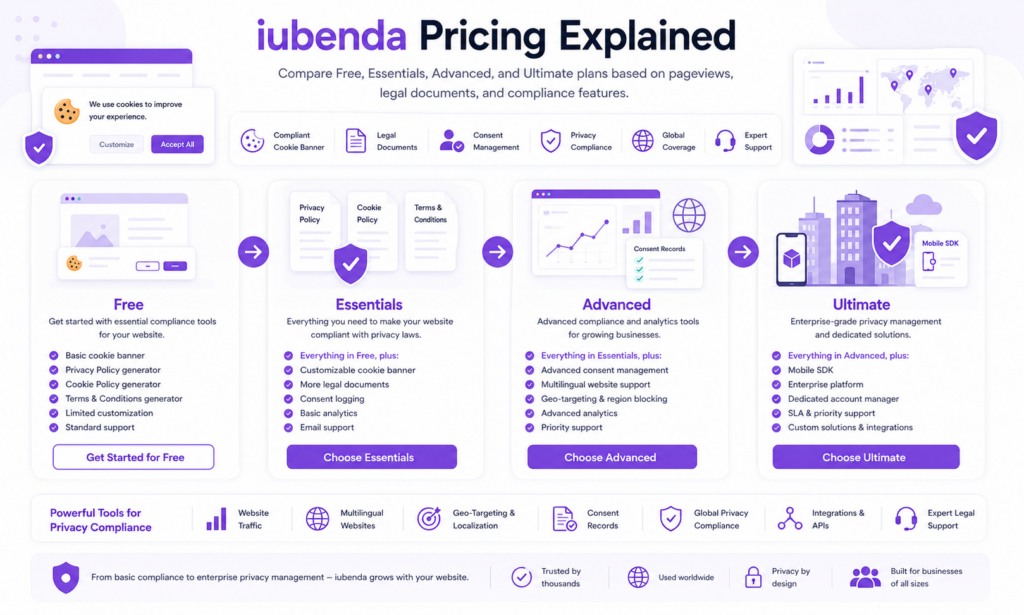
Consider iubenda if you need a cookie banner as well as privacy and cookie policies. Its WordPress plugin connects your site to several iubenda products, so you can manage more than the banner through one provider.
Before choosing, check which documents, languages, and consent features the plan includes.
What you get free, and when to upgrade
The plugin and basic setup are free, but not every iubenda product or setting is included. Check the free account’s options before relying on it for your finished website.
Essentials includes consent tools, a standard privacy and cookie policy, one language, and 25,000 monthly pageviews. Higher plans offer more document and language options. Extra usage charges can apply when you exceed a paid plan’s pageview allowance.
Main limitation: a site in several languages or one that needs more documents may require a higher plan.
Our recommendation: compare iubenda if you want to choose privacy documents and cookie consent together.
WordPress Cookie Consent Plugins Compared
Use this table to compare your shortlist. All six offer a WordPress plugin, but a free download does not give you unlimited access to the connected service.
| Tool | Good fit for | Free option and limits | Paid model |
|---|---|---|---|
| Complianz | Guided setup in WordPress | No traffic cap. Automatic scan: 50 pages. |
Annual licence by website count |
| CookieYes | An online consent dashboard | 5,000 pageviews/month. 100 pages per scan. |
Per domain, with usage and feature limits |
| Cookiebot | Automatic scanning and an updated cookie list | One small domain. 50-subpage threshold; feature limits apply. |
Domains and page count |
| CookieHub | Plans measured by sessions | Fewer than 1,000 sessions/month. Scan: up to 50 pages. |
Session-based plans |
| CookieScript | Choosing specific scanning and blocking features | Online plan: 10,000 pageviews/month. Scan: 10 pages. |
Feature plan and domain allowance |
| iubenda | Consent and privacy policies together | Basic setup. Account and document limits apply. |
Per-site plans; extra usage may cost more |
Plan details checked on 10 October 2026. Pageviews count page loads, sessions measure visits, and scanned pages measure scan coverage. These limits are not interchangeable. Check the current plan before signing up.
Free vs Paid: What Do You Actually Need?
A free WordPress cookie consent plugin can be enough if it handles your services and you can keep the settings up to date. Pay when a plan solves a specific problem, such as a traffic limit, missing feature, or too much manual work.
| Your situation | What to check |
|---|---|
| A small site with few services | Does the free version handle your tools and give visitors the choices they need? |
| Traffic is growing | Check usage limits, extra charges, and whether the banner still appears after you reach the limit. |
| A large or changing website | Check how many pages are scanned and what you must update manually. |
| Google Analytics or Ads | Check Consent Mode support and whether your Google tools follow the visitor’s choices. |
| Several languages or regions | Check translations and whether different visitor regions can use different settings. |
| You also need privacy policies | Check which documents, services, and languages the plan covers. |
Check the billing period, number of websites, extra usage charges, and taxes. A price shown “per month” may require you to pay for a full year upfront.
Which WordPress Cookie Consent Plugin Should You Choose?
For a small WordPress site without a specific requirement pointing elsewhere, start by checking Complianz. Its guided WordPress setup and lack of a monthly traffic cap make it our default starting recommendation.
Use these differences to decide whether another option fits better:
- Complianz: manage setup inside WordPress without a monthly traffic cap. Check the free scan limit and paid features.
- CookieYes: manage consent through an online dashboard. Check whether the pageview allowance covers your traffic.
- Cookiebot: prioritise automatic scanning and an updated cookie list. Check the detected page count and price.
- CookieHub: compare plans based on monthly sessions. Check the rules for exceeding your allowance.
- CookieScript: choose the plan with the scanning and blocking features you need.
- iubenda: manage privacy policies and cookie consent through the same provider.
For a WooCommerce store, test product, cart, and checkout pages. Shopping functions should keep working while optional analytics, advertising, and embedded content follow the visitor’s consent choices.
Still unsure? Read how to choose the right cookie consent tool to work through your website’s needs.
What to Check After Installing Your Plugin
A visible banner does not tell you whether the setup works. Test what happens before and after a visitor makes a choice. Start with cleared site data or a fresh private browsing session.
- Before choosing: check whether optional cookies are set before the visitor gives consent.
- After rejecting: check that optional cookies are not set and the website still works.
- After accepting: check that the allowed tools work and tracking is not added twice.
- After changing preferences: check that visitors can reopen the settings and that their new choice takes effect.
- On mobile: check that the text is readable and all buttons and settings are easy to reach.
If you use Google Consent Mode, some setups can send signals without cookies before consent. Seeing a request to Google does not necessarily mean an analytics cookie was stored. Check both the consent settings and the cookies actually saved.
Follow our step-by-step guide to testing a cookie banner to check the setup in your browser. Repeat the test after adding analytics, advertising tools, or other services, and after changing your banner settings.
Ready to Set Up Your WordPress Cookie Banner?
Start with the Complianz WordPress setup guide if you are following our recommendation for a small WordPress site.
Chosen another provider? Use its setup link above or find it in our setup-guide directory. Follow the installation steps, then test the banner before considering the setup finished.

Frequently Asked Questions
Common questions about this topic
For a small WordPress website, Complianz is our recommended starting point if you prefer a guided setup inside WordPress. CookieYes and Cookiebot are worth comparing for cloud-backed consent workflows, while iubenda is relevant when you also need privacy documents. The right choice depends on your services, traffic, and required features.
A free plugin can be enough if it handles your site's services, provides the consent controls you need, and fits any usage limits. Check scanning coverage, script blocking, and the work required to maintain the configuration. Paying becomes useful when it solves a specific limitation.
The plugin is the software installed in WordPress. The consent plan defines the features and usage allowances available through the connected service. A plugin can be free to download while requiring a paid account for higher traffic, additional features, or broader scanning.
Yes, but test it with your store's actual plugins and integrations. Essential shopping functions should continue working, while optional analytics and advertising tools should follow the visitor's consent choices. Check product, cart, and checkout pages after configuring the banner.
No. The plugin helps manage consent, but the result depends on your configuration, disclosures, and how scripts behave. Test what happens before a choice, after rejection, after acceptance, and when preferences change. A visible banner alone does not confirm that the setup works correctly.
Usually, you should use one active consent-management setup. Two independent plugins can display duplicate banners, apply conflicting preferences, or load tracking scripts twice. When switching providers, remove the previous banner integration and test the replacement.