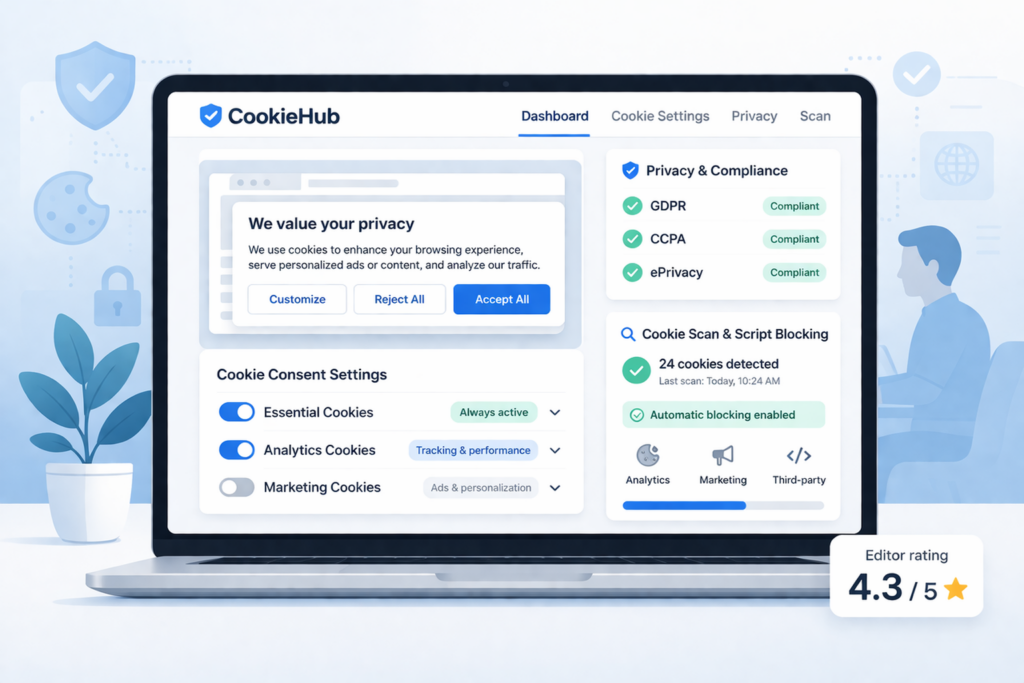
This CookieHub review explains who the platform suits, which plan limitations matter and what setup involves. Use the verdict and practical comparisons below to decide whether it fits your website and budget.
Is CookieHub worth considering?
CookieHub is a good choice for small websites that want cookie scanning, consent controls and a straightforward setup. Free can suit websites with fewer than 1,000 monthly sessions. Recurring scans require a paid plan, while automatic multilingual banners require Basic or above. Below, see which limitations matter and what setup involves.
What Is CookieHub?
CookieHub is a cookie consent platform that helps website owners manage consent banners, user choices, and cookie scanning in one system. Instead of only showing a simple notice, it is designed to help you detect cookies, block non-essential scripts before consent, and manage user preferences more clearly.
That makes CookieHub more useful than a very basic banner tool. If your goal is to get a banner live quickly while also having scanning and consent controls, it can be a strong fit for small businesses, blogs, and growing websites.
It also offers support for common platforms like WordPress and can work with Google Consent Mode, which makes it more practical for websites that use analytics or advertising tools.
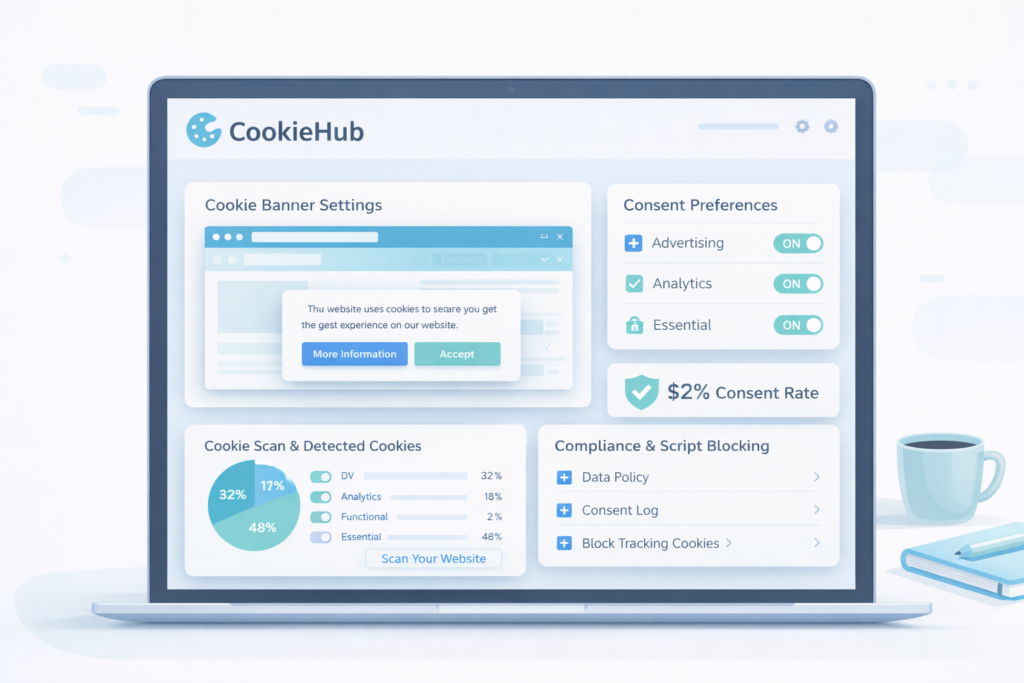
Is CookieHub the Right Fit for You?
Use this section to quickly see whether CookieHub matches your website, budget, and setup preferences.
These are the most important things to look at when choosing a cookie consent tool, with clear answers for CookieHub.
- Platform fit: Strong fit for WordPress and other common website setups. It is designed to work across different CMS and custom website environments.
- Ease of use: One of CookieHub’s biggest strengths. It is positioned as a beginner-friendly platform with a relatively simple setup flow.
- Pricing: Free plan available, with paid plans becoming more relevant as traffic and feature needs grow.
- Region support: Built to support GDPR-style consent and broader privacy compliance needs.
- Language support: Strong here. Automatic multilingual display is available on Basic and higher plans. Check this before choosing Free or Starter for a multilingual website.
- Cookie policy: Cookie scanning and declaration support make it easier to explain what cookies your website uses.
- Control: Visitors can accept, reject, or manage preferences through the consent interface.
- Customization: Banner appearance, wording, and behavior can be adjusted to fit your website better.
- Cookie blocking: Designed to block third-party scripts before consent, which is important for GDPR-style setups.
- Consent records: Proof of consent is also included in Free. Paid plans offer longer consent record retention; check the current plan limits.
- Integrations: Useful support for WordPress, Google Consent Mode, and common tag-based tracking workflows.
Overall, CookieHub is a strong fit for website owners who want a practical cookie consent platform that is easier to manage than more enterprise-heavy solutions.
Start with CookieHub
Pros and Cons
Pros
- Easy to understand and set up
- Free plan available
- Cookie scanning, with recurring automatic scans on paid plans
- Supports script blocking before consent
- Automatic multilingual banners on Basic and higher plans
- Useful for WordPress and other common website platforms
Cons
- The Free banner stops displaying when its monthly session limit is reached
- Automatic multilingual support requires Basic or above
- Higher traffic and recurring scans can require a paid plan
Pricing
CookieHub offers tiered pricing based on website traffic and feature needs. This means the cost depends not only on the features you need, but also on how many sessions your website receives each month.
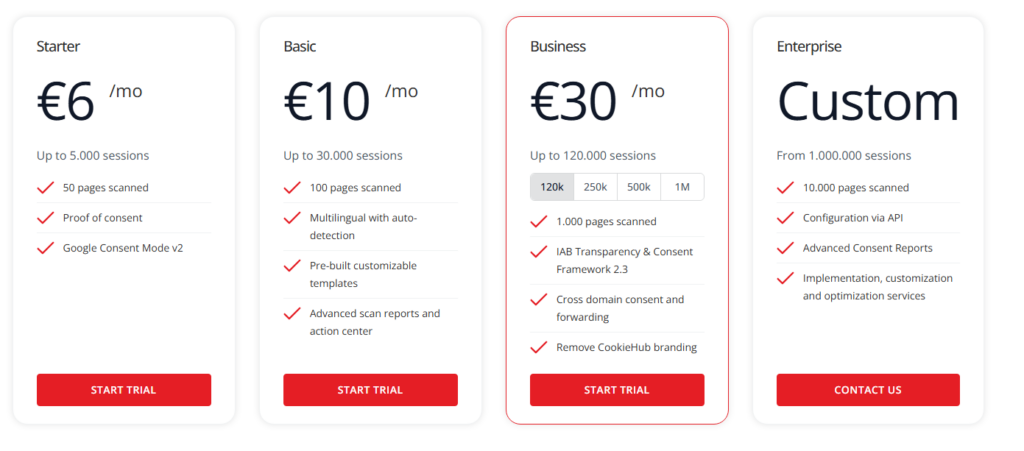
Free is available for websites with fewer than 1,000 monthly sessions. It includes Google Consent Mode v2, proof of consent and a one-time scan of up to 50 pages. Its banner stops displaying when the monthly session limit is reached and resumes in the next monthly cycle.
The first paid plan is Starter, from €6 per month. It supports up to 5,000 monthly sessions and adds recurring scans and longer consent record retention. Prices below refer to monthly billing in euros, before applicable taxes.
As your traffic grows, you may need to upgrade to higher tiers. The Basic plan starts at €10 per month and supports up to 30,000 sessions, while the Business plan starts at €30 per month and supports significantly higher traffic limits and more advanced features.
That matters, because a tool that looks inexpensive at the start may cost more once your website grows or your setup becomes more advanced.
You can check the latest pricing and plans on the official CookieHub pricing page.
| Plan | Best for | Starting price | Traffic note |
|---|---|---|---|
| Free | Very low-traffic websites that do not need automatic multilingual display | €0 | Fewer than 1,000 monthly sessions |
| Starter | Small websites with basic needs | €6/month | Up to 5,000 sessions |
| Basic | Websites needing multilingual banners or more traffic capacity | €10/month | Up to 30,000 sessions |
| Business | High-traffic or more advanced setups | €30/month | Up to 120,000 sessions at the starting tier; higher tiers available |
| Enterprise | Websites needing custom arrangements and implementation support | Custom quote | From 1,000,000 sessions |
Want the full breakdown of CookieHub plans, pricing, traffic limits, and included features?
Is CookieHub GDPR Compliant?
CookieHub is designed to support GDPR-style consent management, but like any cookie consent tool, compliance depends on how you configure it. The platform is built around cookie scanning, consent collection, and script control before non-essential tracking runs.
In practical terms, a GDPR-friendly setup should block non-essential cookies before consent, give users a real choice to accept or reject, explain what cookies are being used, and make it possible to document consent decisions. CookieHub is built to help with these tasks, but you still need proper setup and testing on the live website.
According to the European Commission guidance, websites generally need consent before placing non-essential cookies.
So yes, CookieHub can support a GDPR-friendly setup. But the final result depends on your website configuration, your scripts, and whether the banner and consent logic are implemented correctly.
Who Is CookieHub Best For?
CookieHub is best for website owners who want a cleaner and simpler compliance setup without moving into a heavier all-in-one privacy platform. It makes the most sense when you want cookie consent, scanning, and script control in one tool.
- Small businesses that want a practical cookie consent setup
- Bloggers and content websites
- WordPress users who want an easier setup path
- Websites with multilingual visitors that can budget for Basic or above
- Growing sites that want more structure than a very basic banner tool
If you run a small business website with analytics, marketing scripts, and visitors from more than one country, CookieHub can be a practical choice. For example, Basic can fit a site with 12,000 monthly sessions that needs English and German banners. Free or Starter would not cover that combination of traffic and automatic multilingual display. You must still configure the analytics and marketing integrations and test consent.
If that sounds like your situation, CookieHub is probably worth serious consideration. If you also need legal documents or wider privacy workflows, check those requirements separately instead of assuming the consent subscription covers them.
How Easy Is It to Set Up?
CookieHub provides a guided setup, but connecting the banner is only part of the job. On WordPress, the official plugin connects your website to your CookieHub account. CookieHub’s hosted service handles the scan; you review its findings and configure consent behavior for your actual services.
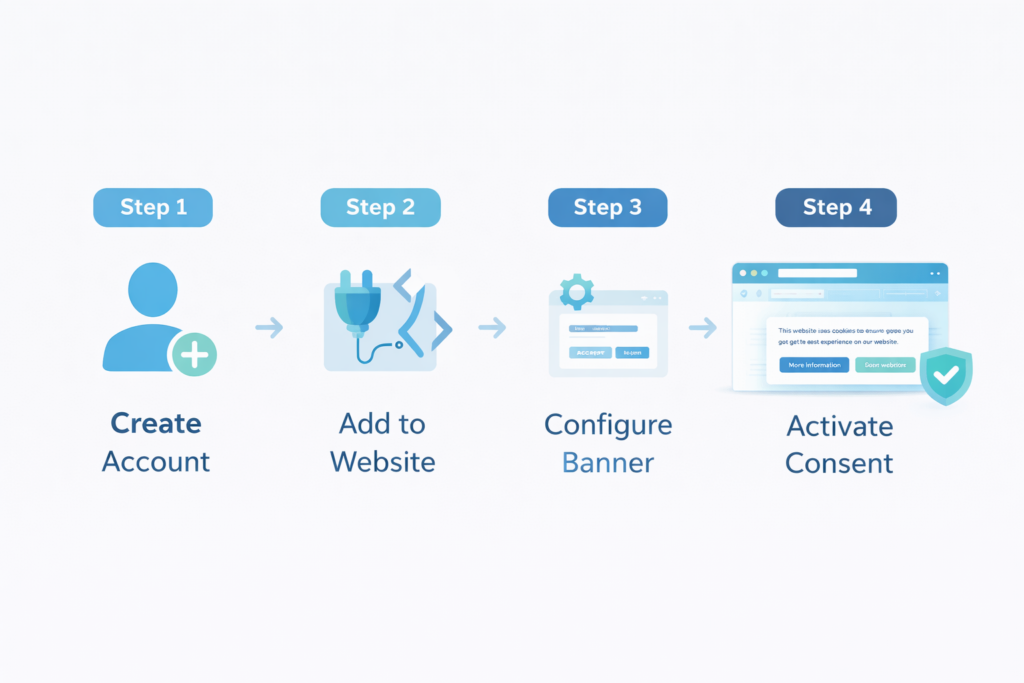
The setup process usually looks like this:
- Create a CookieHub account and add your website.
- Install the official plugin and connect it using your domain code, or follow the integration instructions for your platform.
- Configure the banner, consent settings and relevant tracking integrations, then publish the changes.
- Review the scan results and check unknown or incorrectly categorized cookies.
- Test the website before consent, after rejection, after acceptance and after changing a saved choice.
A standard WordPress installation has a direct plugin route. Custom scripts, embedded services and tag-manager configurations can require additional work. A scan helps identify cookies; it does not prove that every service follows consent.
CookieHub works best when you test it in an incognito or private browser window after setup. Use a fresh test session for each choice and inspect cookies and network requests, not only whether the banner appears. Follow our cookie banner testing guide for the checks.
CookieHub vs Other Tools
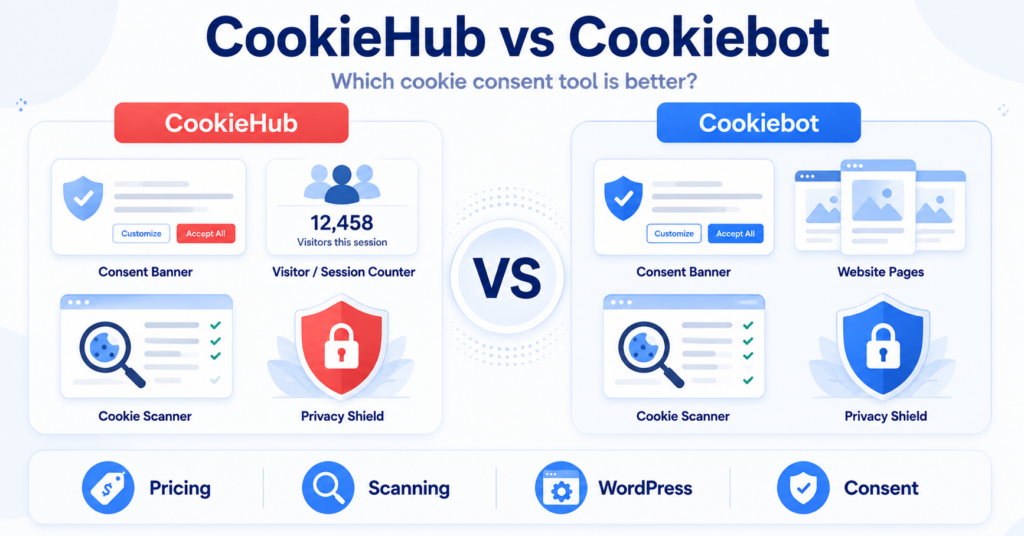
CookieHub, Cookiebot and CookieYes are alternatives worth comparing against the same website requirements. Ease of use depends on your platform and tracking setup, so a simple “easy” rating does not tell the whole story.
| What to compare | CookieHub | What to check in Cookiebot or CookieYes |
|---|---|---|
| Installation | Official WordPress plugin and integration options for other platforms | The installation route for your platform and existing tag manager |
| Budget | Session-based plans; Free is limited to fewer than 1,000 monthly sessions | The billing unit, included usage and what happens when you reach the limit |
| Languages | Automatic multilingual display on Basic and higher plans | Whether your required languages and automatic switching are included in the plan you would buy |
| Maintenance | One-time scan on Free; recurring scans on paid plans | Scan frequency, scan coverage and how easily you can correct cookie categories |
For a straightforward WordPress site, CookieHub is a reasonable shortlist option. Compare the actual plan you need, rather than choosing only by the lowest advertised price.
Want a recommendation for your website platform and budget? Compare our cookie consent tool recommendations.
When CookieHub Might Not Be the Best Choice
Look at alternatives if you need a free multilingual banner, regularly exceed the Free traffic limit but have no paid budget, or require a particular integration that does not work with your setup.
Do not rule CookieHub out simply because your website is large: Business and Enterprise address higher traffic and additional requirements. Instead, list the exact features you need and confirm their availability, cost and implementation requirements.
If your project includes legal document generation or wider privacy operations, evaluate those separately. A cookie consent banner alone does not cover every privacy obligation.
Final Verdict
CookieHub is a strong cookie consent tool for website owners who want a practical, beginner-friendly setup with cookie scanning and consent controls. Its practical appeal is bringing these tasks into one dashboard with a direct WordPress installation route. Free can suit a very low-traffic site; automatic multilingual display requires Basic or above.
It will not be the perfect choice for everyone. But if you want a tool that balances ease of use, useful consent features, and a lower barrier to setup, CookieHub is one of the stronger options to consider.
Still unsure which CookieHub plan is right for your website? See our complete CookieHub pricing breakdown before choosing a plan.
Recommended Next Step
If CookieHub fits your needs and your website uses WordPress, follow our installation guide next. It takes you through creating the account, connecting the plugin and publishing the banner, then points you to the settings and testing steps.

Frequently Asked Questions
Common questions about this topic
Yes. CookieHub offers a free plan, and its official FAQ says it can be used for production websites with less than 5,000 sessions per month.
CookieHub is designed to support GDPR-style consent management, but the final result still depends on how you configure your setup.
Yes. CookieHub says it can block third-party scripts before consent, especially through its plugin and consent setup workflow.
Yes. CookieHub offers a dedicated WordPress plugin and positions it as a simple compliance-focused setup path.
Yes. Alternatives include tools like Cookiebot, CookieYes, Termly, and other cookie consent platforms depending on your platform, budget, and feature needs.