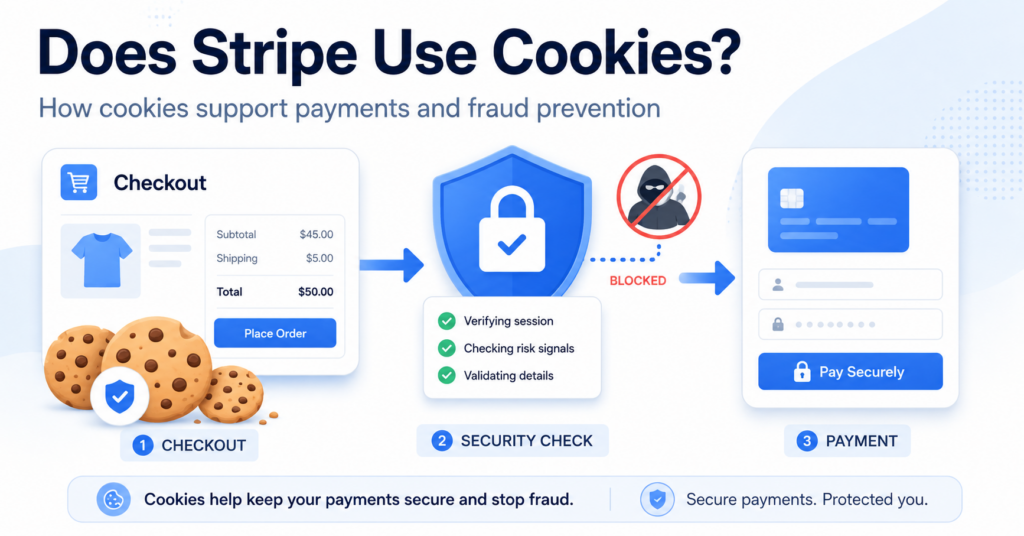
Yes. Stripe uses cookies and similar technologies as part of its payment services.
Stripe.js can use cookies such as __stripe_mid, __stripe_sid, and m to help detect fraudulent activity. Other Stripe features can use cookies or similar technologies for authentication, Link, and service analytics.
In this guide, you’ll learn why Stripe uses cookies, which Stripe cookies you may find on your website, and what to consider when reviewing your cookie banner and privacy setup.
Yes. Stripe uses cookies and similar technologies. Stripe.js can use cookies such as __stripe_mid, __stripe_sid, and m for fraud prevention, while other Stripe features may use cookies for authentication, Link, analytics, and payment functionality.
Does Stripe Use Cookies?
Yes. Stripe uses cookies and similar technologies as part of its payment services.
The exact cookies you see can depend on:
- which Stripe products you use
- how Stripe is integrated into your website
- whether Link is enabled
- whether Stripe Elements or Checkout is used
- regional settings
- the visitor’s interaction with the checkout
This means two websites using Stripe may not have exactly the same Stripe cookie setup.
Stripe itself recommends that businesses regularly review the Stripe cookies placed on their websites and keep their privacy and cookie disclosures up to date.
Why Does Stripe Use Cookies?
Stripe cookies do not all serve the same purpose.
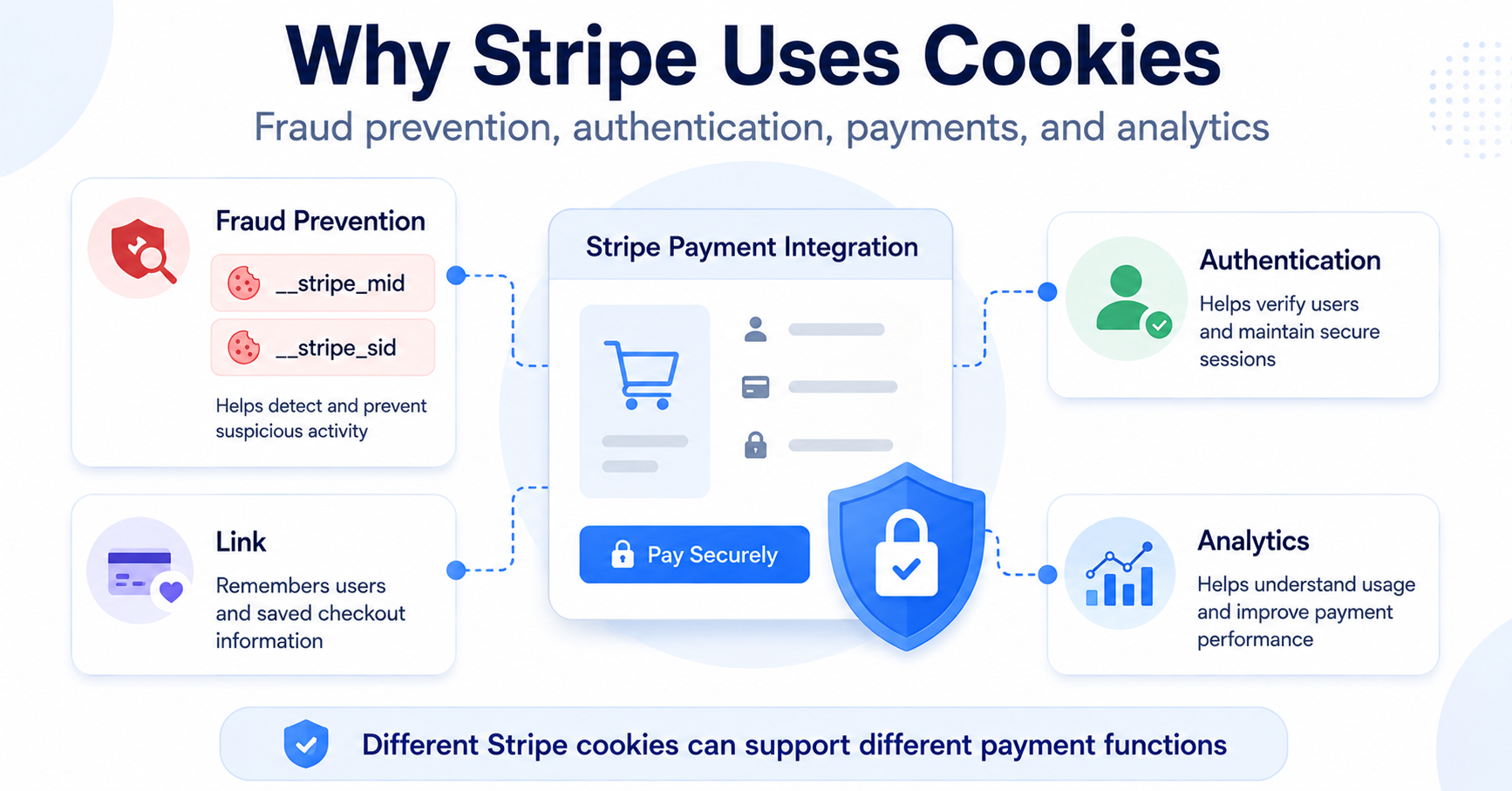
Depending on the Stripe service, cookies and similar technologies can support:
| Purpose | What It Helps With |
|---|---|
| Fraud prevention | Detect suspicious payment behavior and reduce fraudulent transactions |
| Authentication | Recognize users and support logged-in payment experiences |
| Payments | Support Stripe payment and checkout functionality |
| Link | Remember customer information for faster checkout |
| Analytics | Measure and improve certain Stripe checkout experiences |
One of the most important uses is fraud prevention.
Do not automatically classify every Stripe cookie as an advertising tracker. Stripe uses several cookies specifically to help detect and prevent fraudulent payments.
What Cookies Does Stripe.js Use?
Stripe.js is Stripe’s JavaScript library used by businesses to integrate Stripe and accept online payments.
Stripe currently documents several cookies associated with Stripe.js and related payment features.
| Cookie | Category | Main Purpose |
|---|---|---|
__stripe_mid |
Fraud prevention | Helps assess the risk of potentially fraudulent activity |
__stripe_sid |
Fraud prevention | Helps assess payment and session-related fraud risk |
m |
Fraud prevention | Supports Stripe’s fraud-detection systems |
pay_sid |
Authentication | Supports a logged-in Link checkout experience |
link.auth_session_client_secret |
Authentication | Supports authentication in Stripe-hosted payment experiences |
elements_session |
Analytics | Can help Stripe measure and improve certain Elements implementations |
Not every Stripe integration uses every cookie in this table.
The exact set depends on the Stripe products and configuration used on your website.
What Is the __stripe_mid Cookie?
The __stripe_mid cookie is one of Stripe’s fraud-prevention cookies.
Stripe.js can use it as part of a broader set of signals designed to distinguish legitimate customer activity from potentially fraudulent behavior.
This can help Stripe evaluate risk before or during a payment attempt.
What Is the __stripe_sid Cookie?
The __stripe_sid cookie is also associated with Stripe’s fraud-prevention systems.
It can help Stripe understand activity connected to a payment session and assess whether that activity appears normal or suspicious.
Like __stripe_mid, it should not automatically be treated as an advertising cookie simply because it comes from an external service.
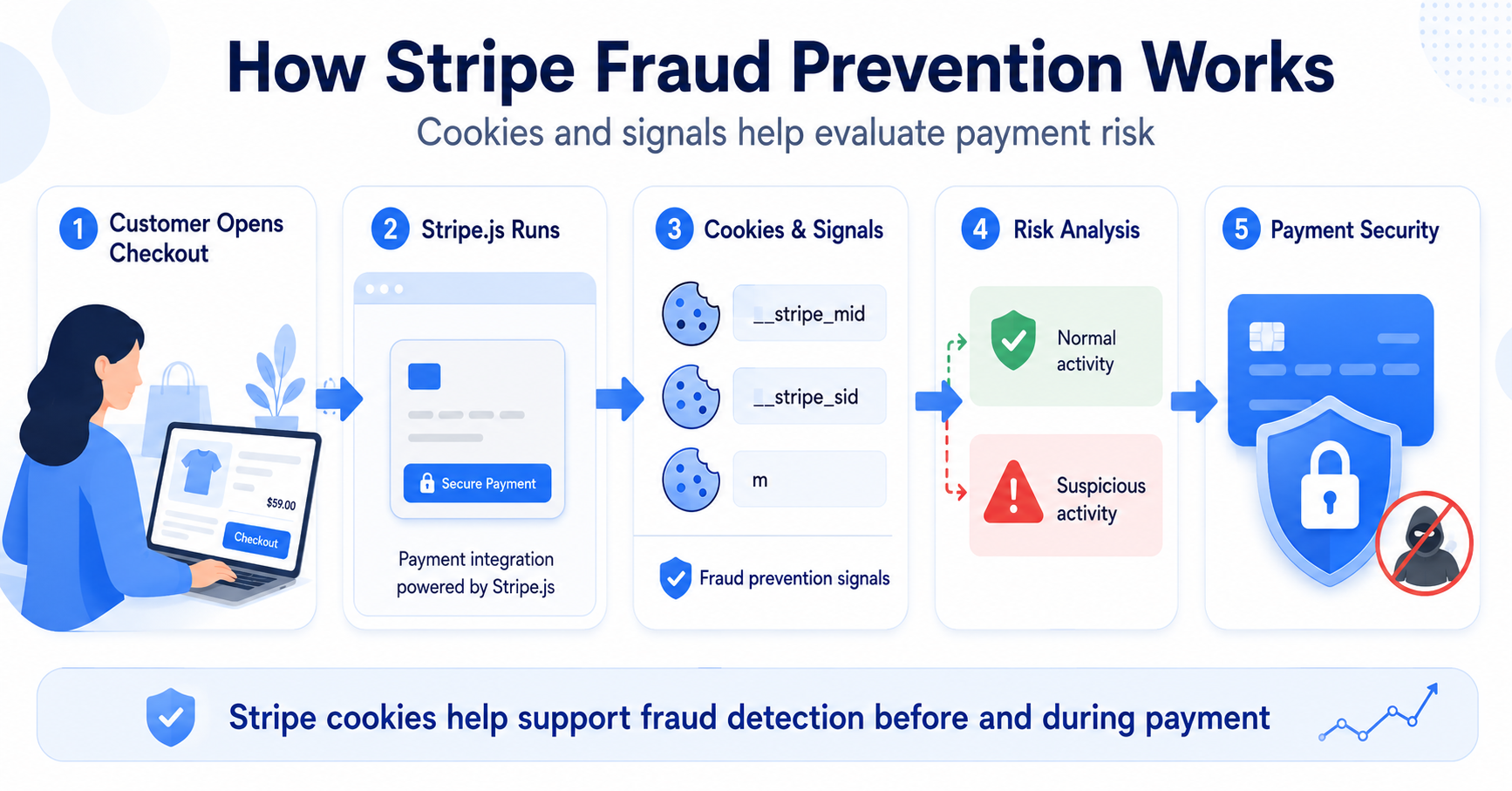
How Stripe Fraud Prevention Works
Stripe.js can collect signals that help Stripe distinguish legitimate users from fraudsters or automated activity.
A simplified process looks like this:
Visitor Opens Checkout → Stripe.js Runs → Device and Activity Signals Are Evaluated → Fraud Risk Is Assessed → Payment Can Continue
Stripe explains that fraudulent visitors and bots can behave differently from legitimate customers.
For example, the amount of time spent on pages or patterns of interaction can become part of fraud-detection signals.
A customer opens your checkout page and enters payment information.
Stripe.js can evaluate signals associated with the browser and checkout activity to help Stripe estimate whether the payment attempt looks legitimate or suspicious.
What Is Stripe.js?
Stripe.js is a JavaScript library provided by Stripe.
Businesses use it to integrate Stripe into websites and accept online payments.
You may be using Stripe.js even if you never installed it manually.
For example, it can be loaded through:
- a WooCommerce Stripe integration
- a WordPress payment plugin
- Stripe Elements
- embedded checkout
- another payment platform using Stripe
This is why website owners should inspect their actual checkout rather than assuming Stripe cookies appear only when custom Stripe code has been added manually.
Does Stripe Set Cookies Before a Customer Pays?
It can.
Stripe’s fraud-prevention systems can collect signals before the customer presses the final payment button.
This makes sense because fraud detection is more useful when the payment provider can evaluate risk before a transaction is completed.
Depending on the integration, Stripe.js may therefore become active while the customer is browsing or interacting with the checkout flow.
Do not assume Stripe cookies appear only after a payment is submitted. Test when Stripe.js actually loads in your own checkout configuration.
Does Stripe Use Cookies for Advertising?
This depends on the context.
For Stripe.js fraud prevention on merchant websites, Stripe states that it does not use advanced fraud signals to build individual advertising profiles or share or sell that fraud data to advertisers.
This is different from visiting Stripe’s own public websites, where Stripe may use cookies for additional purposes such as analytics, personalization, or advertising where allowed.
For website owners, this distinction is important:
Stripe on your checkout is not the same context as a visitor browsing Stripe.com.
The cookies and purposes relevant to your site depend on the specific Stripe services you have integrated.
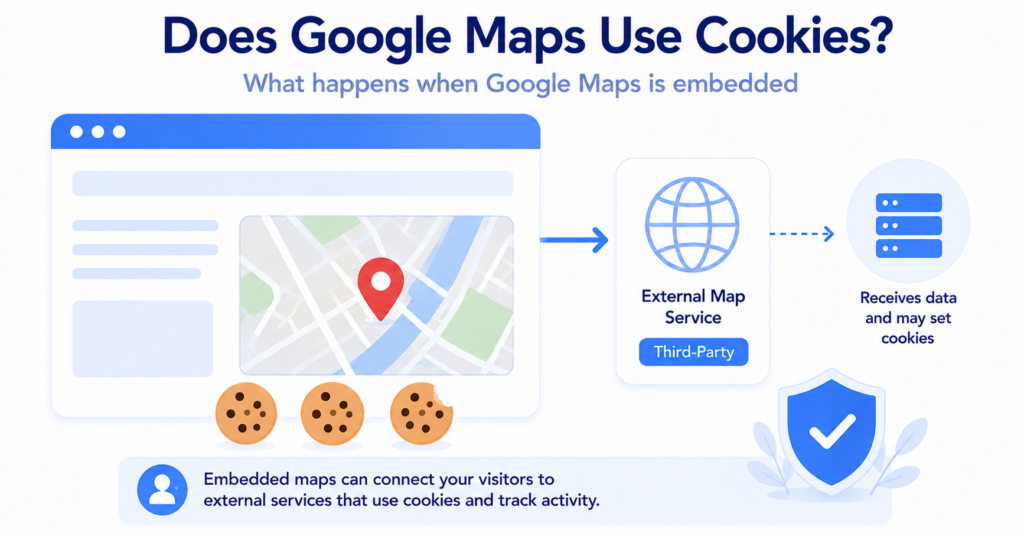
Is Stripe a Third-Party Service?
Yes. From the website owner’s perspective, Stripe is an external payment service.
When Stripe.js runs, the browser can communicate with Stripe-controlled infrastructure.
Stripe identifies hosts used in connection with fraud-prevention data such as:
js.stripe.comm.stripe.networkm.stripe.comq.stripe.com
This does not mean that Stripe is an advertising tracker. It means the website is communicating with an external provider that supplies payment and security functionality.
Want to understand how external-service cookies differ from your own website cookies?
Stripe Checkout vs Stripe Elements
Stripe can be integrated into websites in several different ways.
Two common approaches are Stripe Checkout and Stripe Elements.
| Stripe Checkout | Stripe Elements |
|---|---|
| Prebuilt checkout experience | Payment components embedded into your own checkout |
| Stripe manages more of the checkout interface | Website owner has more control over page design |
| Can use Stripe payment, authentication, and fraud-prevention technologies | Can use Stripe payment, authentication, and fraud-prevention technologies |
The exact cookies and similar technologies can depend on which Stripe products and options are enabled.
For this reason, copying a Stripe cookie list from another website does not guarantee that it matches your own setup.
Does Stripe Require Cookie Consent?
There is no universal answer that can be based only on the fact that Stripe uses cookies.
You should consider:
- which Stripe cookies are present
- their purpose
- which Stripe products you use
- how Stripe is integrated
- where your visitors are located
- which privacy rules apply
- how your cookie banner is configured
Stripe itself tells business users to review cookies placed on their websites and update their privacy and cookie disclosures accordingly.
If you are unsure whether your website needs consent more generally, read Does My Website Need a Cookie Banner?.
Should Stripe Be Blocked Until Consent?
You should be careful about applying a generic “block all external services” rule to Stripe.
Stripe can be part of essential checkout and fraud-prevention functionality.
Blocking Stripe.js may affect:
- payment forms
- fraud detection
- customer authentication
- Link
- checkout functionality
This makes Stripe different from a typical optional analytics or advertising script.
If your consent setup blocks Stripe or Stripe.js, test the complete checkout while consent is denied. Make sure customers can still use the payment flow as intended.
For ecommerce websites, it can also help to understand the difference between Stripe cookies and the functional cookies used by your store itself. See Does WooCommerce Use Cookies?.
How to Check Stripe Cookies on Your Website
The best place to test Stripe is the actual page where Stripe becomes active.
Use a fresh private or incognito browser session and follow this process:
- Open your website.
- Open Developer Tools.
- Check cookies and network requests before visiting checkout.
- Open the checkout or payment page.
- Check which Stripe connections appear.
- Look for cookies such as
__stripe_mid,__stripe_sid, orm. - Interact with the payment form.
- Check the browser again.
- If you use a cookie banner, repeat the test after Reject.
- Start another clean session and repeat after Accept.
If your checkout uses Link, also check whether additional authentication-related cookies appear.
Do not test only the homepage. Stripe.js may not become active until the visitor reaches a payment or checkout flow.
You can also use our Cookie Scanner as a starting point for identifying cookies and third-party technologies detected on your website.
Stripe vs reCAPTCHA Cookies
Stripe and reCAPTCHA can both appear as external services on the same website, but their roles are different.
| Stripe | reCAPTCHA | |
|---|---|---|
| Main purpose | Payments and fraud prevention | Security and abuse prevention |
| Example cookie | __stripe_mid |
_GRECAPTCHA |
| Typical location | Checkout or payment flow | Forms, login, registration, or checkout |
| Can run before final action | Yes, depending on integration | Yes, depending on execution |
The key lesson is that external-service cookies should be classified according to their actual purpose rather than simply by provider name.
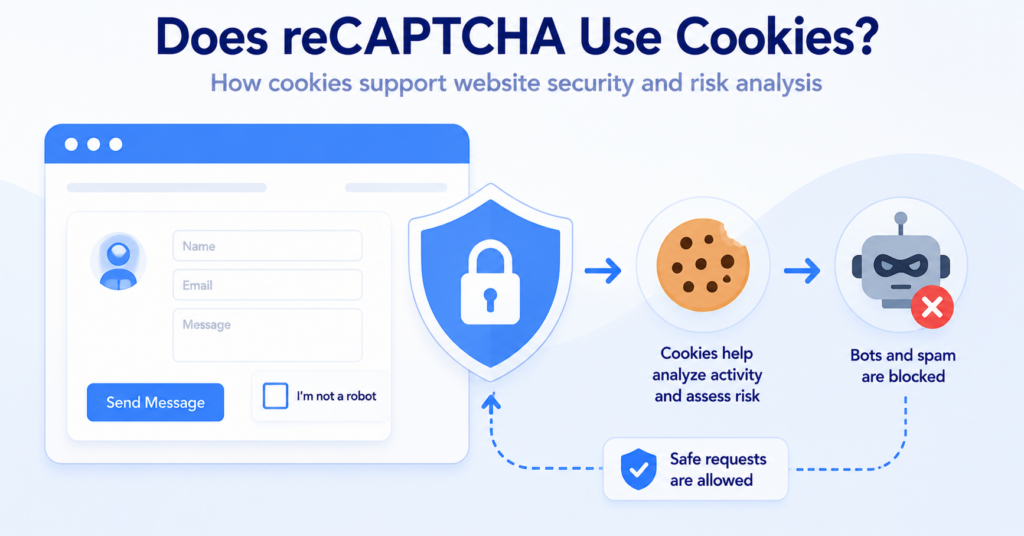
For more detail on the security side, see Does reCAPTCHA Use Cookies?.
Common Stripe Cookie Mistakes
These are some of the most common mistakes website owners make when reviewing Stripe cookies:
- assuming every Stripe cookie is used for advertising
- assuming Stripe cookies appear only after payment
- forgetting that Stripe.js may be loaded by a plugin
- copying another website’s Stripe cookie list
- blocking Stripe without testing checkout functionality
- checking only the homepage
- forgetting cookies related to Link or authentication
- not updating privacy or cookie disclosures
- checking cookies but ignoring Stripe network requests
Your WooCommerce store uses a Stripe payment plugin, but Stripe is not visible anywhere on the homepage.
When a customer reaches checkout, Stripe.js becomes active and fraud-prevention cookies appear. A homepage-only cookie test would have missed the payment integration.
Conclusion
Stripe does use cookies and similar technologies. Stripe.js uses cookies such as __stripe_mid, __stripe_sid, and m to help detect fraud, while other Stripe features can use cookies for authentication, Link, and analytics.
The important point is to review your actual integration. Test the checkout itself, identify which Stripe products are active, and make sure your privacy and cookie disclosures reflect the technologies your website really uses.
Next Step: Does Vimeo Use Cookies?
Stripe is one example of an external service that can add cookies to a website. Embedded video platforms can do the same, so the next step is to look at how Vimeo behaves when videos are added to a webpage.

Frequently Asked Questions
Common questions about this topic
Yes. Stripe uses cookies and similar technologies for purposes including fraud prevention, authentication, payments, Link, and certain analytics functions.
__stripe_mid is a Stripe fraud-prevention cookie used to help assess whether activity connected to a payment appears legitimate or potentially fraudulent.
__stripe_sid is also used as part of Stripe’s fraud-prevention systems and helps Stripe assess payment-related activity and risk.
The m cookie is another Stripe cookie used for fraud prevention and transaction-risk assessment.
Yes. Stripe states that Stripe.js uses cookies including __stripe_mid, __stripe_sid, and m for fraud detection.
It can. Stripe.js may collect fraud-prevention signals before the final payment is submitted, depending on how the checkout is implemented.
Stripe states that the advanced fraud signals collected by Stripe.js are not used to build individual advertising profiles or sold or shared with advertisers. Stripe’s own public websites may use cookies for additional purposes.
This depends on the cookies, their purposes, your integration, visitor location, and the privacy rules that apply. Stripe recommends reviewing the cookies placed on your website and updating your privacy and cookie disclosures accordingly.
Be careful when blocking Stripe because Stripe.js can support payments, fraud prevention, authentication, and checkout functionality. Any blocking configuration should be tested thoroughly.