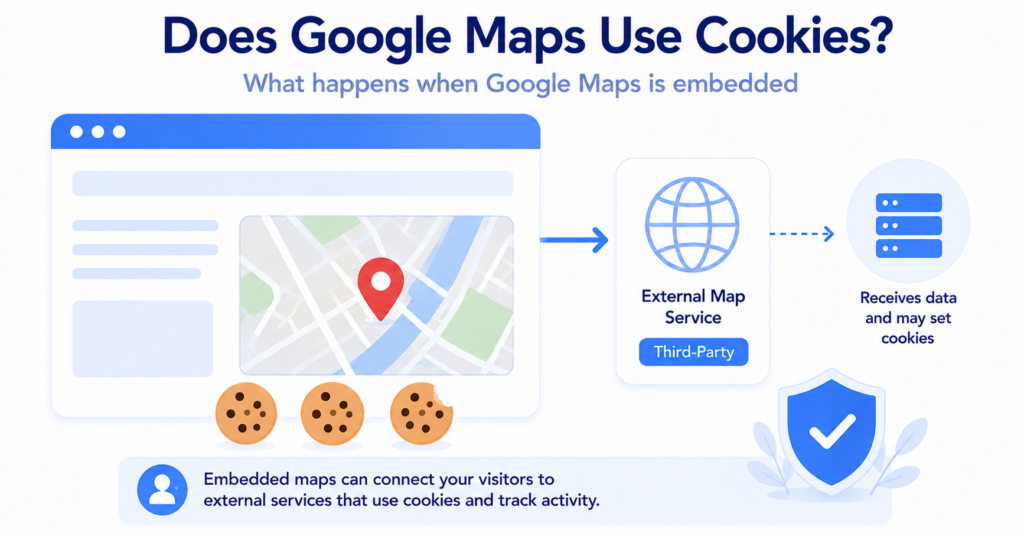
Google Maps can use cookies and similar technologies as part of Google’s services.
For website owners, the important question is what happens when a Google Map is embedded on a webpage. Loading the map connects the visitor’s browser with Google services and should therefore be considered when reviewing third-party technologies and cookie consent.
In this guide, you’ll learn how embedded Google Maps works, what cookies or storage may be involved, and how to test and manage Maps on your website.
Google Maps and related Google services can use cookies and similar technologies. When an interactive Google Map is embedded on a website, the visitor’s browser connects with Google services, so the map should be considered when reviewing cookies, third-party technologies, and consent.
Does Google Maps Use Cookies?
Google uses cookies and similar technologies across its services, including for functionality, security, analytics, personalization, and advertising purposes.
For website owners, however, the more useful question is often:
What happens when Google Maps is embedded on my website?
An embedded interactive map is external content. Even though the visitor remains on your website, their browser loads resources from Google so the map can display and function.
This means Google Maps should be included when you review external services used by your website.
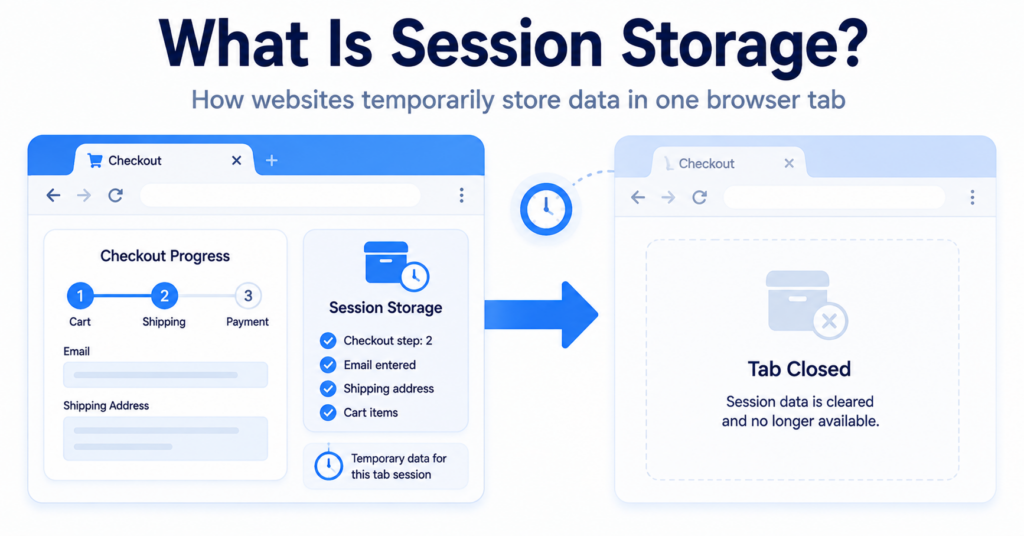
If you are new to browser cookies, start with What Are Web Cookies and How Do They Work?.
Why Does Google Use Cookies and Similar Technologies?
Google describes several broad reasons for using cookies and similar technologies across its services.
| Purpose | What It Can Help With |
|---|---|
| Functionality | Providing features and remembering preferences |
| Security | Protecting services and detecting abuse |
| Analytics | Understanding how services are used |
| Personalization | Adjusting experiences based on user settings |
| Advertising | Supporting ad-related functionality where applicable |
The exact behavior can vary depending on the Google service, user settings, browser, location, and implementation.
What Happens When Google Maps Is Embedded on a Website?
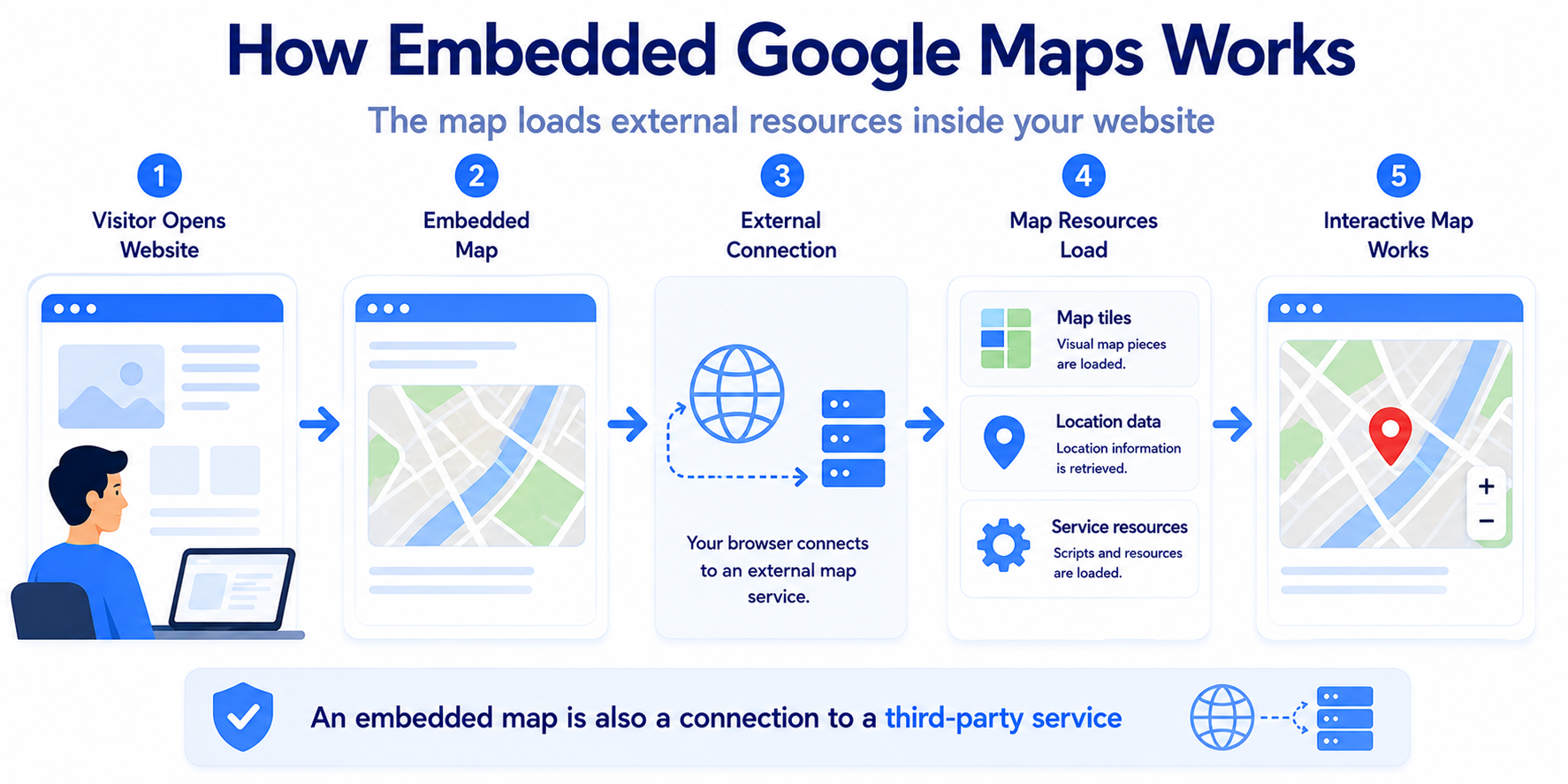
Google Maps can be embedded into a webpage using an iframe.
A simplified flow looks like this:
Visitor Opens Website → Embedded Map Loads → Browser Connects to Google → Map Resources Load
The important detail is that the visitor does not need to leave your website for their browser to communicate with Google.
The interactive map itself is still provided by an external service.
You place a Google Map on your contact page to show customers where your business is located.
When the page loads, the map iframe can connect to Google infrastructure even though the visitor never clicks a link to leave your website.
Does an Embedded Google Map Set Cookies?
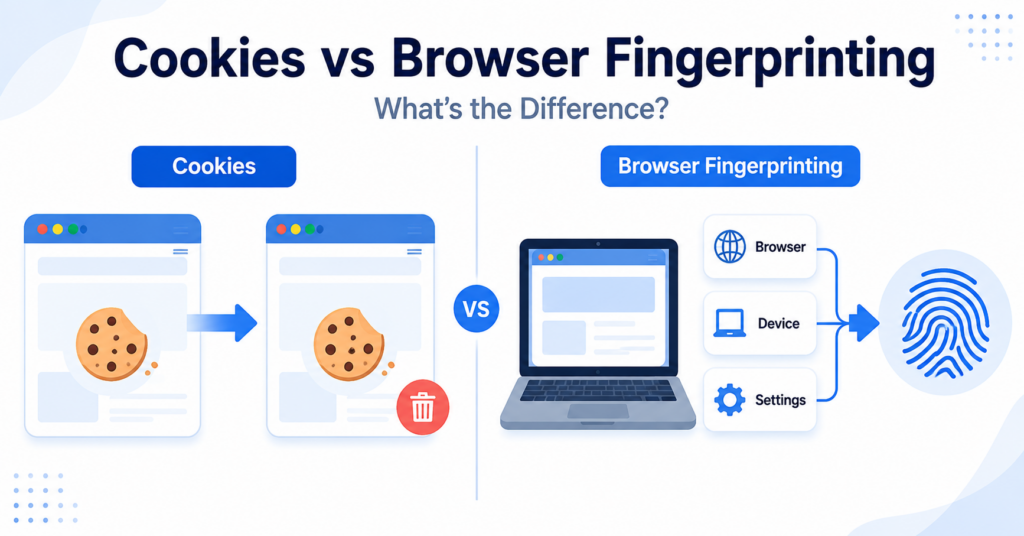
An embedded Google Map can involve Google cookies or similar technologies, but you should not rely on a permanent fixed list of cookie names.
The exact behavior may depend on:
- the type of Maps integration
- the visitor’s Google settings
- whether the visitor is signed in to Google
- browser privacy controls
- regional behavior
- changes to Google’s services
- how your consent platform controls the map
For this reason, testing the actual implementation on your website is more useful than copying a generic Google Maps cookie list.
Cookie names and storage behavior can change over time. Review the map on your own website instead of assuming every Google Maps embed behaves identically.
Is Google Maps a Third-Party Service?
Yes, from the website owner’s perspective an embedded Google Map is a third-party service.
The visitor is browsing your domain, but part of the page is being loaded from Google infrastructure.
This is similar to embedding other external content such as:
- YouTube videos
- external forms
- social media widgets
- chat services
- advertising tools
The exact cookie classification can become technically more complicated, but the practical point is simple: an embedded map introduces an external provider into the page.
Want to understand the difference between website and external-service cookies?
Does Google Maps Load Before a Visitor Clicks the Map?
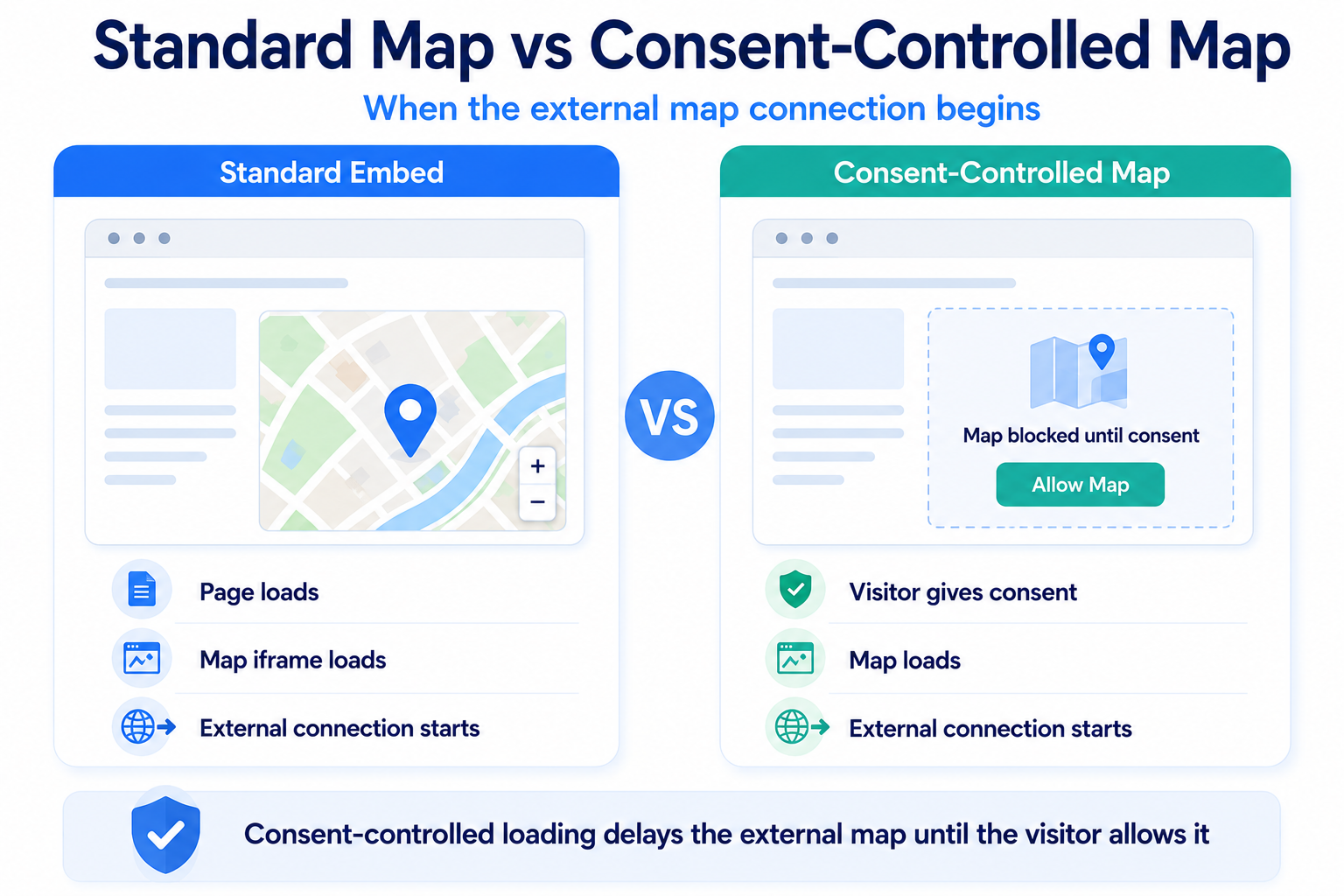
With a normal iframe embed, the map can begin loading when the webpage loads.
The visitor does not necessarily need to click, zoom, or interact with the map first.
A standard implementation can therefore look like this:
Page Loads → Google Maps iframe Loads → Browser Connects to Google
This matters when designing a consent setup because simply waiting for someone to interact with the visible map may be too late if the iframe was already loaded with the page.
Does Embedding Google Maps Mean You Need Cookie Consent?
There is no single answer based only on the fact that a website contains Google Maps.
You need to consider:
- how the map is implemented
- which Google technologies are activated
- whether the map loads immediately
- whether your consent platform blocks external content
- which privacy rules apply to your visitors
The important point is that an embedded map should be included in your website’s privacy and technology review.
If you are unsure about your website overall, read Does My Website Need a Cookie Banner?.
How Can a Cookie Banner Control Google Maps?
A consent platform can be configured to delay loading the Google Maps iframe until the visitor gives the relevant consent.
A common approach looks like this:
Page Loads → Map Placeholder Appears → Visitor Gives Consent → Google Maps Loads
The placeholder might contain:
- a map icon or preview image
- the business address
- a short privacy notice
- a button to allow external map content
The actual Google Maps iframe is then loaded only after the required interaction or consent.
Want to understand what manages these visitor choices?
Standard Google Maps Embed vs Consent-Controlled Map
| Standard Embed | Consent-Controlled Map |
|---|---|
| Google Maps iframe loads with the page | A local placeholder loads first |
| Browser can connect to Google immediately | Google connection is delayed |
| Interactive map is available immediately | Map activates after the required choice |
| Simple implementation | Requires consent or click-to-load logic |
The second approach gives the website owner more control over when the external Maps service becomes active.
Can You Use a Static Map Instead?
Sometimes you may not need an interactive embedded map at all.
If the main purpose is simply to show visitors where your business is located, alternatives can include:
- a static location image
- the address written as text
- directions written directly on the page
- an external link that opens Google Maps
- a consent-controlled interactive map
An external link can be especially simple.
The visitor sees your address first and chooses whether to open Google Maps rather than having an interactive map automatically embedded into the page.
If visitors only need your address and a way to open directions, consider whether an interactive map needs to load automatically at all.
Google Maps vs Embedded YouTube
Google Maps and YouTube are different services, but they create a similar consideration for website owners.
Both can be embedded directly into a webpage, which means the visitor may connect with an external provider without leaving your website.
| Embedded Service | Main Function | Website Consideration |
|---|---|---|
| Google Maps | Interactive maps and locations | External map service loads |
| YouTube | Embedded video playback | External video service loads |
If your website also contains video embeds, see Does YouTube Use Cookies?.
How to Check Google Maps Cookies on Your Website
The best way to understand your implementation is to test the page containing the map.
Use a fresh private or incognito browser session and follow this process:
- Open the page containing the Google Map.
- Open Developer Tools.
- Check cookies, browser storage, and network requests.
- Do not interact with the map yet.
- Note which Google connections appear.
- Interact with the map.
- Check the browser again.
- If you use a cookie banner, repeat the test after Reject.
- Start another clean session and repeat after Accept.
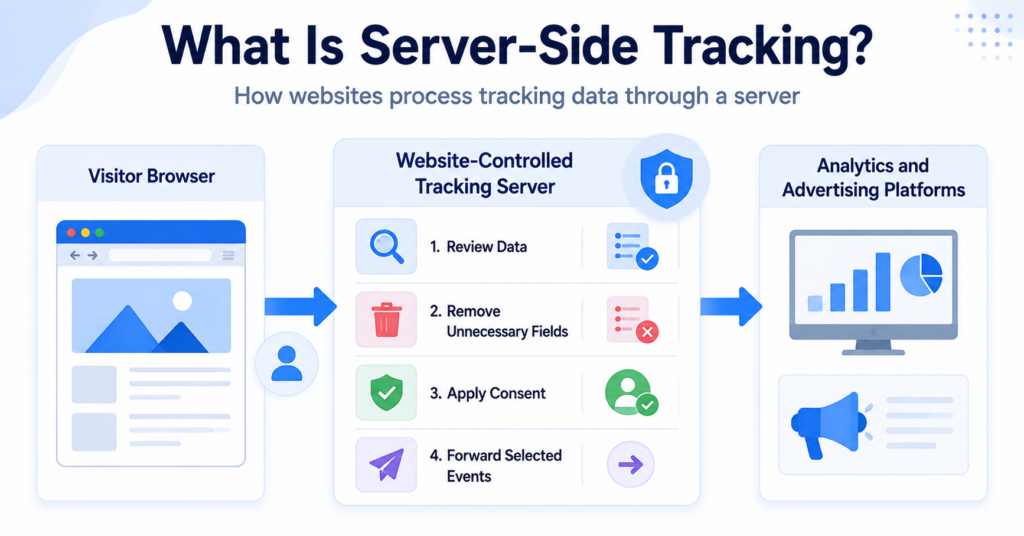
Network requests are particularly useful when testing embeds because they can show that an external service is loading even if you do not immediately see an obvious new cookie.
Do not test only the homepage. Check the exact page where the Google Maps iframe is embedded, because the external service may load only on that page.
You can also use our Cookie Scanner as a starting point for identifying cookies and third-party technologies found on your website.
Common Google Maps Cookie Mistakes
These are some of the most common mistakes website owners make with Google Maps embeds:
- forgetting Google Maps during a cookie or privacy audit
- assuming a map is only visual content
- assuming no click means no Google connection
- showing a placeholder while the real iframe is already loading behind it
- testing only after accepting cookies
- forgetting maps inserted through WordPress plugins or page builders
- checking only cookies and ignoring network requests
- relying permanently on an old fixed list of Google cookie names
Your contact page displays a privacy-friendly placeholder before consent, but the original Google Maps iframe remains hidden underneath it.
The page may still connect to Google before the visitor gives consent. A real consent-controlled setup should delay loading the external iframe itself, not simply hide it visually.
Conclusion
Google Maps is an external service, and embedding an interactive map can connect your visitor’s browser with Google even though the visitor remains on your website.
Rather than relying on a generic cookie list, test the actual map implementation. If you want more control over when Google Maps becomes active, consider a consent-controlled placeholder, click-to-load setup, or a simpler external Maps link.
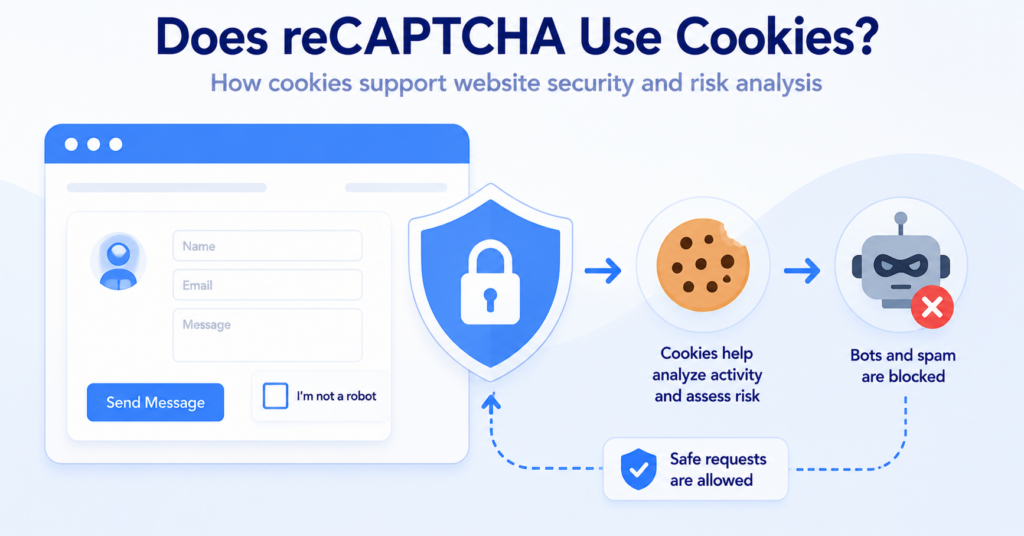
Next Step: Does reCAPTCHA Use Cookies?
Google Maps is not the only external Google service commonly added to websites. Forms, login pages, and checkout pages may use reCAPTCHA, which can also introduce external technologies that website owners should understand.

Frequently Asked Questions
Common questions about this topic
Google uses cookies and similar technologies across its services. Embedded Google Maps can also involve Google technologies, so the actual map implementation should be included when reviewing your website.
An embedded Google Map loads external Google resources and can involve cookies or similar technologies. The exact behavior can depend on the implementation, browser, visitor settings, and current Google service behavior.
An embedded Google Map is a third-party service from the website owner’s perspective because external Google content is loaded while the visitor remains on your website.
A standard iframe embed can begin loading when the webpage itself loads. The visitor does not necessarily need to interact with the map first.
This depends on your implementation, the technologies involved, and the privacy rules that apply to your visitors. Google Maps should be included when reviewing your website’s consent requirements.
Yes. A consent-controlled setup can display a local placeholder first and load the actual Google Maps iframe only after the visitor gives the required consent.
Test the exact page containing the map in a fresh private browser session and inspect cookies, browser storage, and network requests before interaction and under different consent choices.