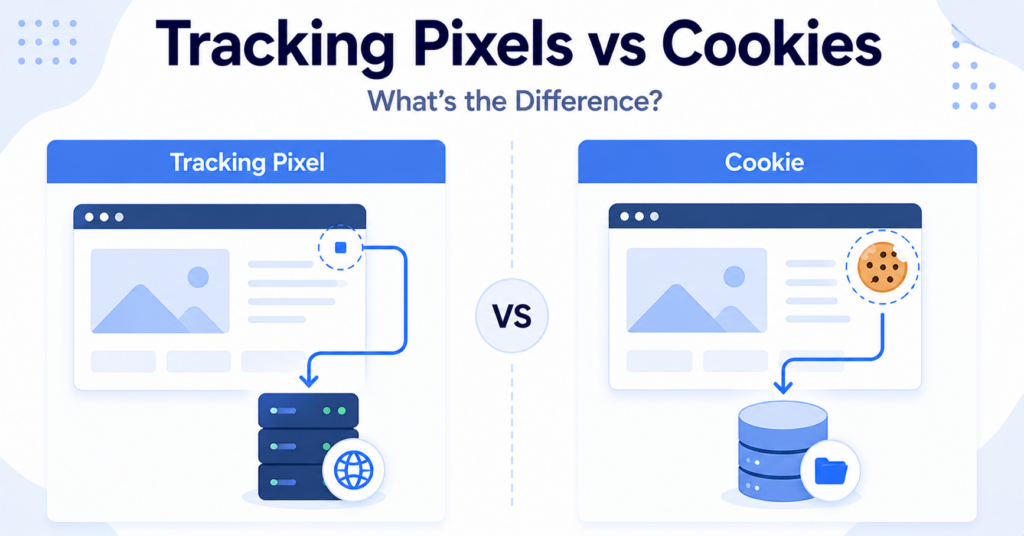
Tracking pixels and cookies are often mentioned together because both help websites measure activity and improve user experiences. However, they are different technologies with different roles.
A cookie stores information in the visitor’s browser, while a tracking pixel sends information to a server when content loads. Many websites use both technologies together for analytics, advertising, and conversion tracking.
In this guide, you’ll learn the key differences between tracking pixels and cookies, how they work together, and why understanding both is important for website owners.
Cookies store information in a visitor’s browser. Tracking pixels send information to a server when a webpage, advertisement, or email is opened. Many analytics and advertising platforms combine both technologies to measure user activity.
Tracking Pixels vs Cookies: Quick Comparison
| Feature | Tracking Pixel | Cookie |
|---|---|---|
| Main function | Sends information to a server | Stores information in the browser |
| Where it works | Webpage, email, advertisement, or script | Visitor’s browser |
| Stores data? | No | Yes |
| Can work alone? | Sometimes | Yes |
| Often used together? | Yes | Yes |
| Common purpose | Measure events and conversions | Remember information and identifiers |
What Is a Cookie?
A cookie is a small text file that a website stores in a visitor’s browser. It helps remember information between page loads or future visits.
Cookies can remember login sessions, language preferences, shopping carts, consent choices, and many other settings.
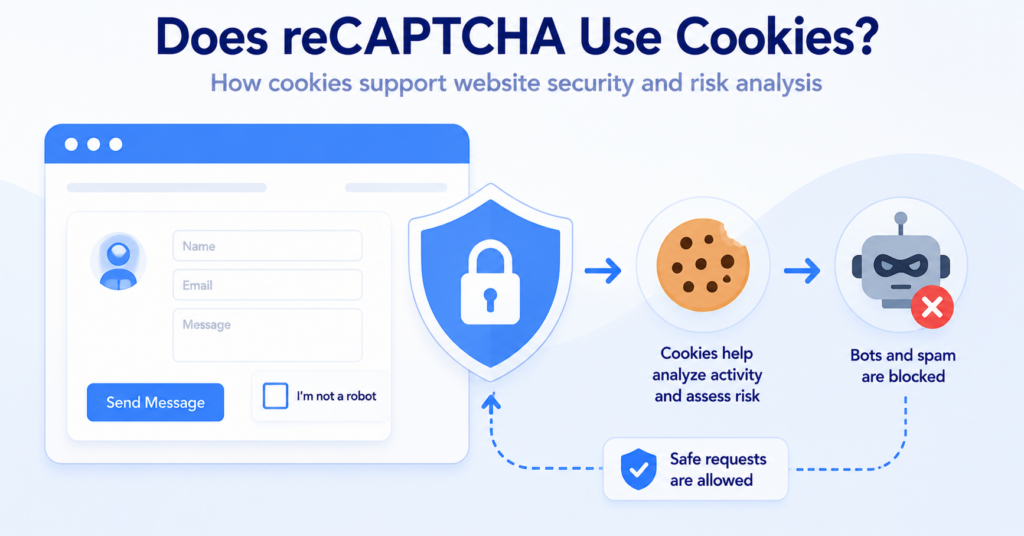
Some cookies are essential for website functionality, while others support analytics, personalization, or advertising.
If you’re new to browser cookies, read our complete guide explaining What Are Web Cookies?.
What Is a Tracking Pixel?
A tracking pixel is a small image or piece of code that sends a request to a server when digital content loads.
It can record events such as page views, purchases, advertisement clicks, or email opens.
Unlike cookies, a tracking pixel does not normally store information inside the browser. Instead, it records that an event happened.
Learn more in our guide to What Are Tracking Pixels?.
Key Differences Between Tracking Pixels and Cookies
Cookies store information
The primary purpose of a cookie is to store information inside the visitor’s browser. That information can be read again during the current visit or a future visit.
Tracking pixels send information
A tracking pixel records activity by sending a request to a server when content loads or a visitor completes a specific action.
Cookies remain in the browser
Cookies can remain for one browser session or much longer, depending on how they are configured.
Tracking pixels usually create events
A tracking pixel is generally used to record something that happened, such as a page view, conversion, or email open.
They often work together
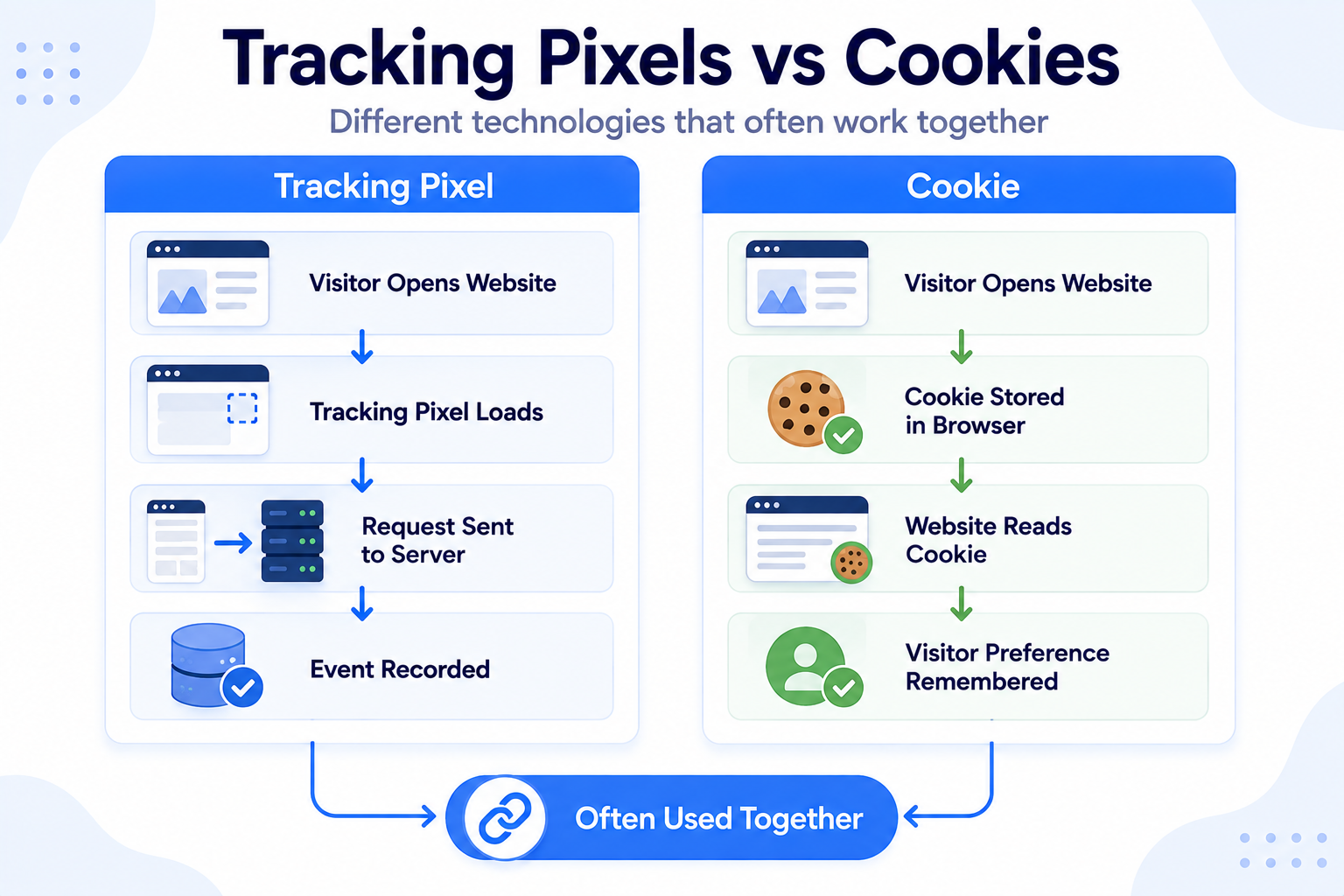
Many analytics and advertising platforms combine cookies with tracking pixels. The pixel records the event, while the cookie may help recognize the browser that generated it.
Tracking pixels and cookies are different technologies. Removing cookies does not necessarily prevent every tracking request, and blocking a tracking pixel does not automatically remove browser cookies.
How Tracking Pixels and Cookies Work Together
Although tracking pixels and cookies perform different tasks, they are often used together as part of the same analytics or advertising system.
A tracking pixel records that an event happened, while a cookie may help identify the browser involved in that event. Together, they can provide more useful measurement than either technology alone.
A simplified process may look like this:
- A visitor opens a webpage.
- A tracking pixel loads and sends a request to the server.
- A cookie already stored in the browser may provide an identifier.
- The server connects the event with previous activity.
- The event appears in an analytics or advertising report.
Without a cookie, the tracking system may still receive the event, but it may have less information available to connect that activity with earlier visits or interactions.
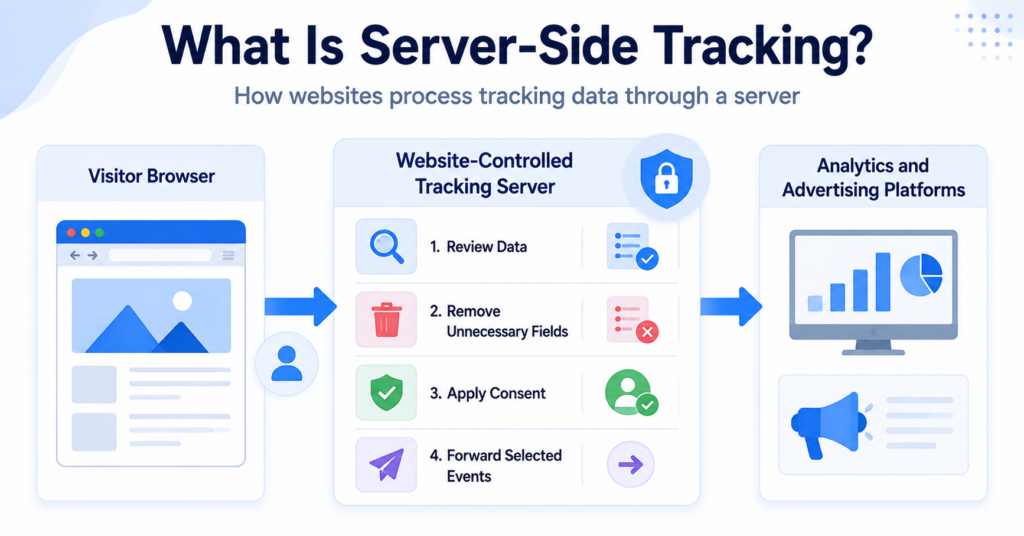
Many modern tracking platforms use several technologies together, including cookies, tracking pixels, browser storage, and server-side tracking. Looking at only one technology rarely shows the complete picture.
Common Use Cases
Tracking pixels and cookies are commonly used together across many types of websites and online services.
| Use Case | Tracking Pixel | Cookie |
|---|---|---|
| Website analytics | Records page views and events | Helps recognize returning browsers |
| Online advertising | Measures campaign performance | Stores advertising identifiers |
| Remarketing | Records visited pages | Helps build advertising audiences |
| Conversion tracking | Records completed actions | May connect the conversion with an earlier visit |
| Email marketing | May record email opens | Usually not required for the open event itself |
Different providers may implement these technologies in different ways, so not every platform uses exactly the same tracking methods.
Do Tracking Pixels and Cookies Require Consent?
Whether consent is required depends mainly on what the technology is used for, not whether it is called a cookie or a tracking pixel.
For example, a tracking pixel used for advertising may be treated differently from technology that is strictly necessary to provide a service requested by the visitor.
When reviewing a website, consider:
- why the technology is used;
- whether it stores or accesses information on the visitor’s device;
- whether personal data is processed;
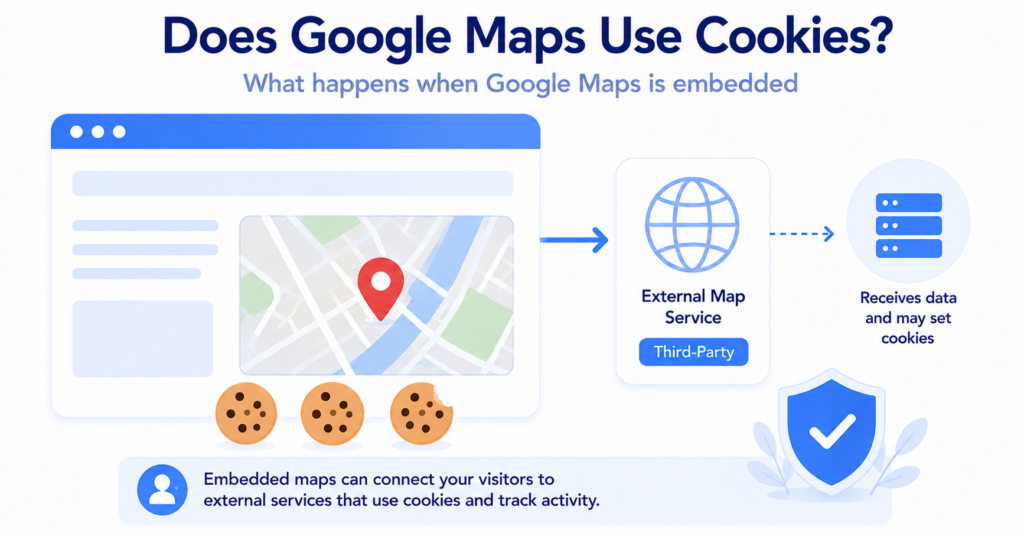
- which external services receive the information;
- which privacy rules apply to your visitors.
Many consent management platforms are designed to manage both cookies and other tracking technologies, including tracking pixels and scripts.
Our guide to Cookie Banner Requirements explains the main principles website owners should understand.
A website should not assume that tracking pixels are exempt from consent simply because they are not browser cookies. Review what the technology actually does before deciding how it should be managed.
Can You Detect Both?
Yes. Browser developer tools and website scanning tools can help identify both cookies and many tracking requests.
Cookies are usually visible through browser storage, while tracking pixels may appear in the browser’s Network panel or within website scripts.
Some cookie scanners can also detect tracking technologies beyond traditional browser cookies, including external scripts, tracking tags, and certain tracking pixels.
If you’d like to inspect website technologies yourself, read our guide on How to Find Cookies on a Website.
Common Misconceptions
Tracking pixels are just another name for cookies
No. Cookies and tracking pixels perform different technical functions, even though they are frequently used together.
Tracking pixels always create cookies
No. A tracking pixel can send a request to a server without creating a traditional browser cookie. Whether cookies are also used depends on the tracking system.
Cookies can measure conversions on their own
Cookies primarily store information inside the browser. Conversion measurement is often performed using additional tracking technologies such as tracking pixels or event tags.
Blocking cookies stops all tracking
Blocking browser cookies may reduce certain types of tracking, but websites can use several other technologies to measure activity, depending on their configuration and the visitor’s browser.
Tracking pixels are always used for advertising
No. Tracking pixels can also support website analytics, performance monitoring, conversion measurement, and email reporting.
Next Step: Learn About Local Storage
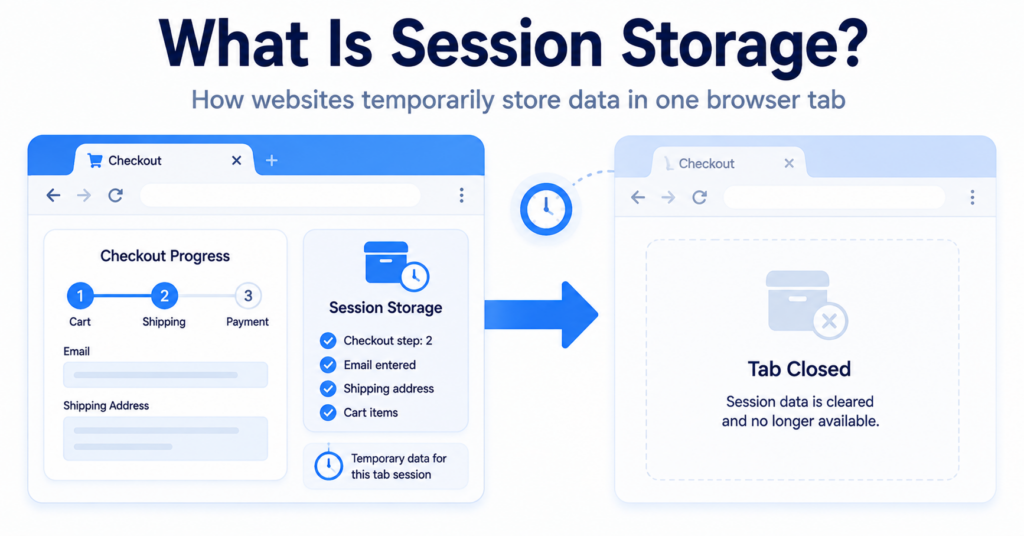
Cookies and tracking pixels are only part of modern website tracking. The next step is understanding Local Storage, another browser technology that websites use to store information and support website functionality.

Frequently Asked Questions
Common questions about this topic
Neither is better because they serve different purposes. Cookies store information in the browser, while tracking pixels record events by sending information to a server.
Yes. A tracking pixel can send a request without using traditional browser cookies, although some tracking features may become more limited.
Yes. A website can use cookies to remember visitor preferences, login sessions, or shopping cart information without using tracking pixels.
Cookies can help recognize a browser, while tracking pixels record important events such as page views, purchases, or completed forms. Using both technologies together provides more complete measurement.
Many websites configure their consent management platform to control both cookies and other optional tracking technologies. The exact setup depends on the services being used and the applicable privacy requirements.