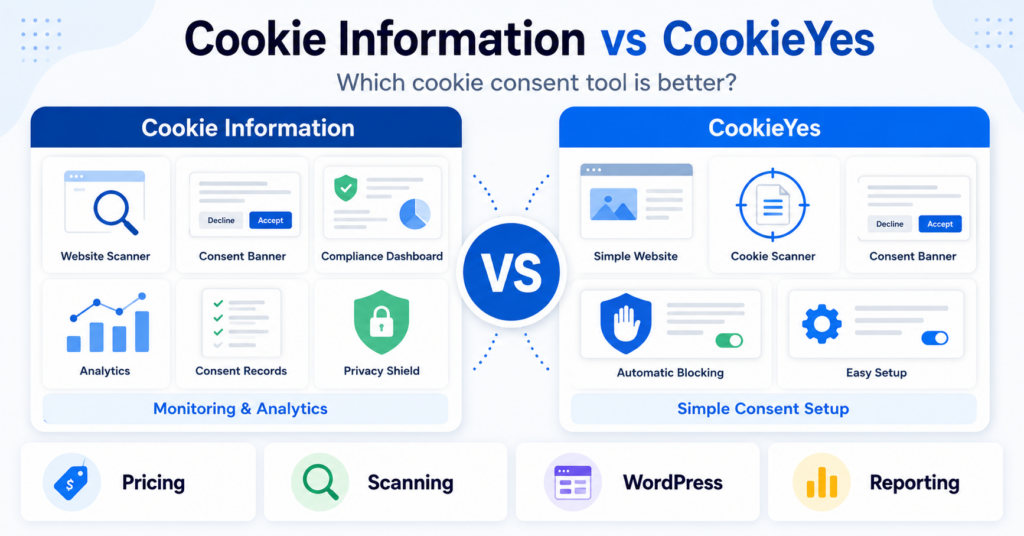
Cookiebot and CookieYes are both popular cookie consent platforms, but their pricing models and plan limits are quite different.
Cookiebot Core bases its paid plans mainly on the number of subpages on your website and includes no traffic limits, while CookieYes uses pageview allowances on several plans.
In this comparison, we look at pricing, free plans, cookie scanning, customization, Google Consent Mode, WordPress setup, and which tool makes more sense for different types of websites.
Reviewed by: Cookie compliance specialist
5+ years of hands-on experience with GDPR and consent tools
Tested on real websites (WordPress, Shopify, and custom setups)
Cookiebot vs CookieYes: Which Should You Choose?
Choose CookieYes if:
- you want a beginner-friendly cookie consent setup
- you use WordPress and want a simple installation process
- you have a small or medium website with moderate traffic
- you want flexible banner customization without a complex setup
Choose Cookiebot if:
- your website has relatively few pages but high traffic
- you prefer pricing based on website subpages instead of pageviews
- you want a more structured and compliance-focused CMP
- you want a more structured consent-management setup with strong automated scanning
Our overall pick for most small website owners: CookieYes.
Cookiebot can be the better value when traffic is high but the number of pages on the website remains relatively low.
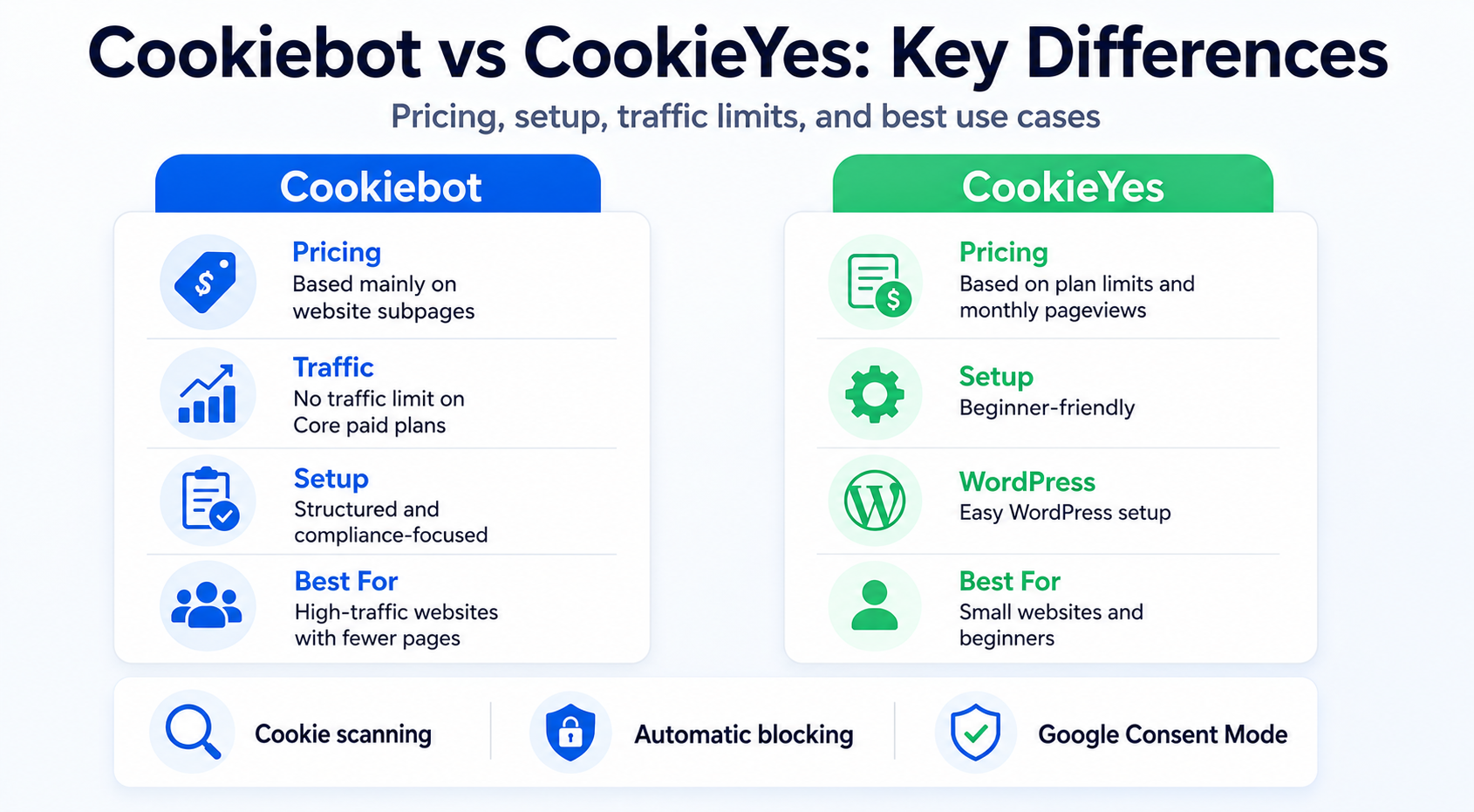
We compared the current Cookiebot and CookieYes pricing models, plan limits, consent-management features, cookie scanning, banner controls, Google integrations, and WordPress setup.
We also considered our experience creating WordPress setup guides for both tools, including installation, scanning, banner configuration, and consent testing.
Cookiebot vs CookieYes at a Glance
| Feature | Cookiebot | CookieYes |
|---|---|---|
| Free plan | Yes | Yes |
| Paid plans start | €7/month/domain | €9/month/domain |
| Main pricing model | Subpages per domain | Pageviews + scan limits |
| Traffic limit on main paid plans | No traffic limit | Depends on plan |
| Cookie scanning | Yes | Yes |
| Automatic blocking | Yes | Yes |
| Google Consent Mode | Yes | Yes |
| WordPress integration | Yes | Yes |
| Best fit | More structured or high-traffic sites | Small businesses and beginners |
Pricing checked: August 2026. Prices shown use monthly billing in EUR and may exclude applicable taxes.
The Biggest Difference: How Cookiebot and CookieYes Pricing Works
The biggest difference between Cookiebot and CookieYes is not the starting price.
It is what determines your plan.
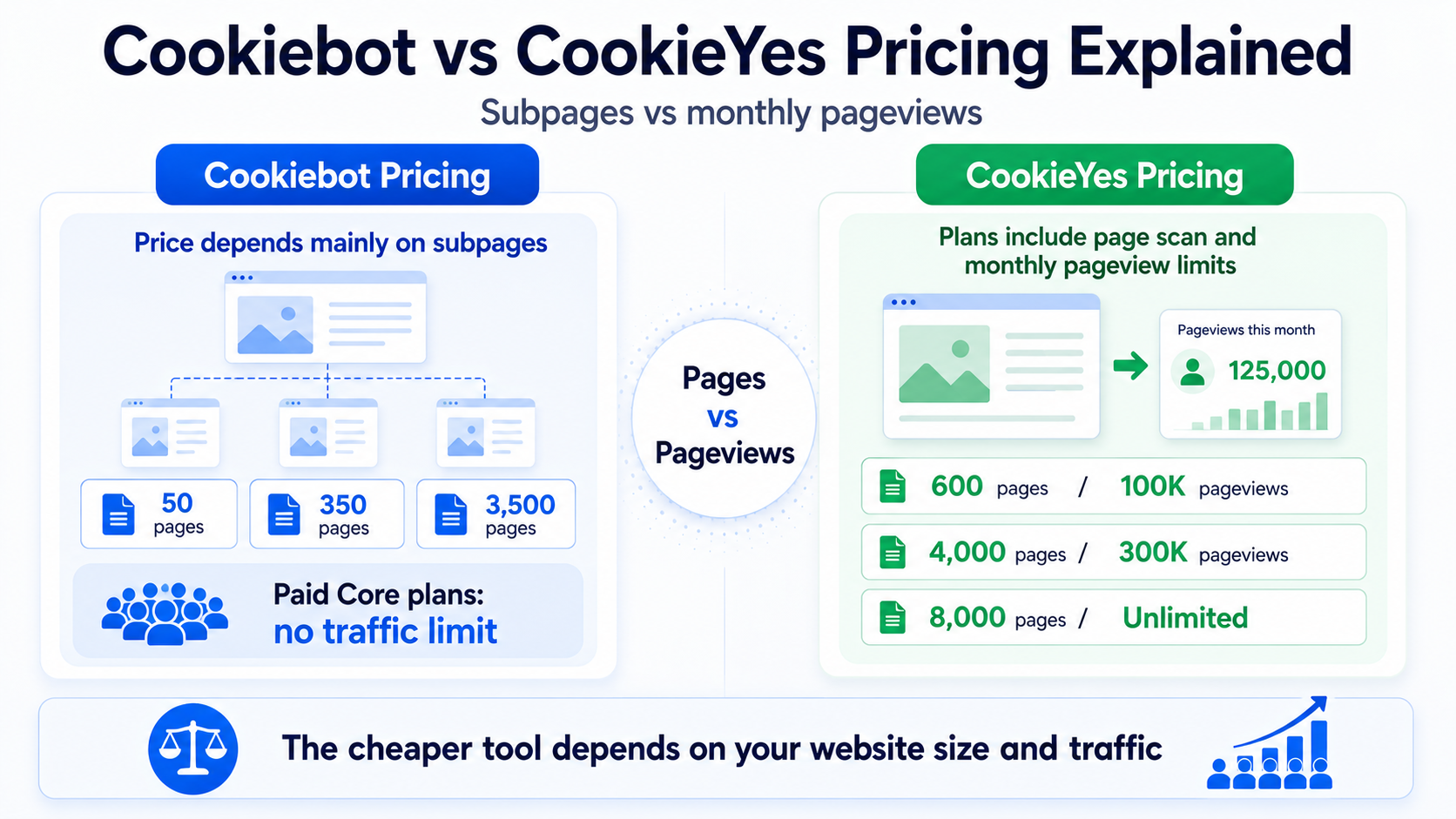
Cookiebot Core primarily bases pricing on the number of subpages detected on each domain.
CookieYes paid plans combine page scan limits with monthly pageview allowances.
This can make the cheaper tool completely different depending on the type of website you run.
Cookiebot Pricing
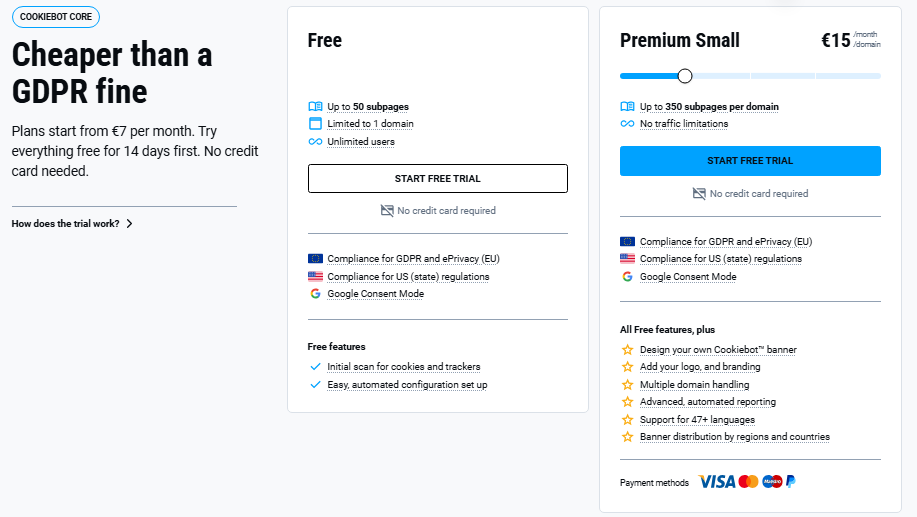
Cookiebot’s Core plans are mainly based on the number of subpages on a domain.
| Plan | Monthly Price | Subpage Limit |
|---|---|---|
| Free | €0 | Up to 50 |
| Premium Lite | €7/domain | Up to 50 |
| Premium Small | €15/domain | Up to 350 |
| Premium Medium | €30/domain | Up to 3,500 |
| Premium Large | €50/domain | Up to 7,000 |
| Premium XLarge | €90/domain | More than 7,000 |
One of Cookiebot’s biggest pricing advantages is that its paid Core plans are not priced by traffic.
This can make Cookiebot particularly attractive for a small website that receives a very large number of visitors.
Want a complete breakdown of every Cookiebot plan?
CookieYes Pricing
CookieYes uses a different model.
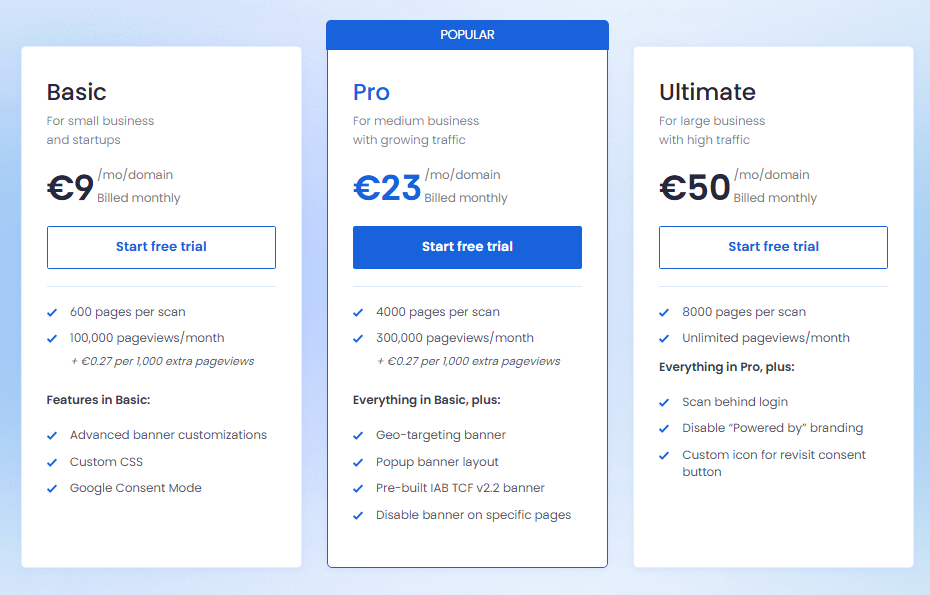
Its paid plans include a maximum number of pages per scan and a monthly pageview allowance.
| Plan | Monthly Price | Pages per Scan | Pageviews per Month |
|---|---|---|---|
| Basic | €9/domain | 600 | 100,000 |
| Pro | €23/domain | 4,000 | 300,000 |
| Ultimate | €50/domain | 8,000 | Unlimited |
| Agency | Custom | Custom | Custom |
Based on the pricing shown in August 2026, Basic and Pro can also charge for additional pageviews once the included monthly allowance is exceeded.
This means traffic matters much more when calculating the real CookieYes cost.
Want to compare CookieYes Free, Basic, Pro, and Ultimate in more detail?
Which Is Cheaper: Cookiebot or CookieYes?
Neither tool is always cheaper.
The answer depends mainly on the relationship between website size and traffic.
Example 1: 30-Page Small Business Website
Imagine a small business website with around 30 pages.
Cookiebot Premium Lite would cost around:
€7/month/domain
CookieYes Basic would cost around:
€9/month/domain
In this example, Cookiebot is cheaper on the paid plans.
Example 2: 200-Page Website With 20,000 Monthly Pageviews
A 200-page website would fall into Cookiebot Premium Small:
Cookiebot: €15/month
The same website could fit comfortably inside the CookieYes Basic limits:
CookieYes: €9/month
In this case, CookieYes offers better value.
Example 3: 40-Page Website With 500,000 Monthly Pageviews
This is where the pricing models become especially important.
A 40-page site can still fit into Cookiebot Premium Lite:
Cookiebot: €7/month
CookieYes Basic and Pro have monthly pageview allowances, so a site receiving 500,000 monthly pageviews would need a higher plan or additional usage charges.
In this scenario, Cookiebot can be significantly more attractive.
Few pages + lots of traffic: Cookiebot can be very competitive.
More pages + moderate traffic: CookieYes can often offer better value.
Cookiebot vs CookieYes Free Plan
Both Cookiebot and CookieYes offer a free way to start.
Cookiebot Free
Cookiebot Free supports one domain with up to 50 subpages.
It includes important features such as:
- an initial cookie and tracker scan
- automated configuration setup
- support for GDPR and ePrivacy requirements
- support for US state privacy regulations
- Google Consent Mode
The main limitation is the website size.
Once Cookiebot detects more than 50 subpages, the website moves outside the Free plan limit.
CookieYes Free
CookieYes also offers a free plan for small websites.
Its current free offering includes one domain with up to 100 pages per scan and 5,000 monthly pageviews, together with core features such as cookie auto-blocking and consent records.
That makes CookieYes Free particularly attractive for small, low-traffic websites.
Which Free Plan Is Better?
For most small websites with low traffic, CookieYes Free is more flexible because it allows a larger page scan limit.
Cookiebot Free can still work very well for a small website with fewer than 50 subpages.
The right choice again depends on whether your main limitation is page count or traffic.
Cookie Scanning and Automatic Blocking
Both platforms provide cookie scanning and tools designed to help control cookies before and after consent.
Cookiebot has a strong reputation for structured automated scanning and categorization, and scanning is closely connected to its subpage-based pricing model.
CookieYes also scans websites, categorizes cookies, and supports automatic blocking.
For a typical small business website, both platforms provide the core scanning functionality most users need.
Cookie Banner Customization
Both tools allow you to customize the appearance and behavior of the consent banner.
CookieYes is particularly approachable for users who want to change:
- banner layout
- colors
- text
- button appearance
- languages
- advanced styling on paid plans
Cookiebot also offers strong customization, particularly on its Premium plans.
Its setup feels more structured and compliance-focused, while CookieYes generally feels easier for a beginner who wants to adjust the visual appearance quickly.
If you want to see the Cookiebot banner configuration process step by step, see our Cookiebot setup guides.
Google Consent Mode and Google Tag Manager
Both Cookiebot and CookieYes support Google Consent Mode.
This is important for websites using Google Analytics, Google Ads, or Google Tag Manager because consent states can change how supported Google tags behave.
Cookiebot provides built-in Consent Mode support and can be deployed through Google Tag Manager.
CookieYes also supports Google Consent Mode and provides both GTM and WordPress implementation options.
For most website owners using Google services, this category is effectively a tie.
Want to understand what Google Consent Mode actually does?
Cookiebot vs CookieYes for WordPress
Both Cookiebot and CookieYes have WordPress integrations, and we have tested both setup processes while creating our WordPress tutorials.
CookieYes on WordPress
In our WordPress testing, CookieYes provided the more straightforward initial setup.
The plugin provides a straightforward path from installation to connecting the website, scanning cookies, and configuring the banner.
For users who want a simple WordPress setup without spending much time inside technical configuration screens, CookieYes has an advantage.
Cookiebot on WordPress
Cookiebot also has a dedicated WordPress plugin and works well once the account and domain group are configured.
In our Cookiebot setup, the process was still manageable, but account and domain configuration added an extra layer compared with CookieYes.
That extra structure can be useful for websites where more detailed consent controls are important.
Already know which tool you want to use?
👉 Browse our Cookiebot and CookieYes WordPress setup guides →
Which Is Better for Different Types of Websites?
| Website Type | Better Fit | Why |
|---|---|---|
| Small low-traffic blog | CookieYes | Simple setup and flexible free option |
| WordPress beginner | CookieYes | Easy installation and beginner-friendly configuration |
| Small high-traffic website | Cookiebot | Paid Core pricing is not based on traffic |
| Large content website | Depends | Cookiebot page count and CookieYes traffic limits both need to be compared |
| More structured consent requirements | Cookiebot | More structured compliance-focused approach |
| Small business wanting easy customization | CookieYes | Simple banner controls and easy setup |
Cookiebot Pros and Cons
Pros
- paid Core plans are not limited by traffic
- strong automated cookie scanning
- structured consent-management system
- Google Consent Mode support
- good fit for high-traffic sites with fewer pages
- good fit for more structured consent setups
Cons
- price increases as the number of subpages grows
- Free plan is limited to 50 subpages
- setup can feel more structured than beginner-focused alternatives
- a content-heavy website can move into higher tiers quickly
CookieYes Pros and Cons
Pros
- very beginner-friendly
- strong WordPress integration
- good free option for small low-traffic sites
- easy banner customization
- cookie scanning and automatic blocking
- Google Consent Mode support
Cons
- monthly traffic allowances apply to several plans
- high-traffic websites can become more expensive
- some advanced features require higher plans
- pricing depends on both plan features and usage limits
Cookiebot vs CookieYes: Which Is Better?
For most small website owners, CookieYes is our overall recommendation.
It is easy to set up, works particularly well with WordPress, offers a useful free starting point, and makes banner configuration approachable for beginners.
But Cookiebot is not simply the more expensive or more advanced option.
For a high-traffic website with relatively few pages, Cookiebot’s page-based pricing can actually make it the cheaper choice.
| Category | Our Pick |
|---|---|
| Best for beginners | CookieYes |
| Best for WordPress beginners | CookieYes |
| Best for high traffic with few pages | Cookiebot |
| Best free plan for most small sites | CookieYes |
| Best structured compliance setup | Cookiebot |
| Google Consent Mode | Tie |
Cookiebot vs CookieYes Scorecard
| Category | Cookiebot | CookieYes |
|---|---|---|
| Ease of use | 4.0 / 5 | 4.5 / 5 |
| Free plan | 4.0 / 5 | 4.5 / 5 |
| Pricing flexibility | 4.5 / 5 | 4.0 / 5 |
| Cookie scanning | 4.5 / 5 | 4.5 / 5 |
| Banner customization | 4.0 / 5 | 4.5 / 5 |
| WordPress | 4.0 / 5 | 4.5 / 5 |
| Google integration | 5.0 / 5 | 5.0 / 5 |
| Advanced consent management | 4.5 / 5 | 4.0 / 5 |
The scores are intended as a practical comparison for small and medium website owners rather than a universal ranking for every business.
Conclusion
Cookiebot and CookieYes are both strong cookie consent platforms, but their pricing models make them suitable for different types of websites.
CookieYes is our preferred choice for most small businesses, bloggers, and WordPress beginners because it is straightforward to set up and easy to manage.
Cookiebot becomes especially attractive when a website receives a lot of traffic but has relatively few pages, or when a more structured consent-management setup is preferred.
Read Our Full CookieYes Review
CookieYes is our preferred choice for most small websites, but the right tool still depends on your needs. Read our full CookieYes review for a closer look at its features, setup experience, pricing, strengths, and limitations.

Frequently Asked Questions
Common questions about this topic
Cookiebot can be better for websites that need a more structured consent-management setup or receive high traffic while having relatively few pages. For most small website owners and WordPress beginners, CookieYes is usually easier to start with.
CookieYes is often the better choice for beginners, small businesses, and WordPress users who want an easy setup and flexible banner customization. Cookiebot can offer better value in specific high-traffic scenarios.
It depends on your website. Cookiebot paid Core plans are mainly based on subpage count, while CookieYes uses page scan and traffic limits. Cookiebot can be cheaper for a small high-traffic site, while CookieYes can be cheaper for a larger site with moderate traffic.
Yes. Cookiebot offers a Free plan for one domain with up to 50 subpages.
Yes. CookieYes offers a Free plan for small websites, including up to 100 pages per scan and 5,000 monthly pageviews under its current free offering.
Both work with WordPress. CookieYes is easier for most beginners, while Cookiebot provides a more structured setup for users who want deeper consent-management controls.
Yes. Both platforms support Google Consent Mode and can work with Google Tag Manager and other Google services.
Yes. You can change consent platforms, but the old integration should be fully removed and the new banner, blocking rules, consent settings, and tracking behavior should be tested before considering the migration complete.